

Adonit
Bilby 3D
BirdBrain Technologies
Bluelounge
Bonelk
Catalyst
Classroom21
ClassVR
Cleverbooks
Edison
Education Technology Specialists
ElecFreaks
Espresso
Eyepower
Eyepower Games
FlashForge
Focus Educational
Hear and Learn
Honestech
HoverCam
Hue
Kai's Clan
LapCabby
Lightspeed
littleBits
LUXROBO
MakeKit
MaKey MaKey
Merge
micro:bit
Mobile Pixels
Nanoleaf
Netatmo
NVS
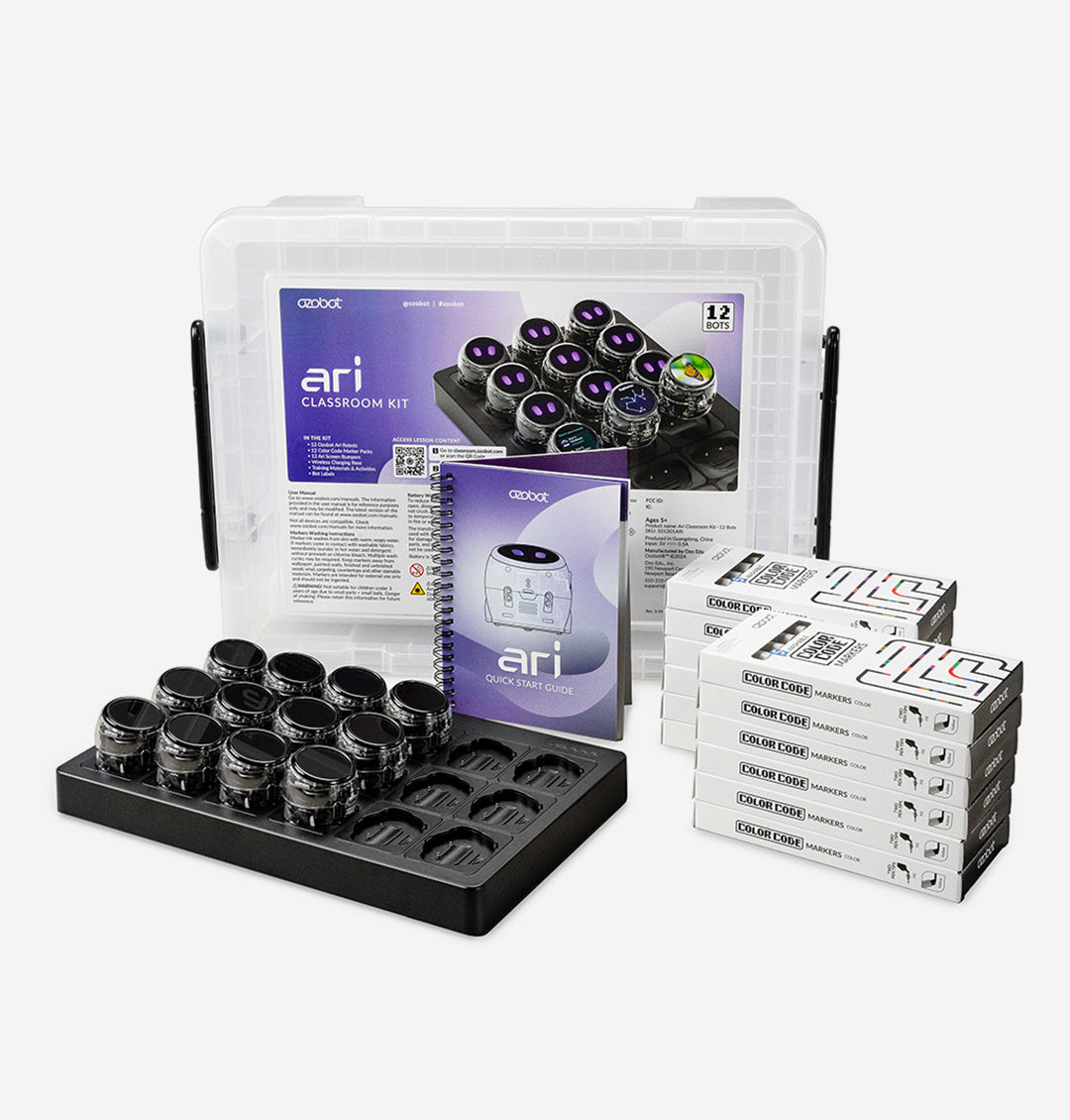
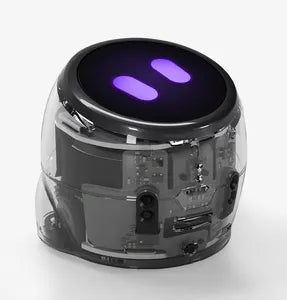
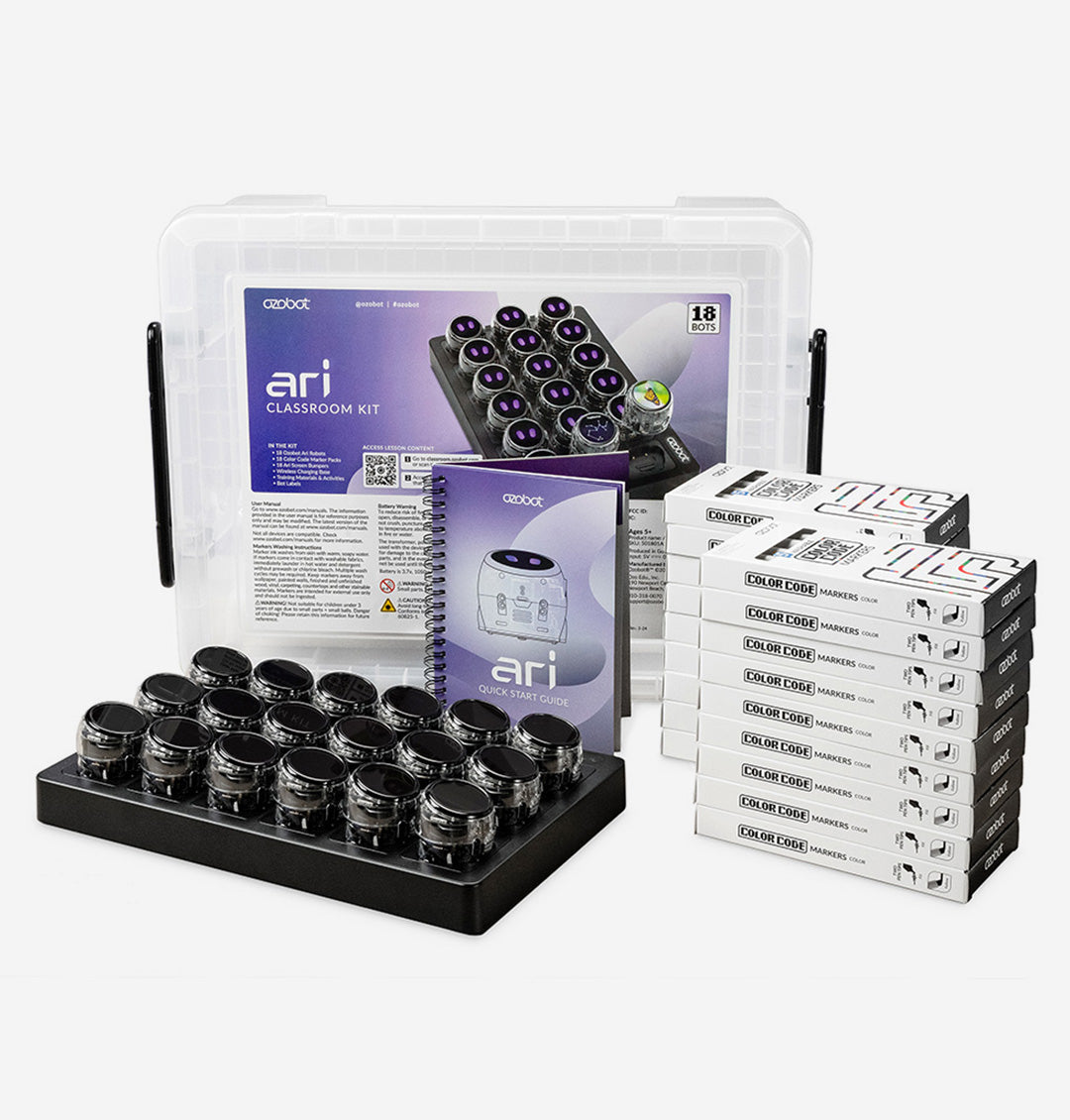
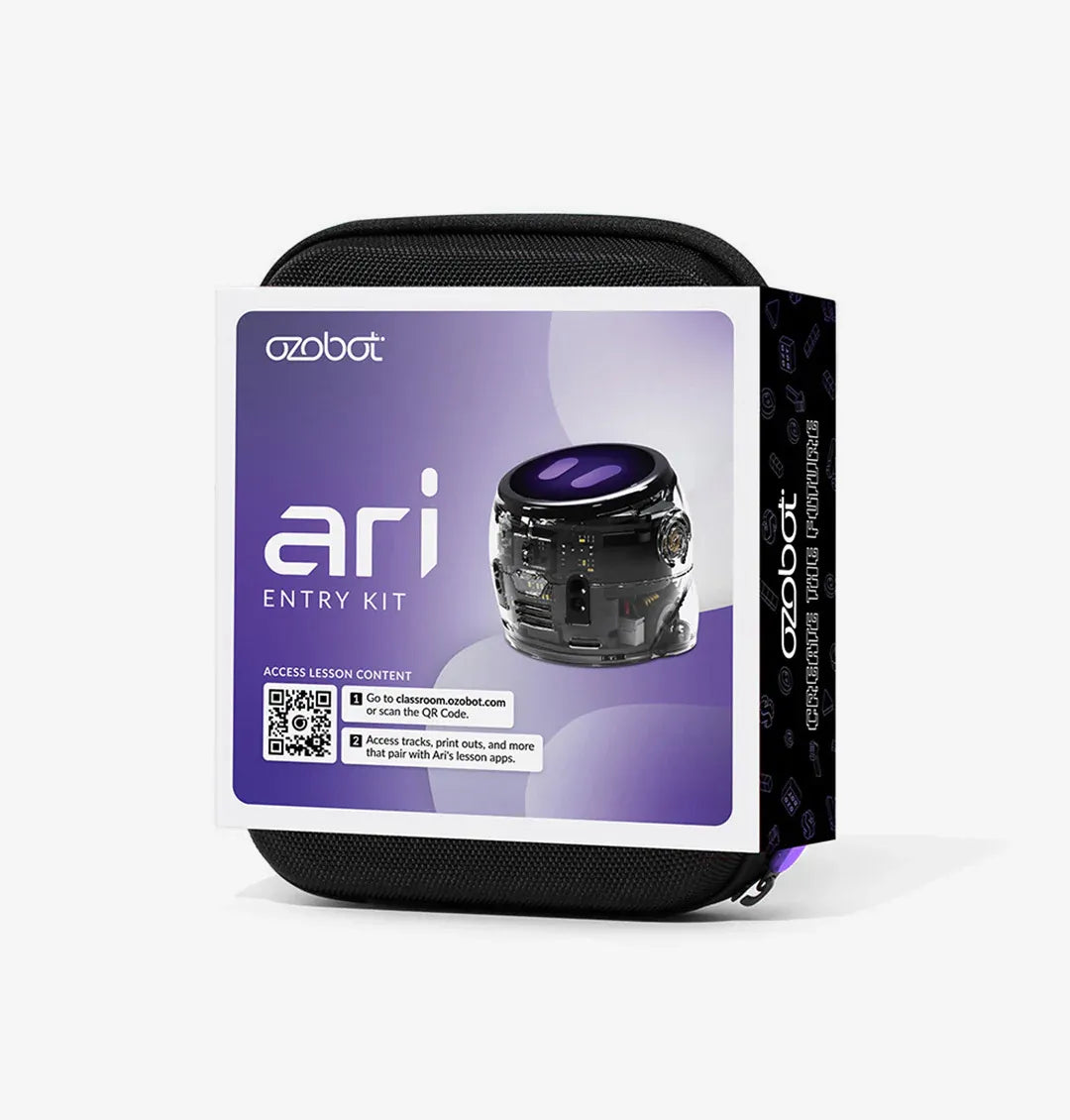
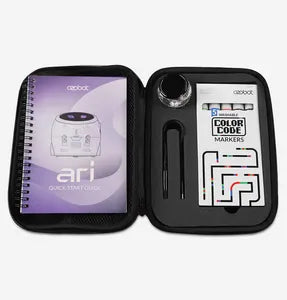
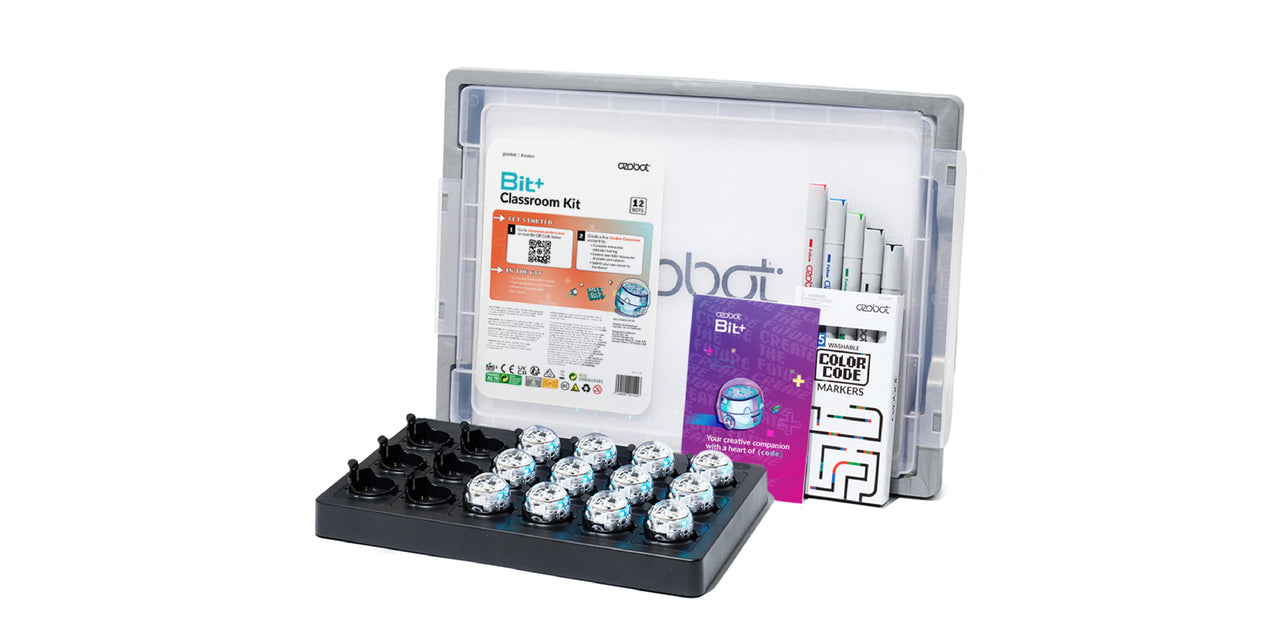
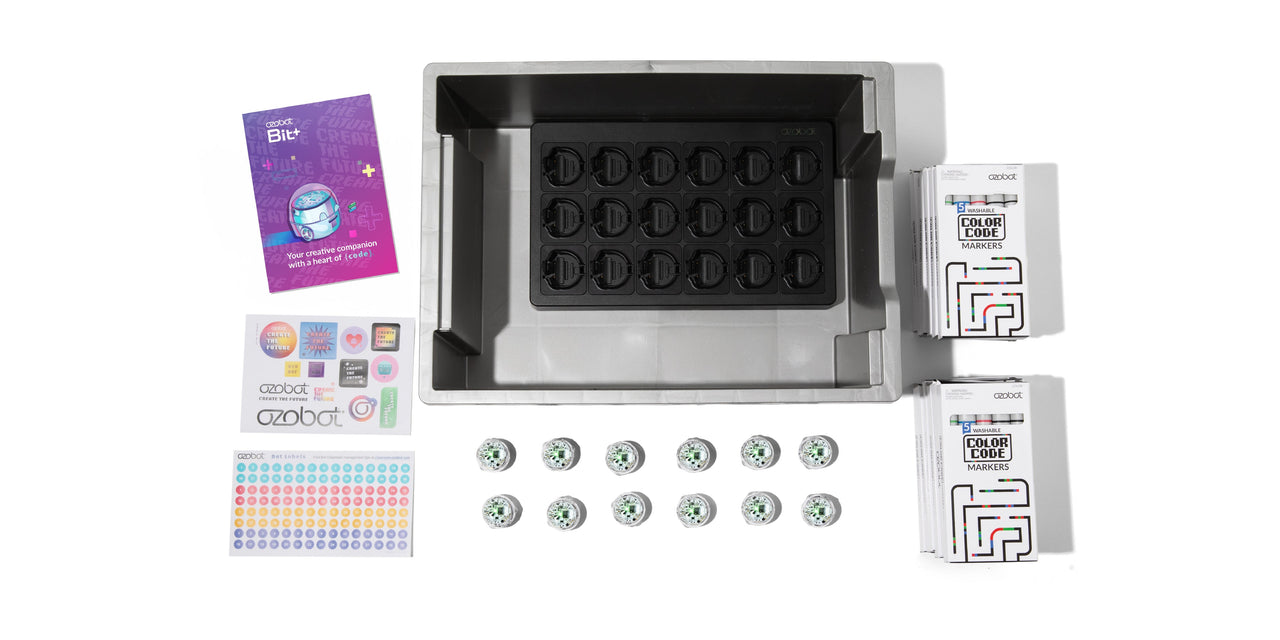
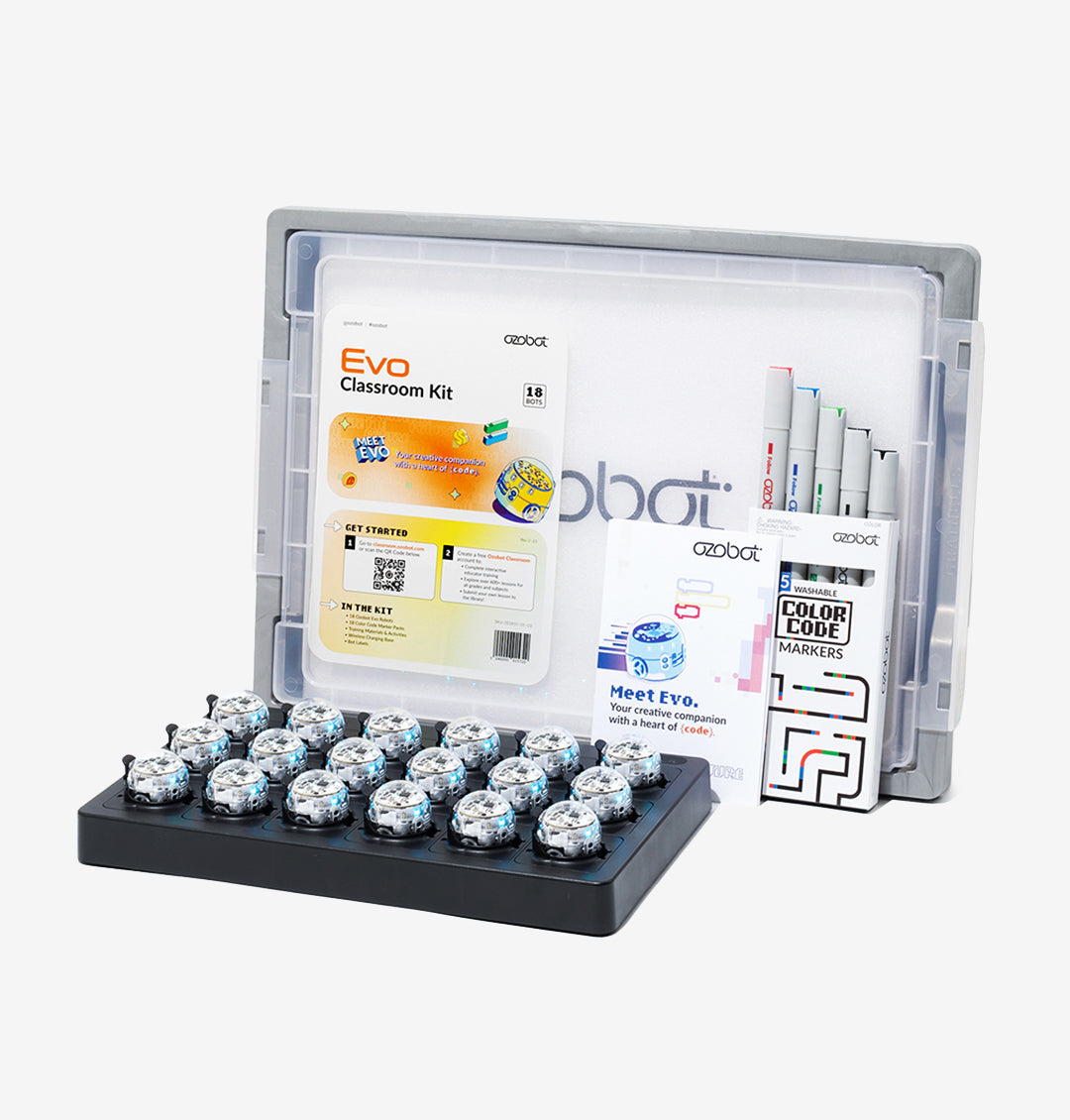
Ozobot
Paperlike
PC Locs
PC merge
Robolink
Sammat Education
Satechi
Shintaro
Software MacKiev
Sphero
Swivl
Thronmax
TTS
Twelve South
UGEE
littleBits Envelope
$36.32 ex GST
The littleBits envelope modifies the loudness contour of a sound. It takes a sound input and shapes it into something you'd hear from an acoustic musical instrument, like a piano or saxophone. This envelope has two controls: "attack", which is how long it takes to ramp up to maximum volume, and "decay", which is how long it takes to go down to silence again. You can use its third bitSnap[TM] to trigger the envelope from different sources, like the keyboard. [Try it putting the envelope after an oscillator being controlled by a micro sequencer.]
littleBits Fork
$22.68 ex GST
The fork Bit gives you more options for connecting your Bits: it lets you connect the output of a single Bit to as many as three others. The additional Bits will be right next to each other. Use it when you want to trigger light, sound, and motion at the same time.
littleBits Invention Class Pack
from $3,362.73 ex GST
littleBits STEAM Invention Education Class Pack
The littleBits STEAM Invention Education Class Pack offers a hands-on, screen-free learning experience that fosters collaborative learning, creativity, and critical thinking. This versatile and reusable kit is designed for teamwork and project-based learning, making it ideal for classroom settings. With guided challenges and cross-curricular lesson plans, students can easily explore engineering design basics and gain instant feedback through color-coded blocks. The Class Pack is classroom-ready, complete with storage bins and challenge cards for engaging and interactive sessions.
Key Features
Collaborative Learning: Encourages teamwork and project-based learning.
Quick Start with Instant Feedback: Color-coded blocks provide real-time feedback, promoting experimentation.
Guided Challenges: Offers open-ended challenges and lesson plans to introduce engineering design.
Versatile and Reusable: Modular pieces adaptable to various projects and subjects.
Classroom-Ready Packs: Includes storage bins and challenge cards for easy classroom integration.
What's Included (dependent on bundle size selected)
5, 10, or 15 Storage bin lid
5, 10 or 15 Storage bin (NEW)
5, 10 or 15 Bit, USB power, p3
5, 10 or 15 Bit, power, p7
10, 20 or 30 Bit, wire, w1
5, 10 or 15 Bit, fork, w7
5, 10 or 15 Bit, latch, w8
5, 10 or 15 Bit, inverter, w10
10, 20 or 30 Bit, split, w19
5, 10 or 15 Bit, toggle switch, i2
10, 20 or 30 Bit, button, i3
10, 20 or 30 Bit, slide dimmer, i5
5, 10 or 15 Bit, remote trigger, i7
5, 10 or 15 Bit, proximity sensor, i8
5, 10 or 15 Bit, temperature sensor, i12
5, 10 or 15 Bit, light sensor, i13
5, 10 or 15 Bit, pulse, i16
5, 10 or 15 Bit, sound trigger, i20
5, 10 or 15 Bit, threshold, i23
5, 10 or 15 Bit, LED, o1
5, 10 or 15 Bit, buzzer, o6
5, 10 or 15 Bit, bargraph, o9
5, 10 or 15 Bit, servo, o11 (cross axle)
5, 10 or 15 Bit, RGB LED, o19
5, 10 or 15 Bit, number, o21
10, 20 or 30 Bit, DC motor, o25, Cross Axle
5, 10 or 15 Twist ties and messaging
5, 10 or 15 Hook and loop strip
5, 10 or 15 9V battery
5, 10 or 15 Battery Clip
5, 10 or 15 Servo mount bucket
5, 10 or 15 0.5m cable
50, 100, 150 Magnet bitShoes, a5
50, 100, 150 Hook and loop bitShoes, a6
50, 100, 150 Adhesive bitShoes, a7
10, 20 or 30 Mechanical arm (cross axle)
20, 40 or 60 MotorMate (cross axle)
20, 40 or 60 Wheel (cross axle)
5, 10 or 15 XL mounting board
5, 10 or 15 Bag of 2pcs mounting board
5, 10 or 15 Meet Bits Challenge Cards
Compatible With
Makerspace Invention Wall
RVR+ Topper Kit
micro:bit Adapter
littleBits Invention Kit
$680.91 ex GST
littleBits Invention Kit - Unleash Creativity & Innovation
The littleBits Invention Kit is a dynamic educational tool designed for upper primary students (grades 3 and up) through to High School. It introduces foundational STEAM skills—such as creativity, problem solving, and engineering design—through engaging, screen-free electronic building blocks called Bits. The kit features different colored Bits for power, input, and output, allowing students of all skill levels to intuitively grasp circuit basics and create their own inventions.
Key Features:
Screen-Free Creativity: Encourage hands-on learning and valuable learning time without screens, fostering creativity and innovation.
Collaborative Learning: Ideal for teamwork and project-based learning in classroom settings, enhancing collaboration and communication skills.
Quick Start with Instant Feedback: Colour-coded blocks make setup simple, providing real-time feedback that encourages experimentation and exploration.
Guided Challenges: Includes open-ended challenges and guided lesson plans that introduce engineering design basics and foster critical thinking.
Versatile and Reusable: Modular pieces adapt to various projects and integrate easily across subjects, making it a sustainable educational resource.
What's Included:
1 Bit, USB power, p3
1 Bit, toggle switch, i2
1 Bit, remote trigger, i7
2 Bit, slide dimmer, i5
1 Bit, proximity sensor, i8
1 Bit, temperature sensor, i12
1 Bit, light sensor, i13
1 Bit, sound trigger, i20
1 Bit, servo, o11 (cross axle)
1 Bit, RGB LED, o19
2 Bit, DC motor, o25, Cross Axle
1 Power bank and mount
10 Hook and loop bitShoes, a6
2 Mechanical arm (cross axle)
1 Bag of 2pcs mounting board
Enhance Your Experience
Explore additional activities such as "Keytar Instrument," "Hot Potato," and "Button Master," and expand upon your inventions using the littleBits Fuse app. Create customised games and projects that blend learning with creativity.
Compatible With
Makerspace Invention Wall
RVR+ Topper Kit
micro:bit Adapter
littleBits Inverter
$17.23 ex GST
The littleBits inverter is a very contrary logic Bit. It sends out the opposite of whatever it receives: send it an ON signal, and the inverter changes it to an OFF signal, or vice versa. Try putting it between two lights after a button: clicking will make the LEDs blink back and forth, like the lights on top of a police car!
The lights on top of a police car flash back and forth. A pulse sends a signal to both of the lights, but they flash opposite one another due to the inverter.
littleBits Latch
$18.14 ex GST
Use the littleBits latch to turn any momentary input, like a button or a trigger module, into an ON/OFF switch, like a toggle! If you place a button in front of the latch, pressing the button once will turn it ON, and pressing it again will turn it OFF again. Or for even more fun, place a sound trigger in front of the latch, and a light after it...then, just snap your fingers!
littleBits LED
$18.14 ex GST
The littleBits LED (or "Light-Emitting Diode") Bit is a very small board that shines a nice green light. It's our go-to when you want to light something up.
littleBits Light Sensor
$25.41 ex GST
The littleBits light sensor measures how much light is shining on it. It has two modes: “light” and “dark”. In “light” mode, the more light shines on the sensor, the higher the signal it sends out. In “dark” mode, it's just the opposite – the signal increases the darker it gets. You can use a screwdriver to adjust the sensitivity. Use a bargraph to see how it's working!
littleBits micro:bit Adapter
$40.86 ex GST
Take learning & inventing further with the littleBits micro:bit Adapter
The littleBits micro:bit Adapter connects micro:bit and littleBits enabling new learning experiences and creative inventions in a less-intimidating way.
Enhance your learning with micro:bit by adding coding to your littleBits using platforms like the free Microsoft MakeCode or Python editor. It works by connecting the signals from the littleBits input and output bitsnaps to pins on the micro:bit edge connectors. No special coding libraries are needed.
* micro:bit is required for use & sold separately
Coding Capabilities
Microsoft MakeCode
Microsoft MakeCode is a free, open source platform for creating engaging computer science learning experiences that support a progression path into real-world programming.
Students new to coding can start with coloured blocks that they can drag and drop onto their workspace to construct their programs.
Python Editor for micro:bit
micro:bit Python editor is designed with teachers and learners in mind: you can easily enlarge the text size for sharing on a large screen or whiteboard, download projects as Python text files or .HEX files ready to flash onto a micro:bit. It also works with micro:bit classroom.
Featured Activities
micro:bit Countdown
Create your very own micro:bit countdown clock using your favourite littleBits and some help from MakeCode.
micro:bit Sunflower
Create a micro:bit powered sunflower to seek out the best and brightest spots in and around the room.
micro:bit Obstacles
Create your very own autonomous robot using a micro:bit, your favorite littleBits, and a Sphero RVR. See if you can program RVR through a maze or an obstacle course without it ever hitting a wall or object.
littleBits Motion Trigger
$54.50 ex GST
The motion trigger is similar to the sensor on an automatic door: when someone is moving nearby, it sends an ON signal to the following Bits. It's very sensitive, so don't breathe unless you want to be detected! Try it with some LEDs to create a security light!
littleBits Motor Mate
$11.77 ex GST
littleBits motorMate makes it easy to attach wheels, cardboard, paper and many other materials to the DC motor. Simply slide it on the “D” shape of the shaft. A LEGO™ axle also fits in the end.
littleBits Mounting Boards
$31.77 ex GST
Mounting boards come 2 to a pack and allow you to keep your circuit intact and move it around with ease! Simply snap together your littleBits circuit and press the feet of your modules into the holes of the mounting board.
Hold your circuit upside down, vertically, and carry it from place to place without it coming apart.
Four holes in the corners allow you to permanently mount your circuit to any surface, project, or permanent installation.
Mounting boards can be used individually or tiled to accommodate circuits as large as you can make.
Hang it, thread it, wear it... the list goes on and on!
littleBits Number Plus
$49.95 ex GST
The number module displays information about the signal it’s receiving from your other modules. It features a two-digit, seven-segment LED display. In the “read” mode, the module displays information about the signal it’s receiving. In the “count” mode, the module counts up or down with each trigger. The counter can be reset by receiving a trigger at the reset bitSnap.
Geek Speak
This updated number module has 2 main modes and 2 settings under each mode. Use the 4-position switch to choose between the modes.
READ MODE: Read mode has two settings: values and volts. The number module reads the voltage on the input bitsnap, then calculates and displays either a value between 00-99 or a voltage between 0.0 - 5.0. The voltage on the output bitsnap is a filtered PWM value that equals the voltage on the input bitsnap.
COUNT MODE: Count mode has two settings: up (from 00-99) and down (from 99-00). A step to the next number happens on input low-to-high transitions. The voltage on the output bitsnap is a filtered PWM value that is proportional to the number on display. For example, if the displayed number is 50 then the output voltage is 50% of 5V, or 2.5V. The RESET bitsnap can be used in this mode to reset the number on display. In the "up" setting, the display resets to "00". In the "down" setting, the display resets to "99". The RESET bitsnap resets the number on low-to-high transitions.
Under the Hood
An Atmega168 is used to constantly read the signal from the switch and determine which mode the module is in. It also reads the buffered signal from the input bitsnap, and sends a PWM signal through a Sallen key filter to the output bitsnap. In "read" mode, the signal from the input bitsnap is passed from the ADC pin to the PWM output. In "count" mode, a step to a new number is triggered on a low-to-high pin-change interrupt on the ADC pin. A PWM lookup table is used to output the corresponding PWM value. The reset is also triggered on a low-to-high transition. The Atmega168 also controls the seven-segment LED display to display the correct value.
littleBits P3 USB Power
$22.68 ex GST
The USB power may be the smallest in the series, but it's big enough to send juice to all your creations. Connect a USB cable (included) to your computer or phone charger to start the power flowing. Try it with an LED to make the simplest littleBits circuit. If you're looking for a permanent installation, the USB power adapter enables you to plug your USB power directly into the wall. Using a USB connection to a computer, you have access to 500mA of power for your circuit. When using the USB Wall Adapter, you should have up to 1A of power available. The red LED shows you when the module is powered.
Note: The USB power Bit does not provide a data connection.
littleBits powerSnaps
$11.77 ex GST
The powerSnap supplies power to an open input without extra forks, splits, or power supplies. Includes 3 powerSnaps.
littleBits Pressure Sensor
$36.32 ex GST
The pressure sensor is a touch-activated module; give its pad a little squeeze to activate it. The more pressure you apply, the more signal it sends out. Put it in front of a vibration motor to control how much it shakes!