




Last Updated: 18 November 2026
Quick Summary
Hands-on steam kits are boxed sets of physical components, from circuit boards to robotics, that let children build, test and code real projects at home. Match the kit to your child's coding level first, then to your budget, and choose one with self-paced lessons so they always have a clear next step.
- Prices in our shortlist run from $51.00 for the micro:bit Starter Kit to $680.91 for the littleBits Invention Kit.
- The micro:bit Starter Kit includes 24 component types and 14 documented lessons, but the board and batteries are not included.
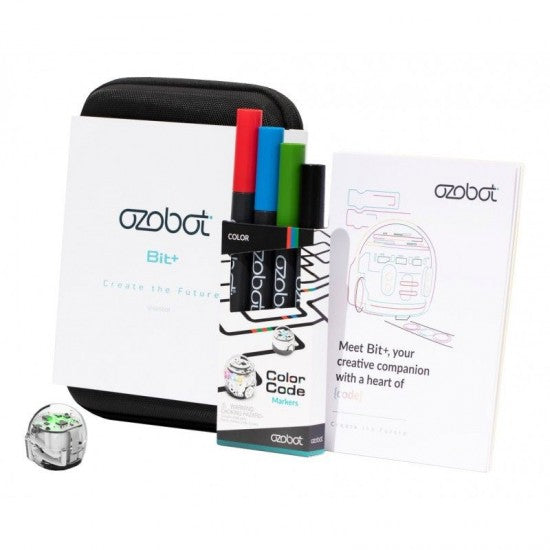
- The Ozobot Bit+ suits children aged 5+ because Colour Code coding lets them draw marker patterns the robot reads.
- The Sphero Mini Activity Kit supports up to three students, so siblings can share one kit.
- The Nezha 48-in-1 Inventor's Kit gives 48 documented builds but comes without a micro:bit board in the box.
Table of Contents
- Quick Comparison: Hands-On STEAM Kits for Home Learning
- STEM Activities for Kids at Home: Matching the Kit to the Child
- Budget-to-Value Breakdown: What Each Kit Costs and Delivers
- DIY STEM Kits and the Kits Worth Buying Instead
Quick Comparison: Hands-On STEAM Kits for Home Learning
Hands-on STEAM kits for home learning are boxed sets of physical components, from circuit boards to robotics, that let children build, test and code real projects at the kitchen table. Sammat stocks a curated range of kits, and the kit should come with a clear next step, not just parts. Pairing hardware with self-paced lessons gives children that next step.
Here is the shortlist at a glance.
| Kit | Price (AUD) | Ages | Lesson Support | Best For |
|---|---|---|---|---|
| Ozobot Bit+ with 10-Lesson Online Course | $171.00 | 5+ | 10 online lessons | First coding robot |
| Makey Makey Kit + 9 Academy Lessons | $120.00 | 8+ | 9 online lessons | Circuits and invention |
| micro:bit Starter Kit | $51.00 | Secondary | 14 documented lessons | Understanding electronics |
| micro:bit Smart Home Kit + 11 Lessons | $178.00 | Primary and up | 11 online lessons | Sensors and home automation |
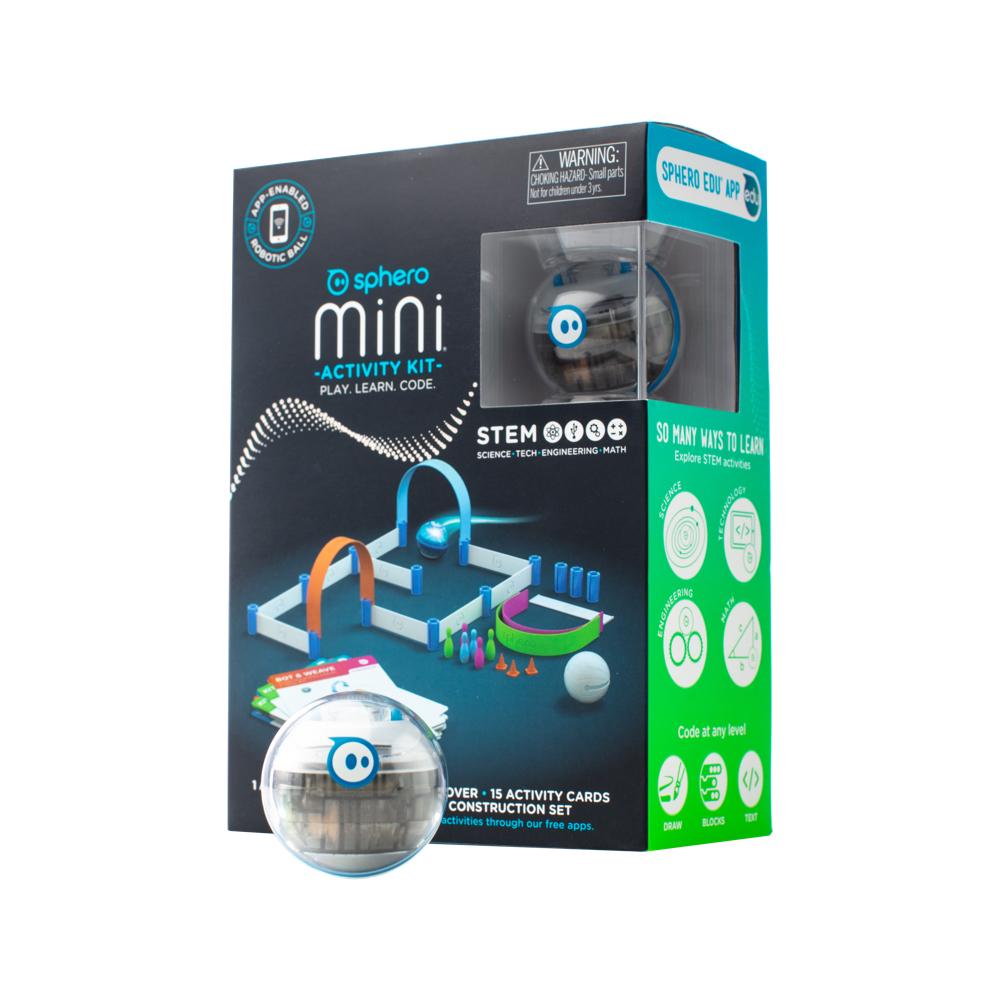
| Sphero Mini Activity Kit | $148.14 | 8+ | 15 activity cards | Active, playful coding |
| micro:bit Nezha 48-in-1 Inventor's Kit | $209.00 | 8+ | 48 builds | Long-term project work |
| micro:bit Space Science Kit + Academy Lessons | $340.00 | 10+ | 4 lessons plus 8 projects | Robotics with a mission |
| littleBits Invention Kit | $680.91 | Grades 3+ | Free Fuse app activities | Screen-free electronics |
Price (AUD)
The spread runs from $51 to $680.91, and the cheapest kit is not the weakest. For a deeper look at how to weigh the options, see the buyer's guide to STEAM kits for early learning centres. Match the kit to the child first, then to the budget.
STEM Activities for Kids at Home: Matching the Kit to the Child
The right kit is the one your child can finish without you sitting beside them for an hour. Match the coding interface, not the age on the box, to what they already do.
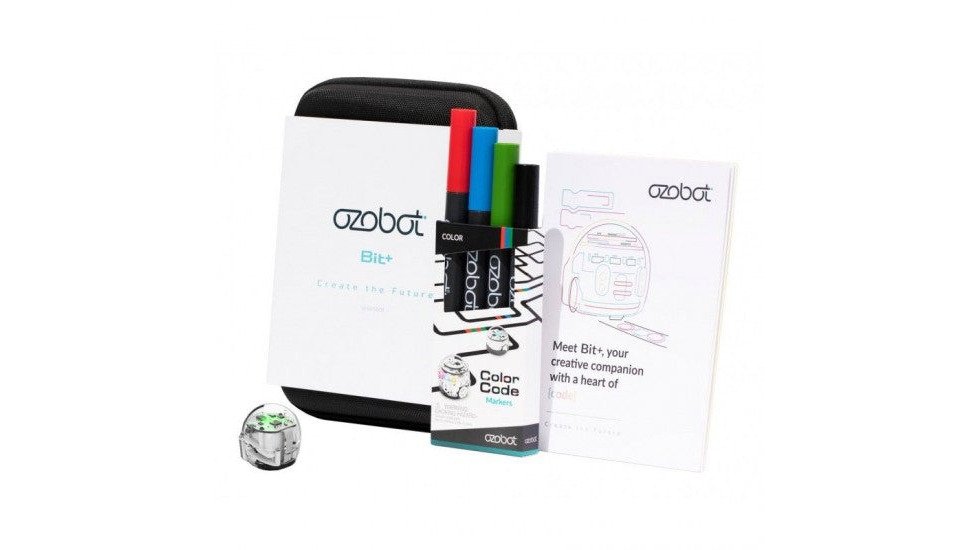
A five-year-old who cannot read yet can still program. The Ozobot Bit+ with 10-Lesson Online Course includes Colour Code coding, where a child draws marker patterns the robot reads and follows, and ten self-paced lessons that move on to OzoBlockly block coding.
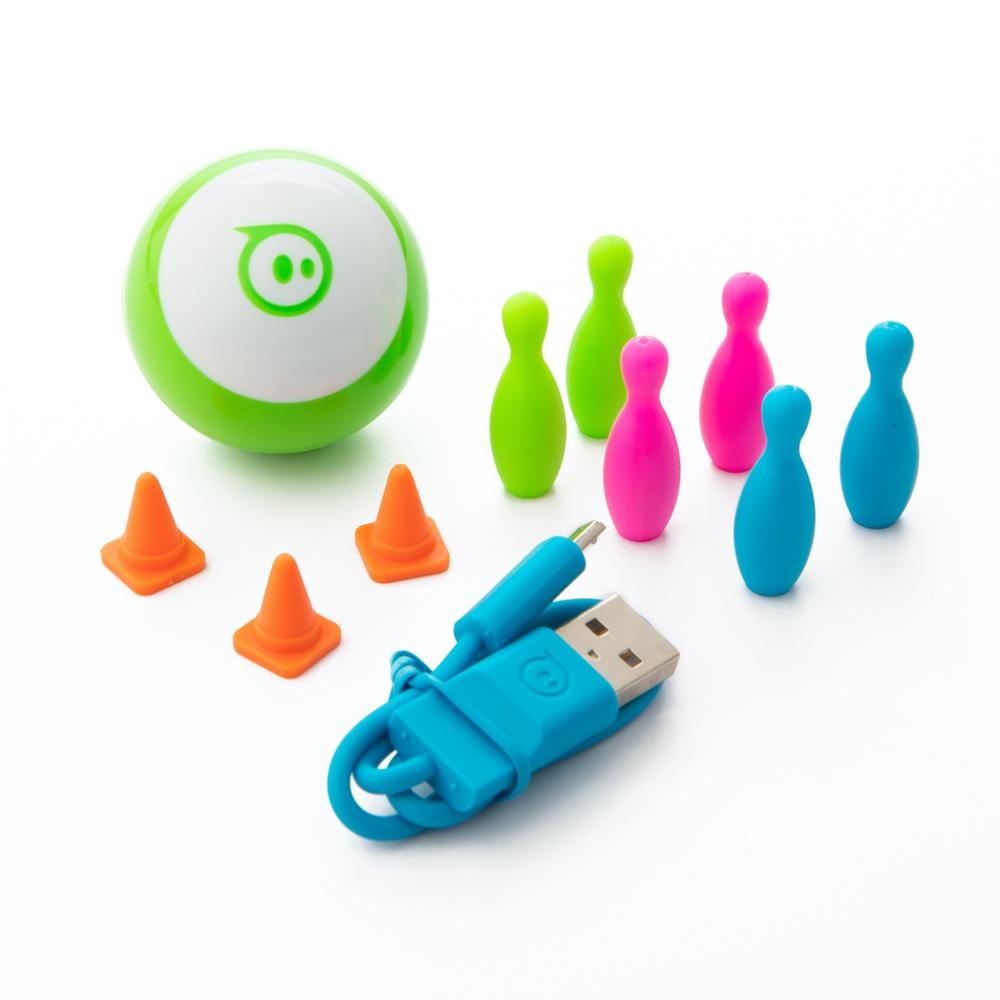
For a child who wants to move and build, the Sphero Mini Activity Kit bundles a clear-shelled robot ball with a 28-piece construction set, 15 activity cards, mini cones and bowling pins. One kit supports up to three students, so siblings can share. Coding runs from Blocks to written JavaScript in the Sphero Edu app (What is Block Coding for Kids?).
Budget-to-Value Breakdown: What Each Kit Costs and Delivers
Value in a STEAM kit is lessons per dollar, not parts per dollar. A box of components with no instructions is a cupboard filler.
At the entry point, the micro:bit Starter Kit costs $51.00 and includes 24 component types plus 14 documented lessons, from lighting a single LED to driving a motor. The micro:bit board and batteries are not included, so add a V2 at checkout, the kind of extra most shops do not mention until after purchase.
Mid-range, the micro:bit Smart Home Kit at $178.00 and the Smart Health Kit at the same price both bundle a V2 board, sensors and 11 or 9 self-paced lessons respectively. The Nezha 48-in-1 Inventor's Kit at $209.00 gives 48 documented builds, but no micro:bit board in the box.
If you are weighing whether the spend is justified educationally, our guide to STEAM kits and Australian curriculum alignment covers what the kits actually deliver against year-level outcomes.
At the top, the littleBits Invention Kit at $680.91 is a screen-free circuit system with colour-coded Bits.
DIY STEM Kits and the Kits Worth Buying Instead
A homemade circuit with foil, a battery and a torch globe teaches conductivity as well as anything you can buy. What DIY struggles with is progression: the second project is often just the first one again.
Makey Makey sits closest to the DIY spirit. The Makey Makey Kit + 9 Academy Lessons at $120.00 turns fruit, foil and pencil drawings into keyboard inputs, and the nine lessons run from a first LED circuit to coding games in Scratch and MakeCode Arcade. The standalone Makey Makey Classic at $77.23 does the same job without the lesson sequence.
For families who want a book rather than a box, The Invent To Learn Guide to Fun covers making and tinkering projects that use what is already in the kitchen.
Watch out: check the extra bits a project needs to work in a classroom. Quantity is a common trap. A Bolt power pack holds 15 robots, enough for one robot between two students. An RVR multi-pack holds 6 units, so you need two kits for one robot between three students. Check the ratio before you order.
Matching a kit to a child, a budget and a lesson sequence takes more than reading a product page. At Sammat, our team is made up of former teachers, so the kits we stock are the ones we would have wanted in our own classrooms, and our support staff can talk you through implementation, not just shipping. Purchase orders are welcome, and we can help you plan quantities for a full class before you commit.
