Sold out
bonelk usb desktop webcam, flexible neck, 1080p (black) bonelk usb desktop webcam, flexible neck, 1080p (black)
Bonelk Flexible Neck USB Webcam — 1080p $63.63 ex GST ($69.99 inc GST)
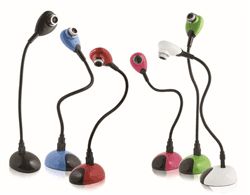
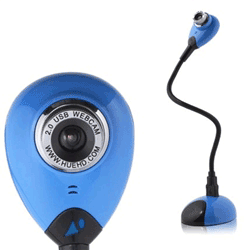
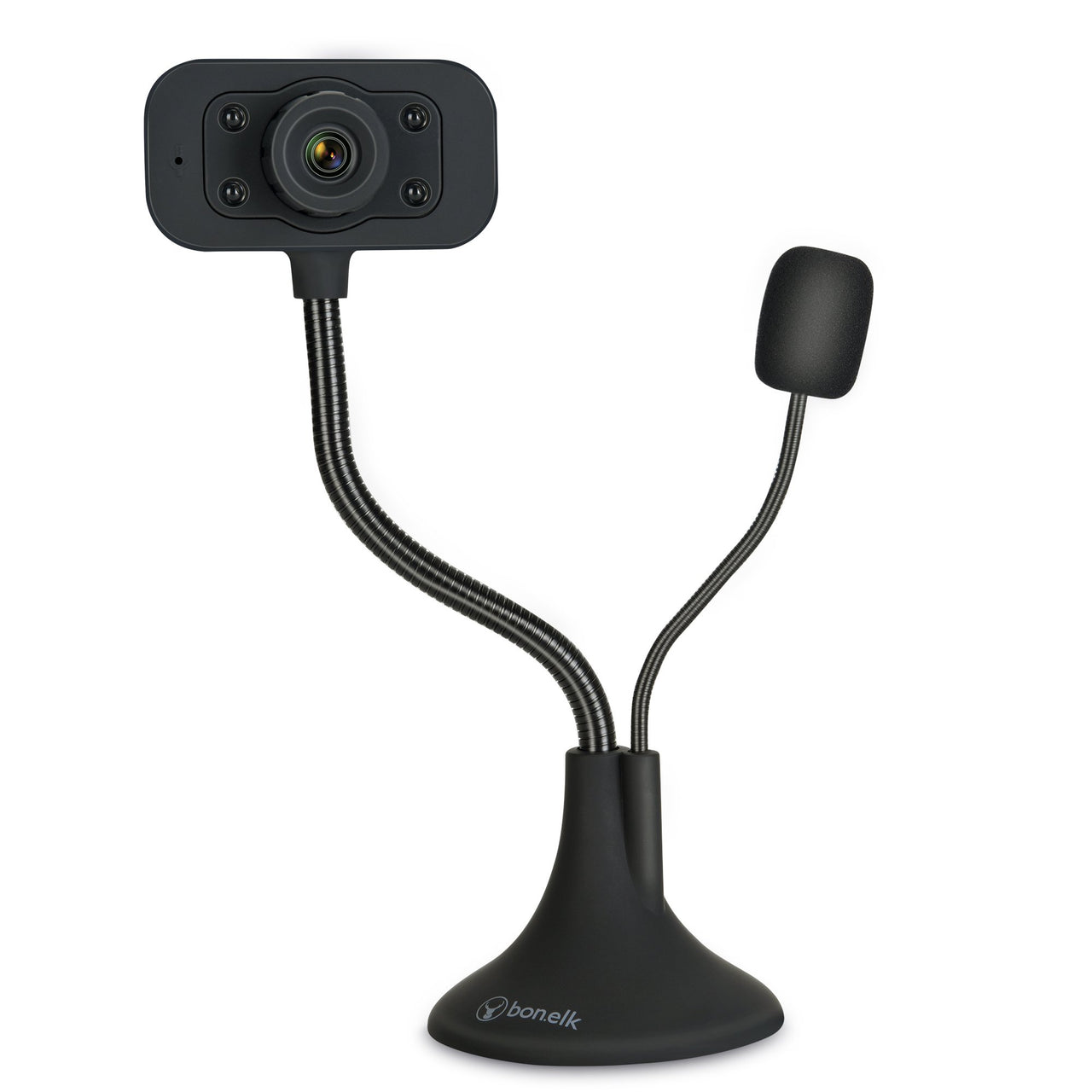
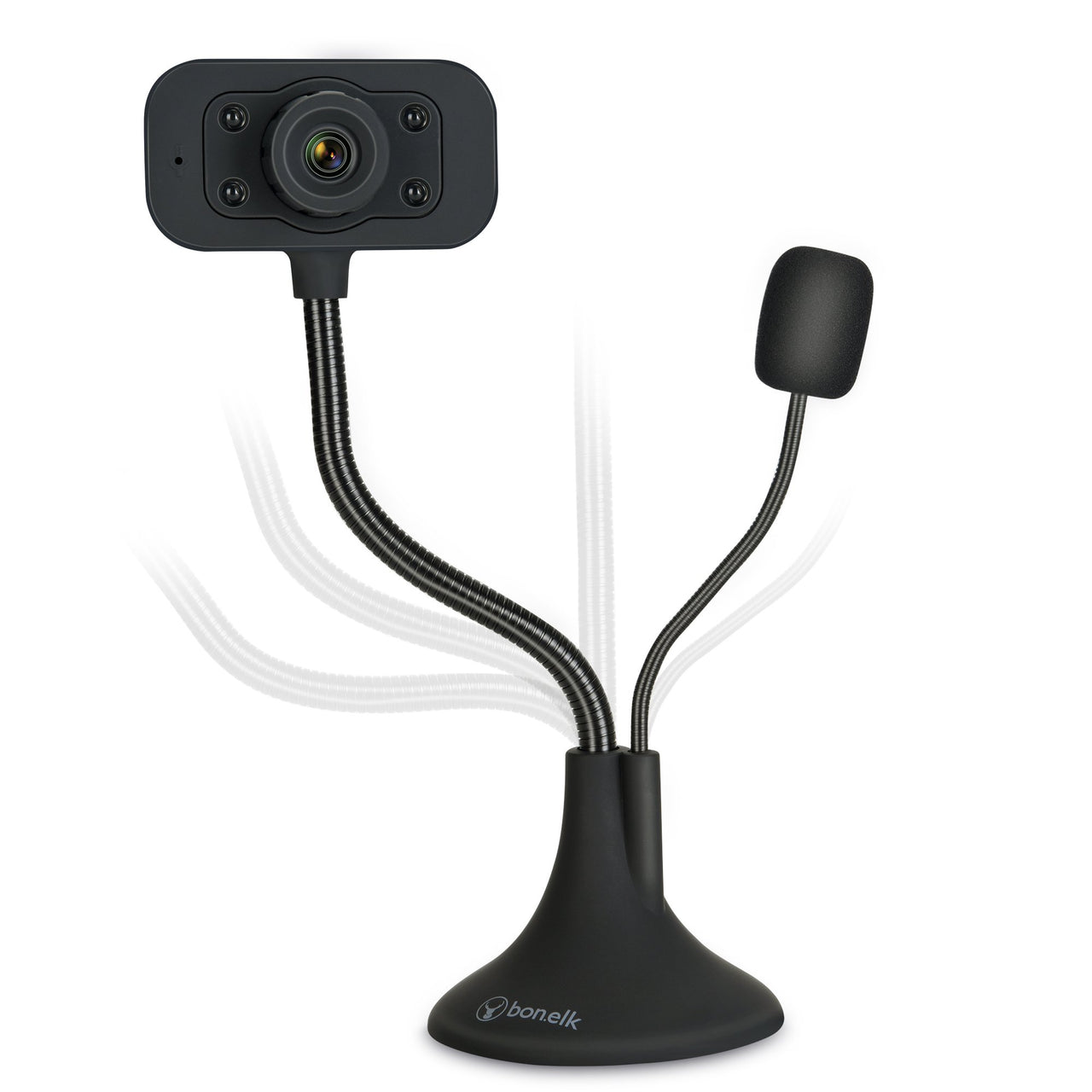
A 1080p webcam on a flexible gooseneck that stands on a desk. The neck is the point — it lets you aim the camera at a desk, a book, a science demonstration or a model, which a screen-mounted camera physically cannot do. What it does: 1080p video over USB Adjustable flexible neck on a weighted desktop base Built-in microphone Plug and play — no drivers or software Where it earns its place: A low-cost visualiser for showing worked examples and texts Science demonstrations recorded or streamed to a display Stop-motion animation and maker documentation Video calls where the standard angle doesn't work Worth comparing with a proper document camera if visualising is the main use — a HoverCam gives better optics and focus control. This is the option when budget matters more than image quality, or when the camera has to do both jobs. Purchase orders accepted on school accounts.
hue hd webcam hue hd webcam
Hue HD Webcam $126.36 ex GST ($139.00 inc GST)
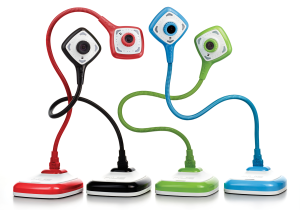
The Hue HD Webcam is a cost-effective alternative to a standard classroom document camera, and is perfect for stop-motion animation. Easy to use and portable, this camera is popular in classrooms and homes throughout the world. The camera is "plug and play" on Windows PCs and Macs (see System Requirements) and favoured by most parents and teachers for kids using HUE Animation and other stop-motion animation software due to the flexible arm and integrated microphone. Unique, innovative design with a built-in microphone. Widely used as a portable classroom document camera / visualiser in conjunction with a whiteboard. Perfect for creating animated films, live videos or time-lapse recordings. Compatible with Microsoft Windows (8, 7, Vista, XP), Apple Mac OS X (10.4.3 or above) and Linux. Plug and play: simply connect the HUE camera to your computer's USB port and it will be ready to use. By connecting your HUE camera to your computer and a projector you can share students' work, books, experiments and pictures. The built-in microphone allows you to record your presentation or a student speaking about a topic. With its weighted base and flexible neck, HUE can also be used to magnify very small items such as insects, circuit boards and more to share them with the whole classroom. Package Contents Hue HD Webcam Camera Base 6 ft USB to Mini-USB cable Software CD Quick Start User Guide
hue hd pro webcam
HUE HD Pro Webcam $180.91 ex GST ($199.00 inc GST)
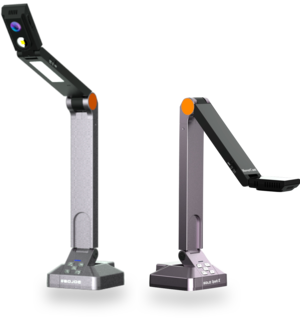
Introducing the HUE HD Pro Camera: a lightweight, portable document camera and visualiser. The HUE HD Pro classroom camera and visualiser is the latest addition to the HUE range of USB cameras. This camera can view a full A4 or US letter sheet and project it onto the whiteboard via your PC and projector. HUE PRO overhead The length of the neck makes this camera perfect for viewing a full A4 or US letter page. The built-in LED lights will help illuminate your subject. Available for Windows and Mac OS X. It's full of character just like its older brother the HUE HD camera - but with a new design for the head and base. The HUE HD Pro also comes with specially designed software, HUE Intuition, to allow you to master the full functionality of the camera with ease. HUE Intuition HUE Intuition allows you to: Record video and sound and save movies locally, email or upload to YouTube Annotate images and save as JPG/BMP/PNG/GIF Take snapshots Take multiple images over time Use the HUE HD Pro for: Demonstrating a science project Taking snapshots of student work Recording a technique or experiment and replay it to the class Chatting with remote schools in other countries with software such as Skype Online Teaching Package Contents: HUE HD Pro camera Camera base USB to mini-USB cable Installation instructions Single user license for the HUE Intuition software
-5% sale
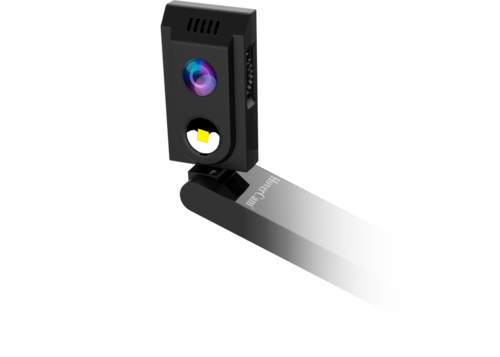
HoverCam Solo Spark II now available in Australia from Sammat Education HoverCam Solo Spark II now available in Australia from Sammat Education
HoverCam Solo Spark II — 8MP Visualiser $609.00 ex GST
$640.91 ex GST ($669.90 inc GST)
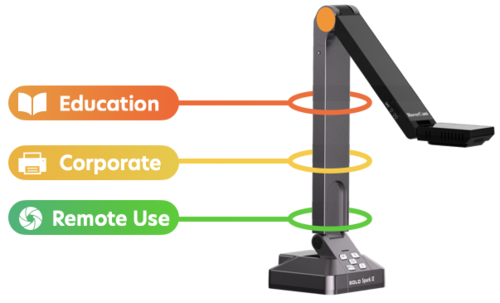
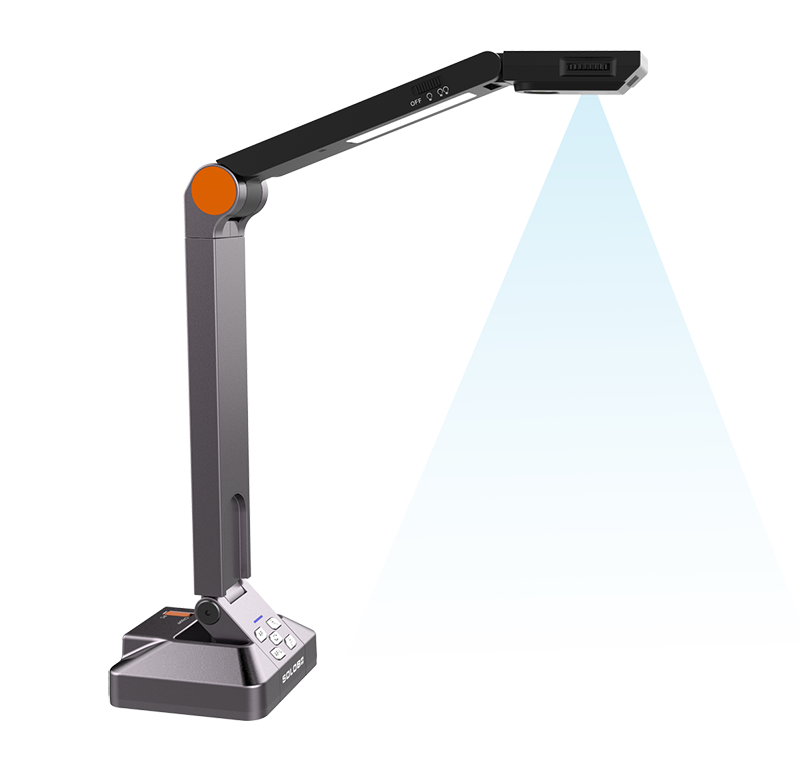
The Solo Spark II is the sensible choice when you want a visualiser on every teacher's desk rather than one shared between a floor. It does the core job well — put the page on the screen, zoom in, record the lesson — at a price that makes buying several realistic. Key features 8 megapixel sensor with autofocus, 3264 x 2448 resolution 4K at 20fps, 1080p at 45fps 80x total zoom, combining 8x digital and 10x mechanical A3 scan area, three-pivot arm, desktop design Powered by a single USB 3.0 cable, with a built-in microphone Compatible with PC, Mac and Chromebook Free Flex software: live annotation, picture-in-picture and lesson recording Five-year warranty Why it helps in the classroom Chromebook compatibility matters more than it sounds — plenty of visualisers assume a Windows laptop, and a lot of Australian classrooms no longer have one. The Spark II works either way, needs no power point, and the five-year warranty is longer than most document cameras at any price. Purchase orders are welcome from schools and government institutions.
-8% sale
hovercam solo 8 plus
HoverCam Solo 8 Plus — 4K Visualiser $695.45 ex GST
$754.55 ex GST ($765.00 inc GST)
Put a worksheet, a textbook page or a student's work on the big screen without leaving your desk. The Solo 8 Plus is a wired visualiser that runs on a single USB cable — no power adapter, no second lead — and it is sharp enough that handwriting and fine print stay readable from the back of the room. Key features 13 megapixel sensor with true 4K video at 30fps, 1080p at 60fps, and 720p at 120fps for slow motion 480x total zoom, combining 6x ASR, 8x digital and 10x mechanical Scan area up to 13 x 21 inches — larger than A3 Powered by one USB 3.0 cable, with a built-in microphone Free Flex software: annotation, lesson recording, picture-in-picture and a virtual whiteboard Scan straight to PDF with text recognition Works with Zoom, Teams and Google Meet, and with SMART Notebook and Promethean Why it helps in the classroom Most of what a teacher wants to show is on paper or on a desk. A visualiser puts it on the screen in a second, and the slow motion mode turns a science demonstration into something a class can actually watch happen. Because it draws power over the same USB cable that carries the video, there is one thing to plug in and nothing to lose. Purchase orders are welcome from schools and government institutions.
-8% sale
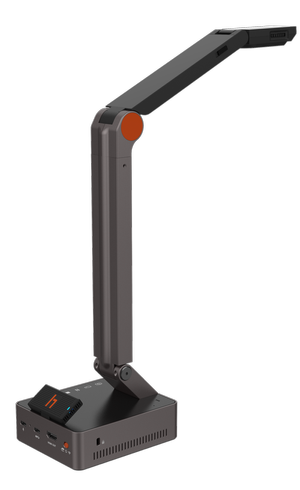
HoverCam Duo now available in Australia from Sammat Education HoverCam Duo now available in Australia from Sammat Education
HoverCam Duo — USB & HDMI Visualiser $717.27 ex GST
$772.73 ex GST ($789.00 inc GST)
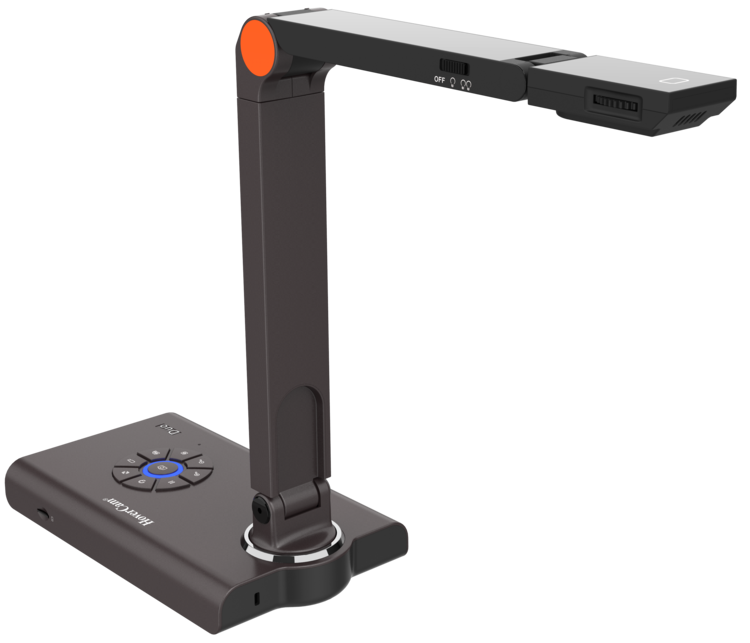
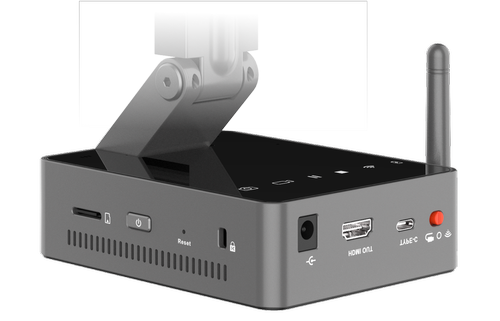
The Duo sends the same image two ways at once — 4K over HDMI straight to the panel at the front of the room, and USB to your laptop for the class joining online. You do not have to choose between the students in front of you and the ones at home, or unplug anything to switch. Key features 12 megapixel sensor, 4056 x 3040, with 4K at 30fps and 1080p at 60fps Simultaneous HDMI and USB-C output 25x total zoom, combining 5x digital and 5x mechanical Nine button controls on the base for focus, zoom, snapshot and recording Three-pivot arm for capturing from any angle MicroSD slot for recording without a computer A3 scan area; runs from a 5V DC adapter Why it helps in the classroom HDMI output means the Duo works with no computer at all — plug it into the panel and it just shows. That matters for relief teachers, for rooms where the laptop is unreliable, and for anyone who would rather not troubleshoot software with thirty students waiting. The physical buttons help for the same reason: freeze, zoom or snapshot without hunting through a menu. Purchase orders are welcome from schools and government institutions.
-7% sale
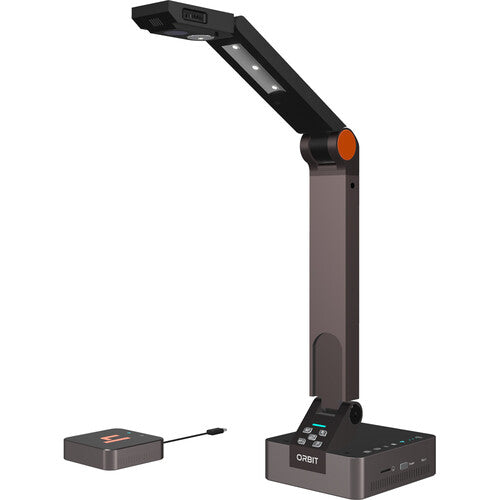
HoverCam Orbit AIR Document Camera - Wireless USB & HDMI HoverCam Orbit AIR Document Camera - Wireless USB & HDMI
HoverCam Orbit AIR — Wireless Visualiser $990.00 ex GST
$1,062.73 ex GST ($1,089.00 inc GST)
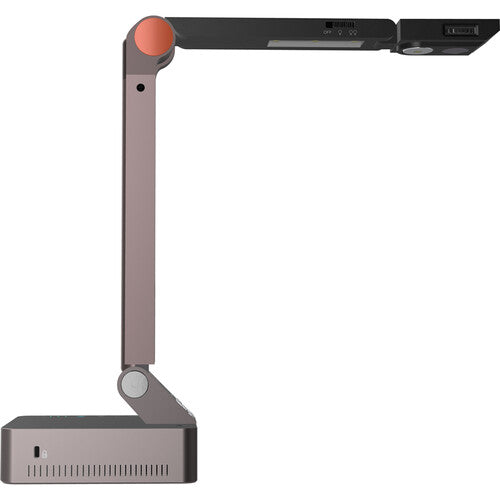
The Orbit AIR is the more affordable of the two wireless Orbit visualisers. Same idea as the PRO — carry the camera to the work rather than the work to the camera — with no software to install and nothing to configure on the school network. Key features 13 megapixel sensor, 4224 x 3156, with 4K at 60fps 800x total zoom, combining 4x ASR, 20x digital and 10x mechanical Wireless, with USB-C and HDMI connection to the receiver InvisiWire technology: appears as a standard wired USB camera to any app Works with Windows, macOS, ChromeOS and Android Rechargeable 9800 mAh battery No drivers, passwords or network settings — plug in the receiver and go Why it helps in the classroom A wireless visualiser changes how a lesson runs. Instead of calling students up to the front, you take the camera to them, and their work goes on the screen from where they are sitting. Nothing installs on staff laptops, which makes it far easier to get through IT approval. Purchase orders are welcome from schools and government institutions.
-6% sale
HoverCam Orbit available in Australia from Sammat Education HoverCam Orbit available in Australia from Sammat Education
HoverCam Orbit PRO — Wireless Visualiser $1,590.00 ex GST
$1,677.27 ex GST ($1,749.00 inc GST)
Teach from anywhere in the room. The Orbit PRO is a wireless visualiser — pick it up, carry it to a student's desk, hold it over a demonstration, and the image stays on the screen the whole time. There is no cable running back to the front of the room and nothing to install on the laptop. Key features 13 megapixel sensor, 4224 x 3156, with 4K at 60fps 800x total zoom, combining 4x ASR, 20x digital and 10x mechanical Wireless range up to 30 m with near-lossless, low-lag video Runs off your school's Wi-Fi entirely — no network settings, passwords or IT ticket InvisiWire technology: the camera appears to your laptop as an ordinary wired USB webcam Works with Windows, macOS, ChromeOS and Android; connect by USB-C or HDMI Rechargeable 9800 mAh battery Software includes picture-in-picture, annotation, whiteboard and lesson recording Why it helps in the classroom Two things make this different from a normal visualiser. It is genuinely portable, so a demonstration can happen where the students are rather than at the front. And because it never touches the school network and installs no drivers, IT departments tend to approve it quickly — which is often the thing that stops classroom tech being used at all. Not sure this is the right model? The Orbit PRO is the top of the wireless range. If you want the same freedom for less, the Orbit AIR shares most of its features. If the camera will live on one desk, the wired Solo 8 Plus gives you 4K for a good deal less. You can compare the whole HoverCam visualiser range here. Purchase orders are welcome from schools and government institutions.
-2% sale
HoverCam Orbit TRIO Document Camera - Full Wireless Classroom Casting HoverCam Orbit TRIO Document Camera - Full Wireless Classroom Casting
HoverCam Orbit TRIO — Dual Wireless Casting $1,780.00 ex GST
$1,813.64 ex GST ($1,958.00 inc GST)
Show your class anything — your laptop screen alongside a live, close-up view of a worksheet, textbook or science experiment — from anywhere in the room, with no cables and no fiddling with the school network. The HoverCam Orbit Trio combines a wireless document camera with secure wireless screen casting, so teachers can present freely and keep the lesson moving. What's included / key features: A wireless Orbit document camera plus a plug-in wireless transmitter that connects to a PC, Mac, Chromebook or Android interactive panel via USB, or to a display via HDMI Cast your laptop and the document camera to the display at the same time — side-by-side, picture-in-picture, or full-screen Up to 4K casting (or 2K at 60fps) with near-lossless, low-lag video at up to 30 m (100 ft) across the classroom Runs completely off your school's Wi-Fi network, with end-to-end encryption and no vendor drivers or apps to install True plug-and-play: pre-paired at the factory, so setup is essentially plug in and go — no passwords, network settings or software Works with Windows, macOS, ChromeOS and Android; any app sees the camera as a standard USB webcam One-off purchase with no subscription or recurring licence fees Why it helps in the classroom: The Orbit Trio frees teachers from the front of the room. Move around while presenting, hold the camera over a student's work or a demonstration, and switch between your screen and the live camera view without unplugging anything. Because it stays off the school network and installs nothing on staff laptops, it's straightforward for IT to approve and simple to use day to day. Practical note: A tidy, cable-free way to bring documents, objects and demonstrations to the whole class — with no ongoing fees.
Twelve South HoverBar Duo adjustable iPad arm in white
Twelve South HoverBar Duo — Adjustable iPad Arm $127.26 ex GST ($139.99 inc GST)
An adjustable arm that holds an iPad wherever you need it — over a desk, beside a monitor, or angled down at a workbench. The arm is the point: a normal stand puts a tablet in one position, this puts it anywhere. What it does: Weighted base with an adjustable arm Holds an iPad at almost any height and angle Black or white Where it earns its place in a school: As a visualiser — angle an iPad down over a desk to show worked examples on the board Recording demonstrations — science, art, food technology and maker work filmed from overhead Stop-motion animation — a stable overhead position is exactly what the task needs Accessibility — positioning a screen for a student who can't hold a device Cheaper than a dedicated document camera if you already have iPads, and does more with them. Purchase orders accepted on school accounts.
-3% sale
hovercam solo series microscope adapter hovercam solo series microscope adapter
HoverCam Microscope Adapter — Solo 5 & 8 $40.00 ex GST
$40.86 ex GST ($44.00 inc GST)
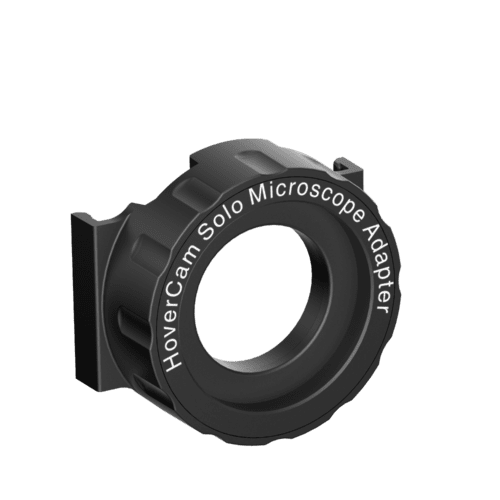
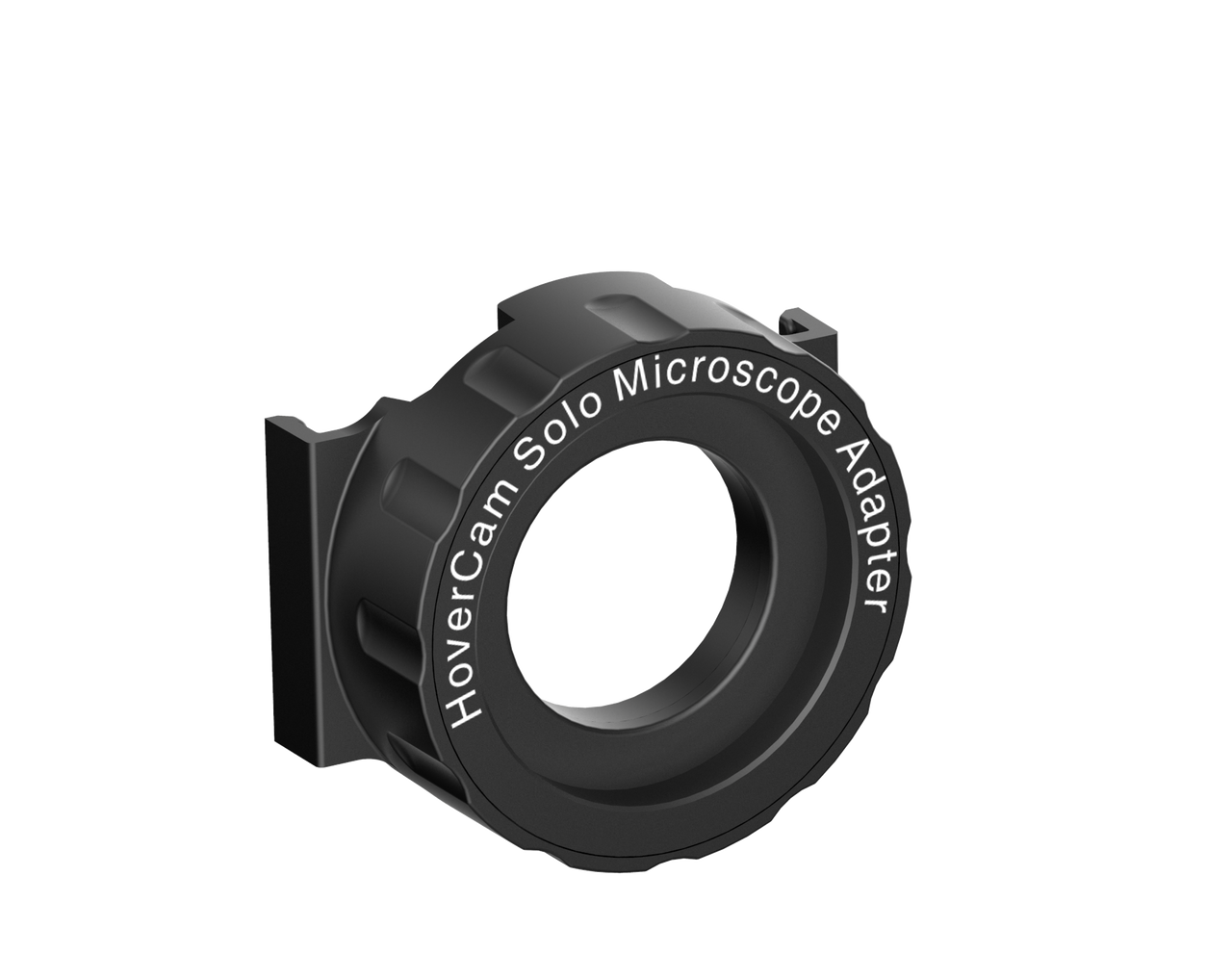
Show the whole class what is under the microscope. This adapter connects a HoverCam Solo 5 or Solo 8 to any standard monocular microscope, so a single slide becomes something thirty students can look at together on the board instead of queuing for a turn at the eyepiece. What it does Fits any standard monocular microscope eyepiece Works with the HoverCam Solo 5 and Solo 8 document cameras Keeps the Flex software features you already use — video and audio recording, scanning to PDF, and interactive whiteboard integration Why it helps in the classroom Microscope work usually means one student looking while the rest wait. Putting the image on the screen lets you point at what matters, ask the class what they can see, and record the view for students who were away. It also means you can use the visualiser you already own rather than buying a separate digital microscope. Note that this adapter is for the Solo 5 and Solo 8 only. It will not fit the Spark II, Duo or Orbit models.