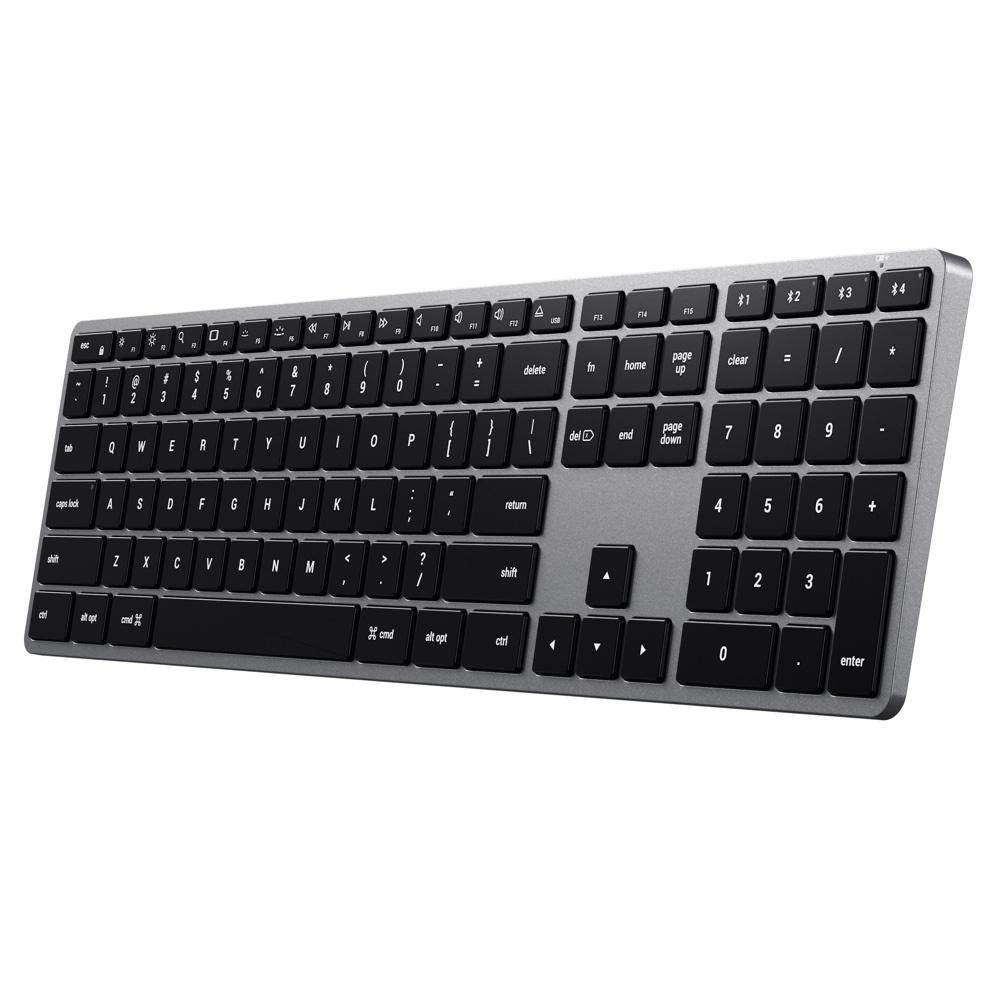
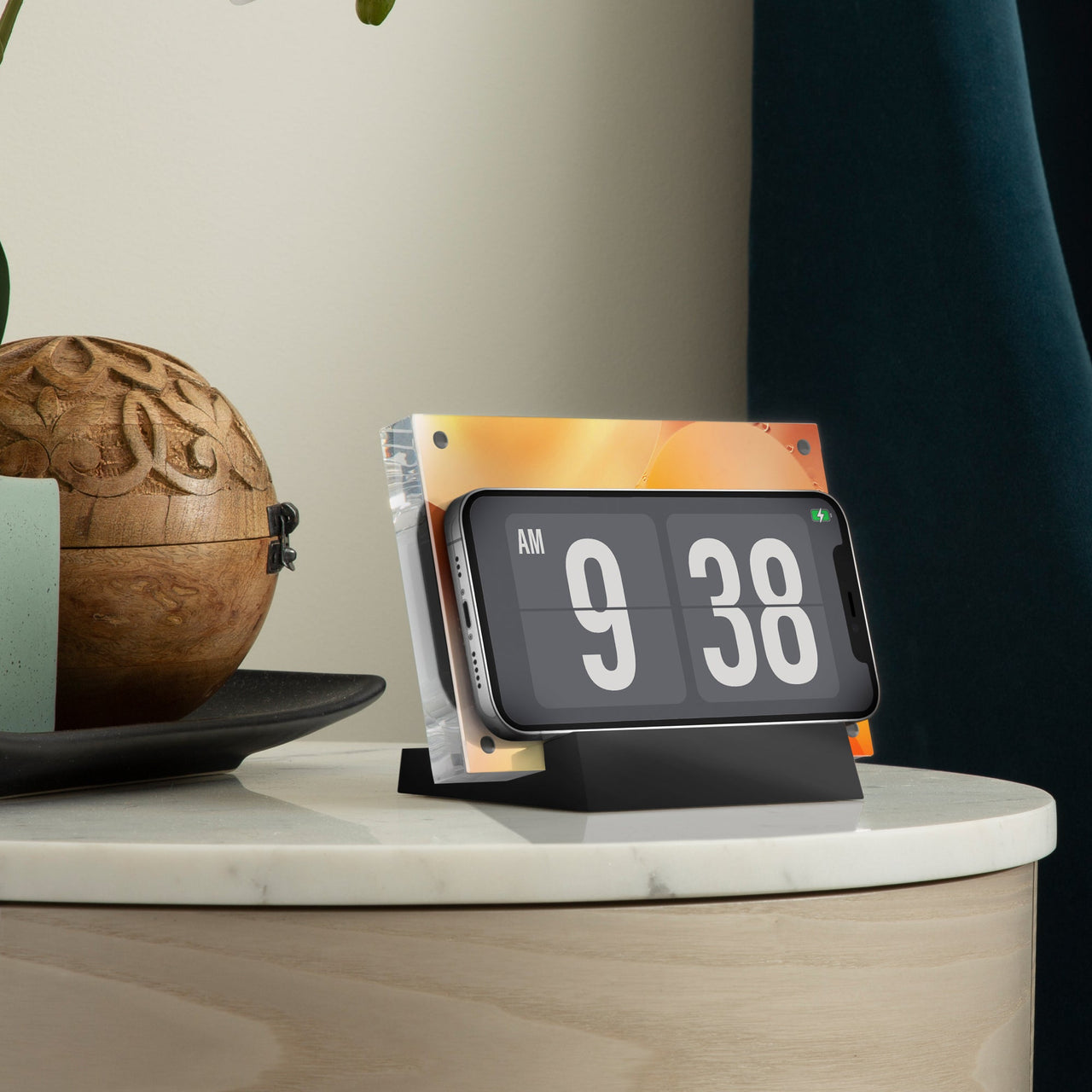
Bonelk Desktop 9-in-1 USB-C Dock
$154.54 ex GST
($169.99 inc GST)
A nine-port desktop dock for a fixed workstation — one USB-C cable to the laptop, and everything else stays permanently connected. For a staff desk or a library terminal, this is what replaces the daily ritual of plugging in four separate cables.
What it does:
Nine ports from a single USB-C connection
Display output, USB-A and USB-C ports, card reader and Ethernet
Power pass-through, so the laptop charges through the same cable
Desktop form factor — designed to stay on the desk, not travel
Available in black or space grey.
Dock or hub? A portable hub goes in the bag with the laptop and does two or three jobs. A desktop dock stays put and does everything, so arriving at the desk means connecting one cable. For a teacher with an assigned workstation, the dock saves a few minutes every single day.
Purchase orders accepted on school accounts.
Bonelk Elevate — Laptop Stand
from $54.54 ex GST
($59.99 inc GST)
Laptop stands raise a screen to eye level, which is the single cheapest fix for the neck and shoulder strain that comes from a teacher spending a day looking down at a laptop on a desk. Aluminium construction, folding flat where the design allows.
Choose your model:
Elevate Stance — a fixed aluminium riser, the simplest and lowest-cost option. Silver or black.
Elevate Junior — compact and foldable, sized for smaller laptops and Chromebooks
Elevate — the standard adjustable stand, folds flat to travel between rooms
Elevate Flow — adjustable with an open design for airflow, for laptops that run warm
Elevate 360 — rotates, so a screen can be turned to show a student or a group without moving the laptop
Where these matter in a school. Staff workstations and front offices, where someone is at a laptop for hours. The 360 is also worth considering for a teacher who regularly turns a screen to show work to students, and for library and help-desk positions.
Check the fold. If the stand stays on one desk, a fixed riser is cheaper and sturdier. If it moves between rooms with the laptop, choose one that folds flat.
Purchase orders accepted on school accounts.
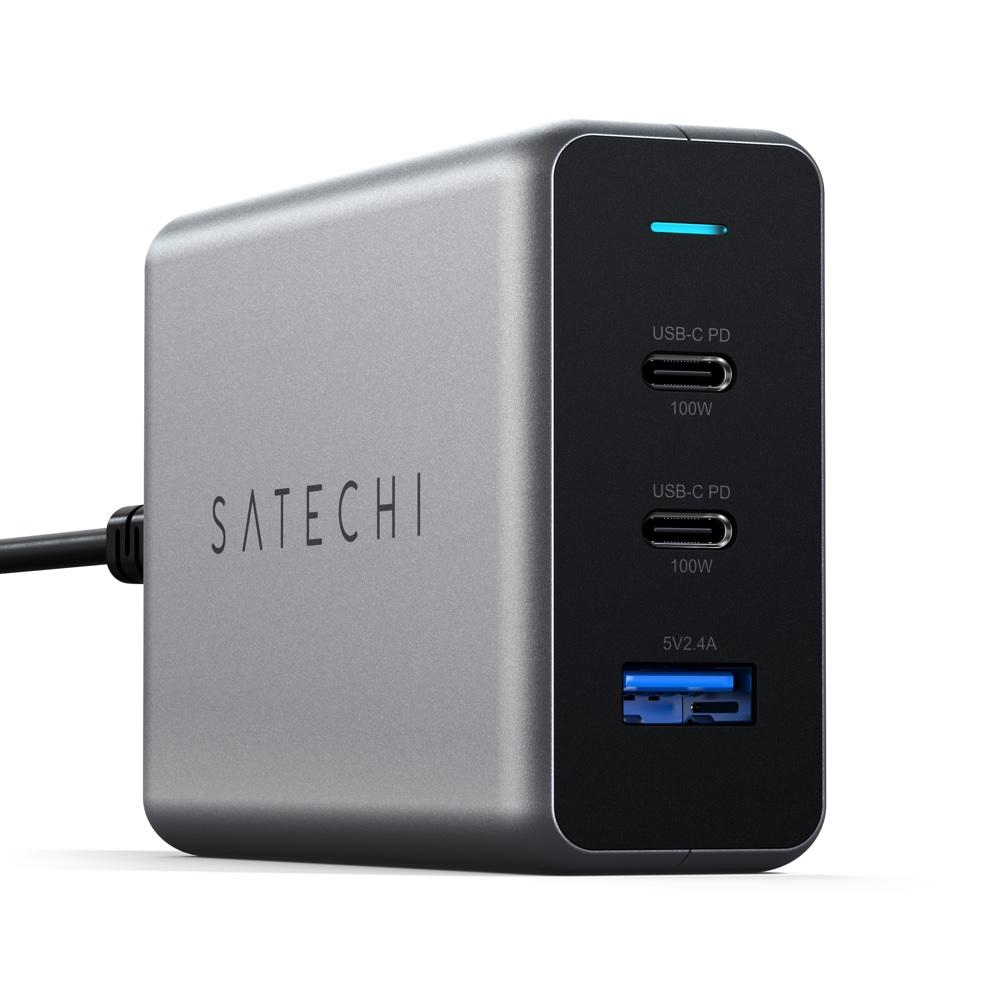
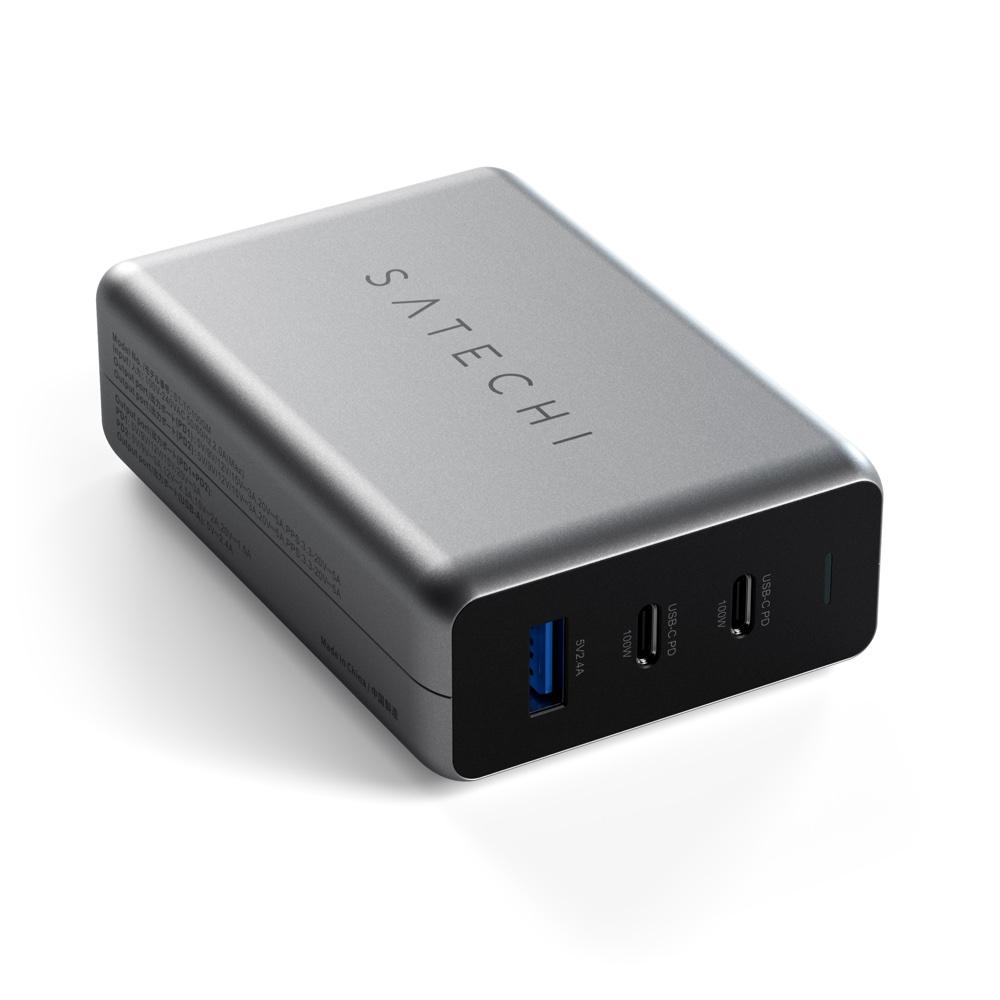
Satechi 100W USB-C PD GaN Compact Charger
$118.17 ex GST
($129.99 inc GST)
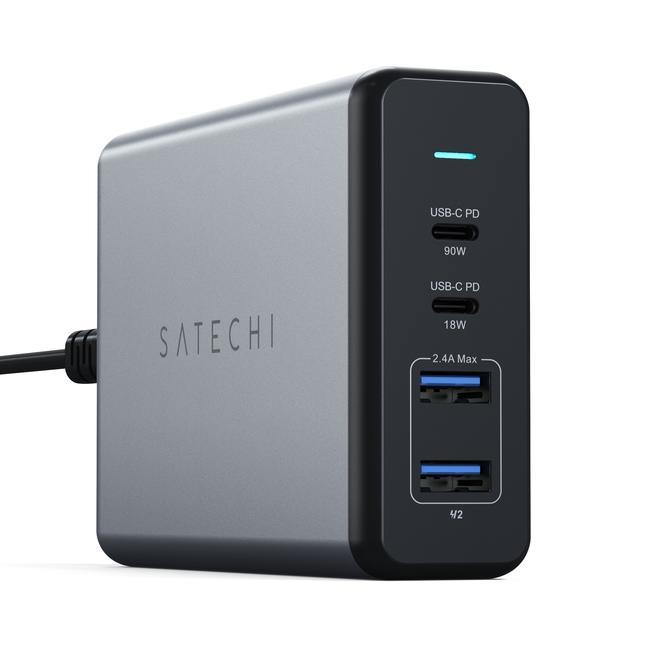
A 100W GaN wall charger small enough to travel with a laptop. Gallium nitride is why — it runs cooler and packs more power into a smaller body, so a 100W charger is roughly the size of a 30W one from a few years ago.
What it does:
100W USB-C Power Delivery
GaN construction, compact for the output
Australian plug
Matching wattage to device: a phone needs 20W, an iPad 30W, most laptops 45–65W. At 100W this covers everything including larger MacBooks, and a higher-wattage charger is safe on a smaller device — it delivers only what the device requests.
Purchase orders accepted on school accounts.
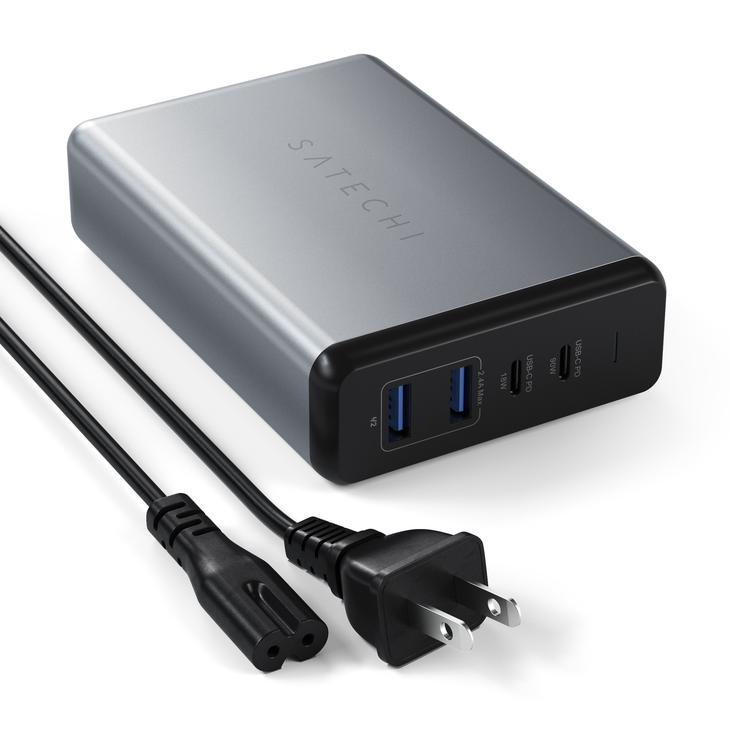
Satechi 108W USB-C PD Desktop Charger
$127.26 ex GST
($139.99 inc GST)
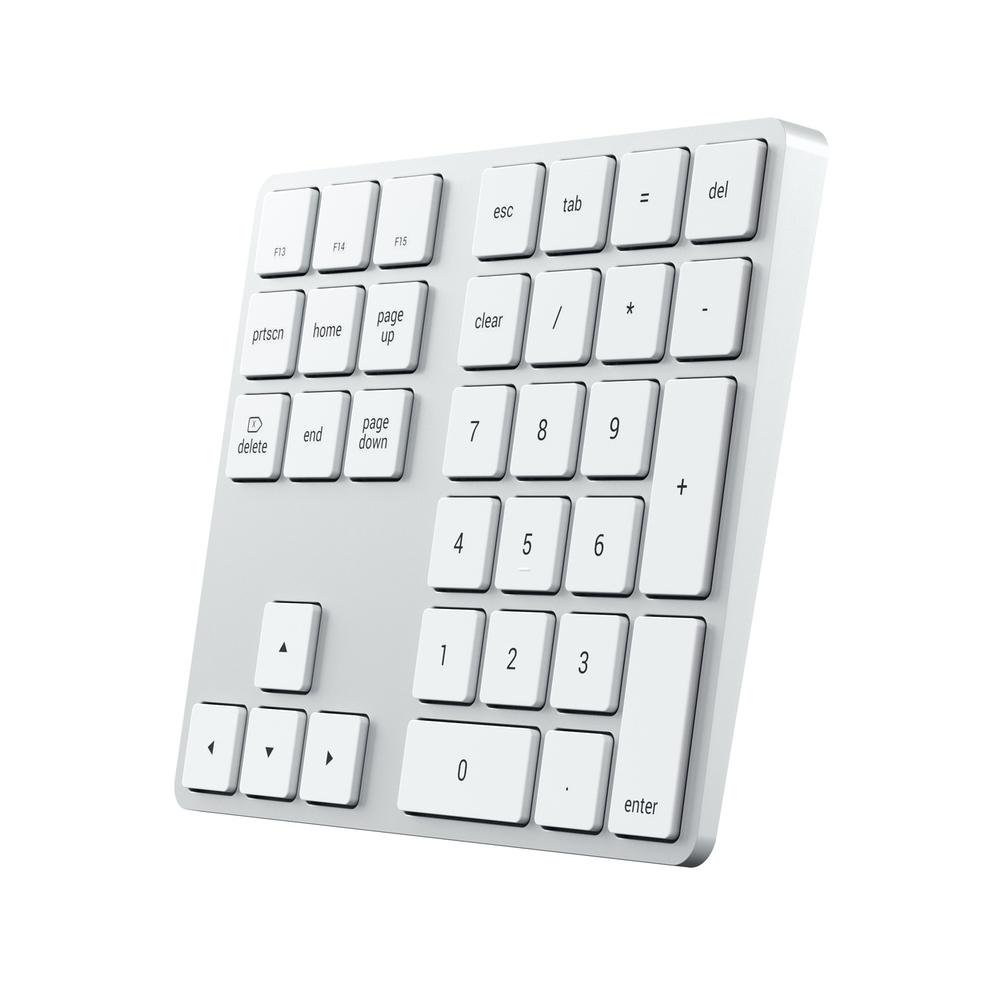
A 108W desktop charger running four devices from one wall outlet — for a staff desk or front office where a laptop, a phone, a tablet and a set of headphones all need power at once and the power board has run out.
What it does:
108W total output across multiple ports
USB-C Power Delivery for laptops and tablets
Sits on the desk rather than hanging off the wall
For a class set, this isn't the answer — a charging trolley or station handles twenty or thirty devices properly. A desktop charger suits a handful at a fixed point.
Purchase orders accepted on school accounts.
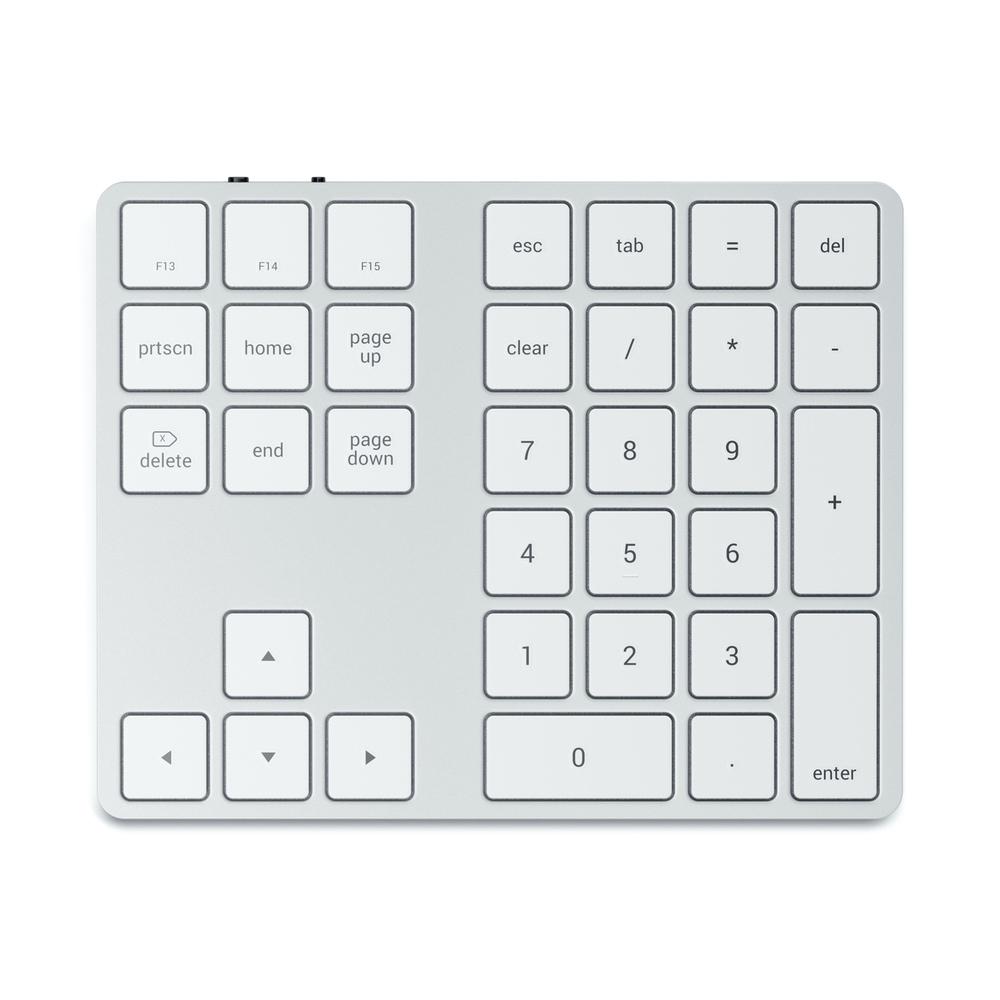
Satechi Bluetooth Extended Keypad
$72.72 ex GST
($79.99 inc GST)
A Bluetooth numeric keypad with dedicated calculator keys — for anyone doing sustained number work on a laptop or a compact keyboard that has no keypad of its own.
What it does:
Extended numeric keypad over Bluetooth
Dedicated calculator function keys
Slim aluminium body
Silver or space grey
Where it earns its place: business managers and front-office staff working on budgets and reporting, maths and business studies classrooms, and any staff laptop being used for spreadsheet work. Faster and more accurate than the number row, and cheaper than replacing the keyboard.
Purchase orders accepted on school accounts.
Satechi Dock5 — Multi-Device Charging Station
$109.08 ex GST
($119.99 inc GST)
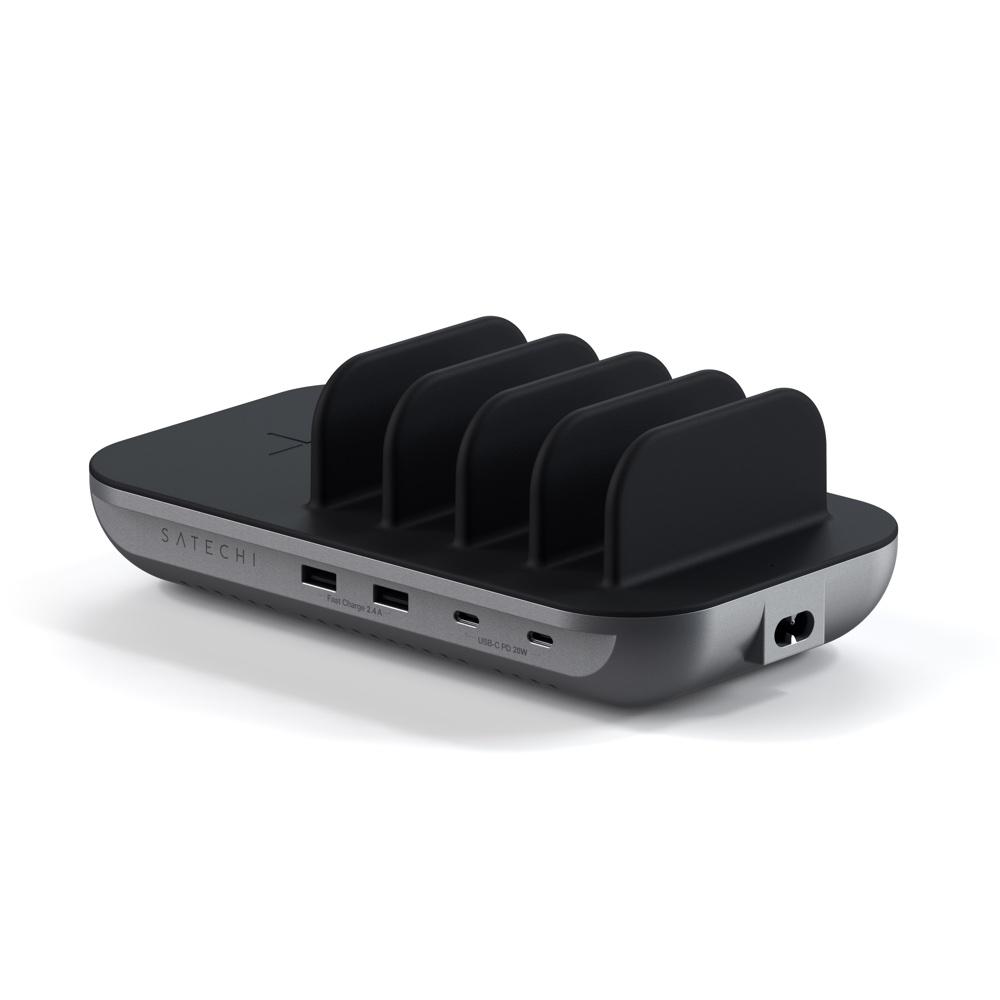
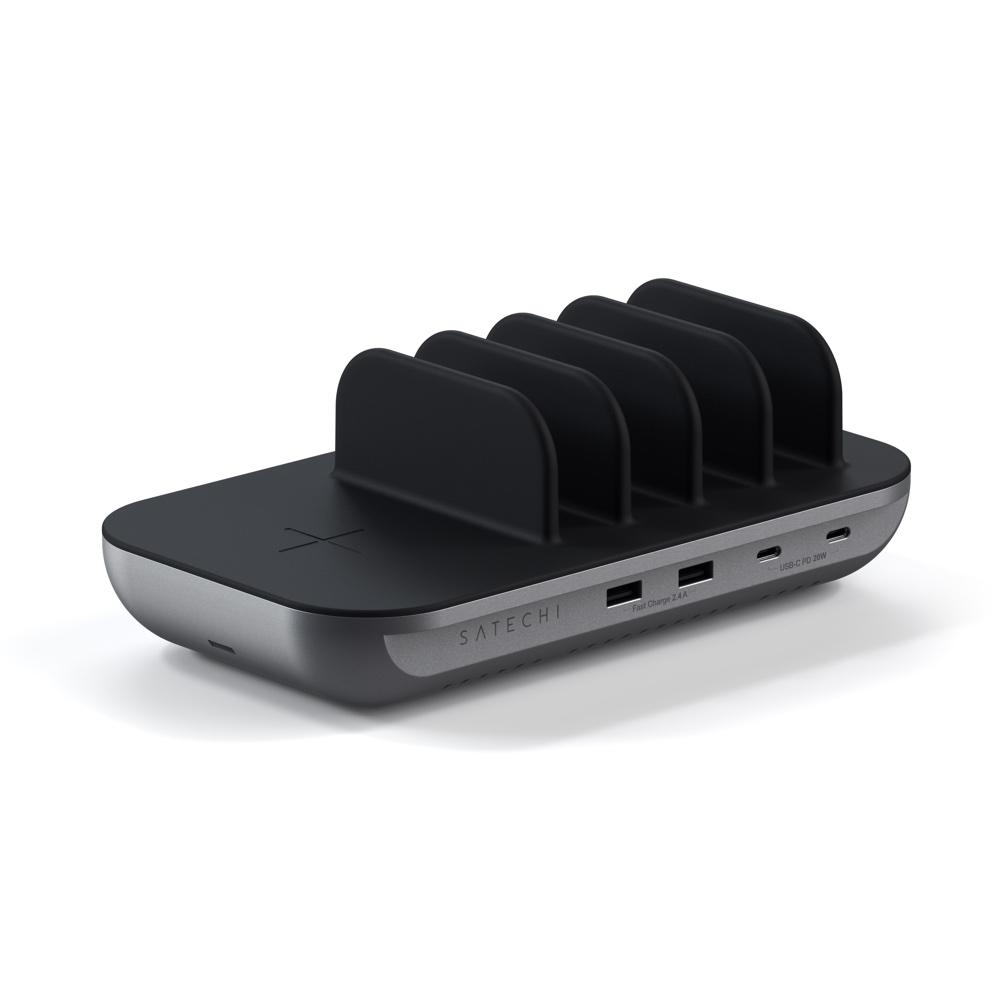
A multi-device charging station that handles five devices at once, with a wireless charging pad built in. For a front office, staff room or reception desk where phones, tablets and earbuds accumulate through the day.
What it does:
Charges five devices simultaneously
Built-in wireless charging pad
Single mains connection
Not a classroom solution. For a class set of iPads or Chromebooks, a charging trolley or station is the right product — this handles a handful of personal devices at a fixed point, not thirty school devices.
Purchase orders accepted on school accounts.
Satechi M1 — Bluetooth Wireless Mouse
$45.45 ex GST
($50.00 inc GST)
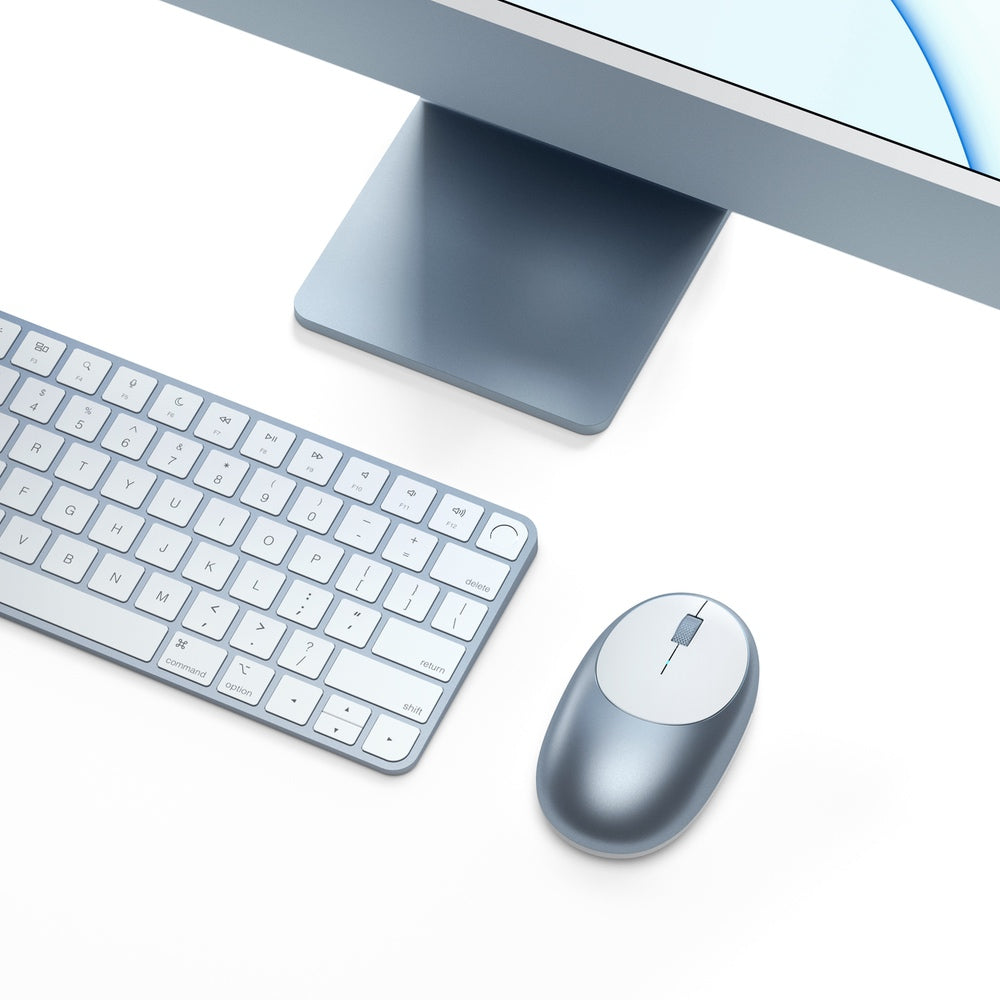
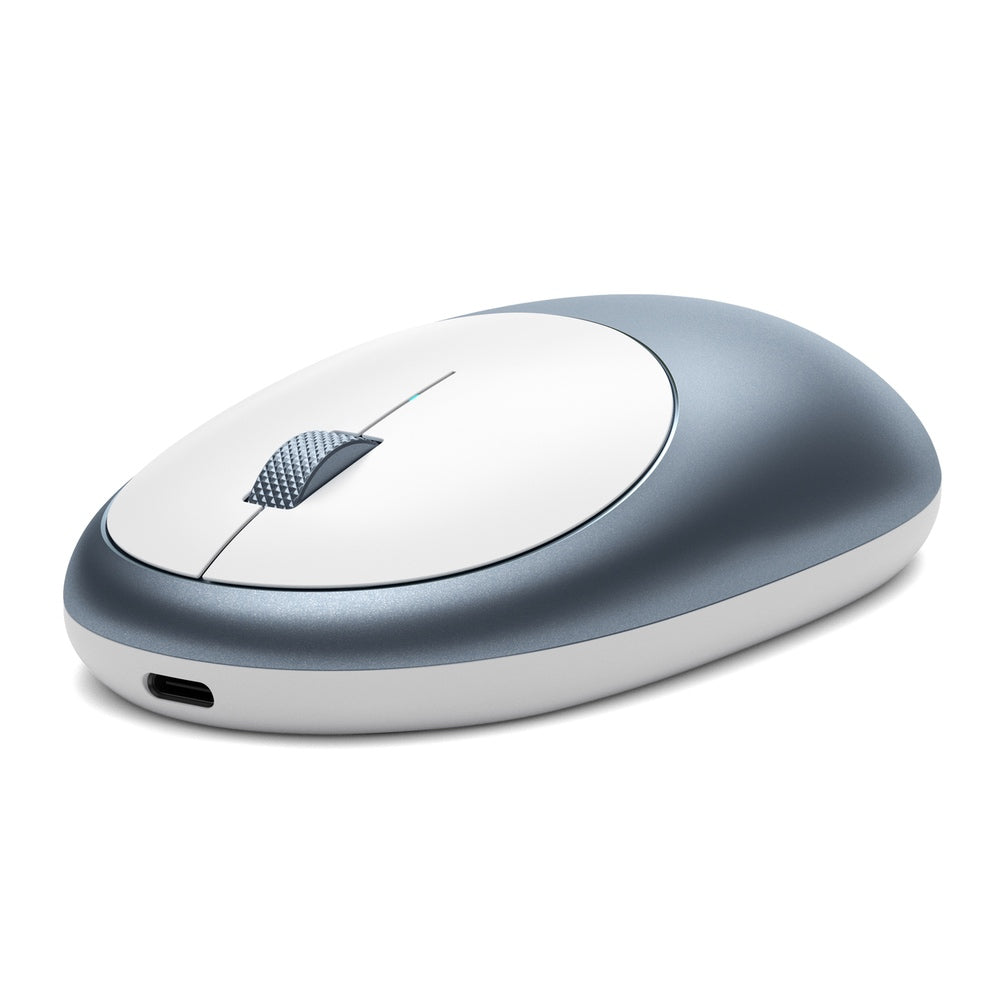
A slim rechargeable Bluetooth mouse, small enough to live in a laptop bag. Charges over USB-C, so it uses the same cable as everything else rather than needing batteries.
What it does:
Bluetooth connection, no dongle to lose
Rechargeable over USB-C
Slim aluminium body
Blue, silver or space grey
Worth knowing for shared machines: a Bluetooth mouse has to be paired and stays paired to the last device. For a computer lab where a different student sits down each period, a wired mouse like the C1 or Slim LX is the simpler choice. The M1 suits an assigned staff laptop.
Purchase orders accepted on school accounts.
Satechi Slim Mouse — Wired & Wireless
from $36.35 ex GST
($39.99 inc GST)
Slim mice for classrooms, labs and staff desks. The choice comes down to one thing: whether the machine is shared.
Choose by how it's used:
C1 USB-C Wired — plug in and go, nothing to pair or charge. The right answer for a computer lab.
Slim LX USB-C Wired — the same wired simplicity in a slimmer body
Slim EX Wireless — for an assigned staff laptop where a cable is a nuisance
OntheGo — compact and portable, in black or sand, to travel with a tablet
Why wired usually wins in a school. A wireless mouse on a shared machine has to be paired, holds that pairing, and runs out of charge at the worst moment. A wired mouse works for whoever sits down. Save the wireless ones for individually assigned devices.
Purchase orders accepted on school accounts.
Satechi Slim W1 — Wired USB-C Backlit Keyboard
$90.90 ex GST
($99.99 inc GST)
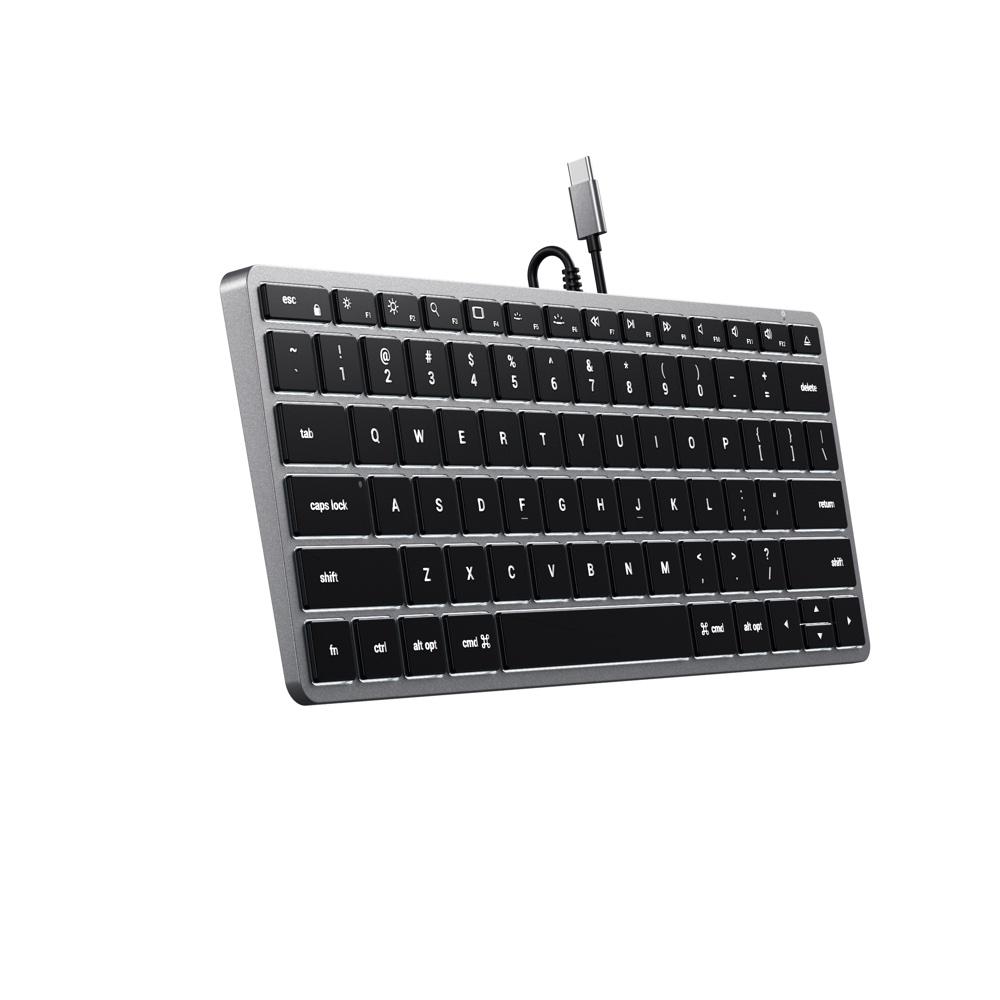
The wired version of the Slim X1 — a compact backlit keyboard that connects over USB-C with no pairing, no charging and no battery to go flat mid-lesson. For a shared computer lab or a student workstation, wired is usually the right answer.
What it does:
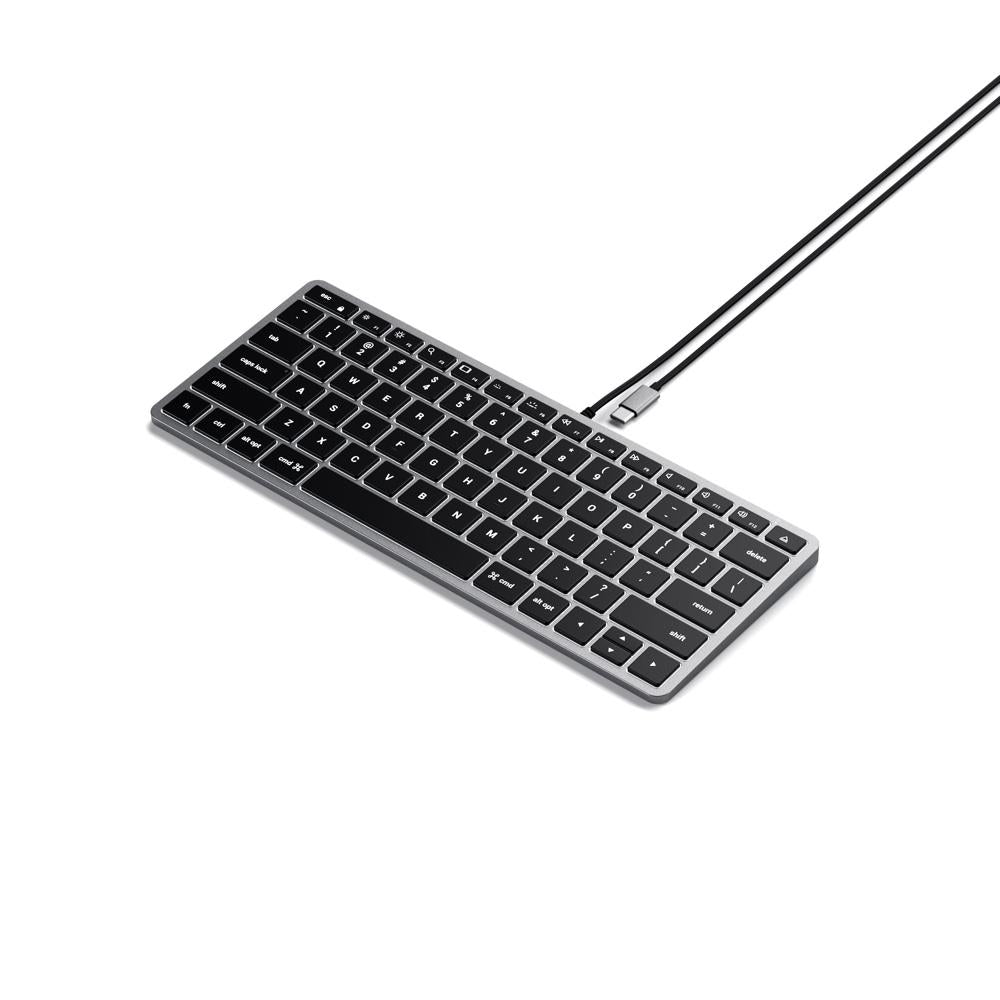
Compact tenkeyless layout, no numeric keypad
USB-C wired connection — plug in and type
Backlit keys with 10 brightness levels
Slim aluminium body
Why wired matters in a school. A Bluetooth keyboard on a shared machine has to be paired, stays paired to the last device, and eventually needs charging. A wired keyboard works for whoever sits down. For labs and libraries, that difference is the whole decision.
Need a number pad? The Slim W3 is the same keyboard with a numeric keypad. Purchase orders accepted on school accounts.
Satechi Slim W3 — Wired USB-C Backlit Keyboard
$99.99 ex GST
($109.99 inc GST)
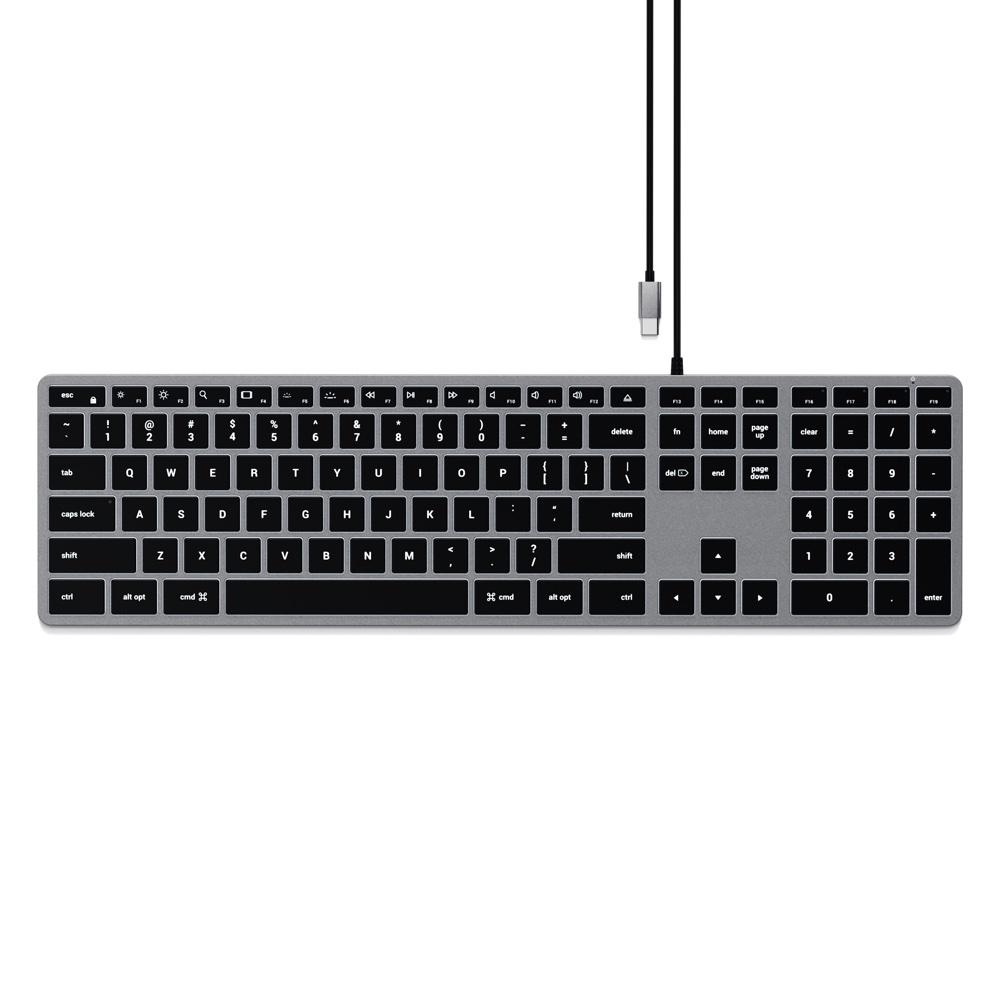
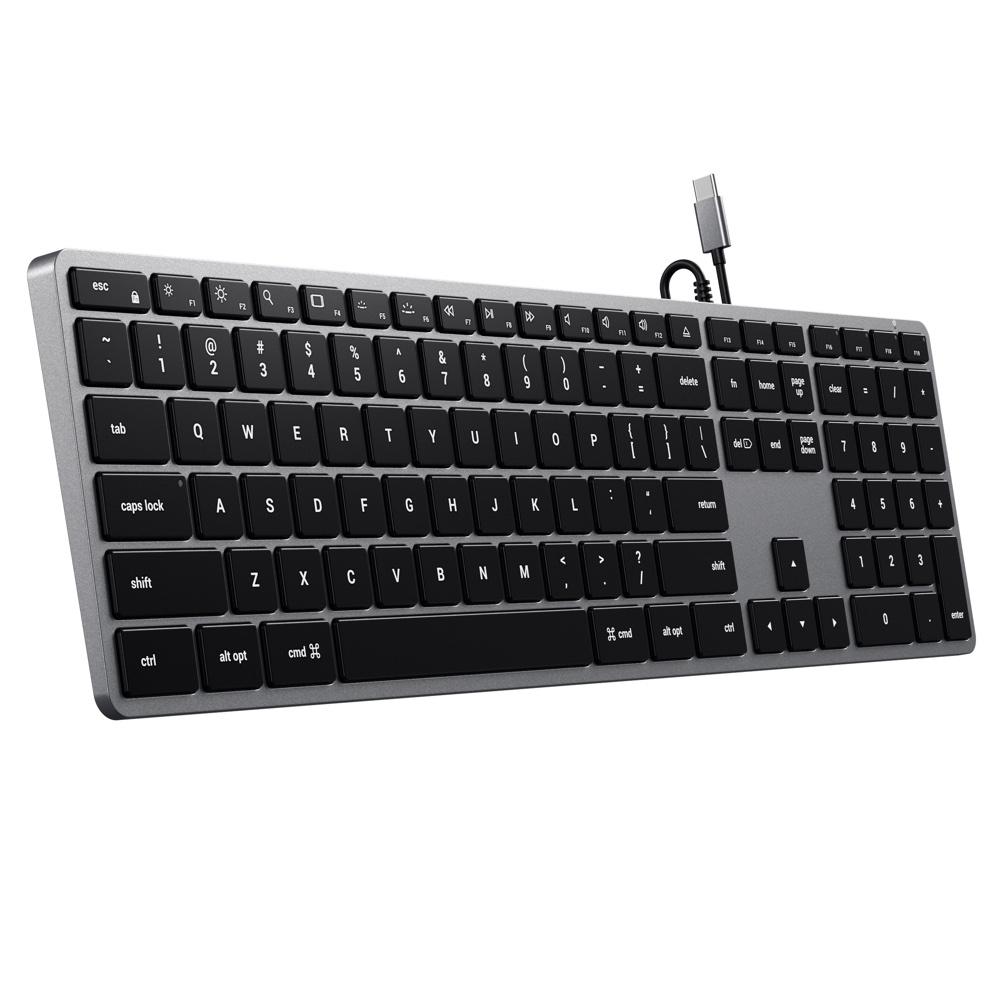
A full-size wired backlit keyboard with a numeric keypad, connecting over USB-C. No pairing, no charging — the sensible choice for a shared machine where a different person sits down every period.
What it does:
Full-size extended layout with numeric keypad
USB-C wired connection
Backlit keys with 10 brightness levels
Slim aluminium body
Where the numeric keypad earns its place: maths, accounting and business studies, data entry in the front office, and any spreadsheet work. Students entering long number sequences on a top row are slower and make more errors.
Don't need the keypad? The Slim W1 is the same keyboard in a compact layout for less. Purchase orders accepted on school accounts.
Satechi Slim Wireless Keypad
$68.17 ex GST
($74.99 inc GST)
A wireless numeric keypad that sits beside a compact keyboard or a laptop — the way to add number entry without replacing a keyboard that's otherwise fine.
What it does:
Full numeric keypad, wireless
Slim aluminium body matching the Satechi keyboard range
Silver or space grey
Where it earns its place: a staff member doing reporting or budgets on a laptop, front-office data entry, and maths or business classes where students enter long number sequences. A keypad is far cheaper than a new full-size keyboard and takes up less desk.
Also available: the Bluetooth Extended Keypad, which adds calculator functions. Purchase orders accepted on school accounts.
Satechi Slim X1 — Compact Bluetooth Keyboard
$99.99 ex GST
($109.99 inc GST)
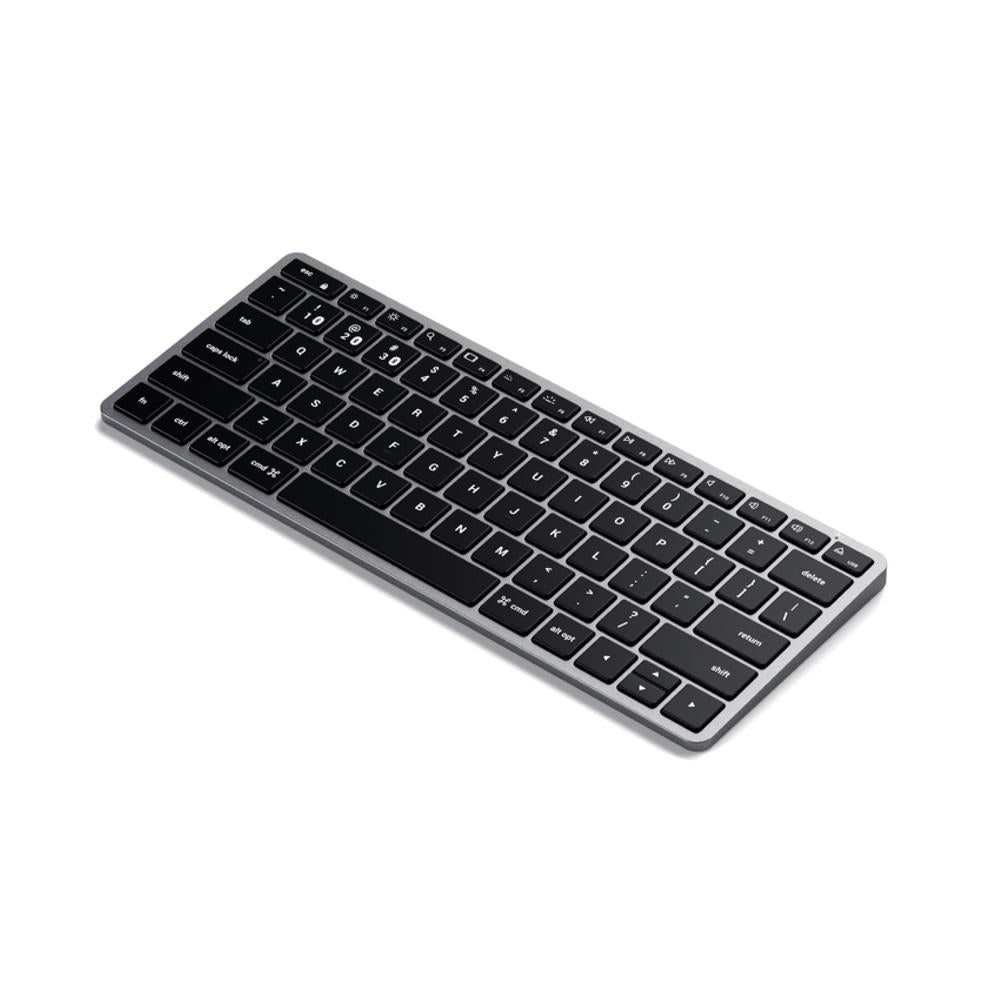
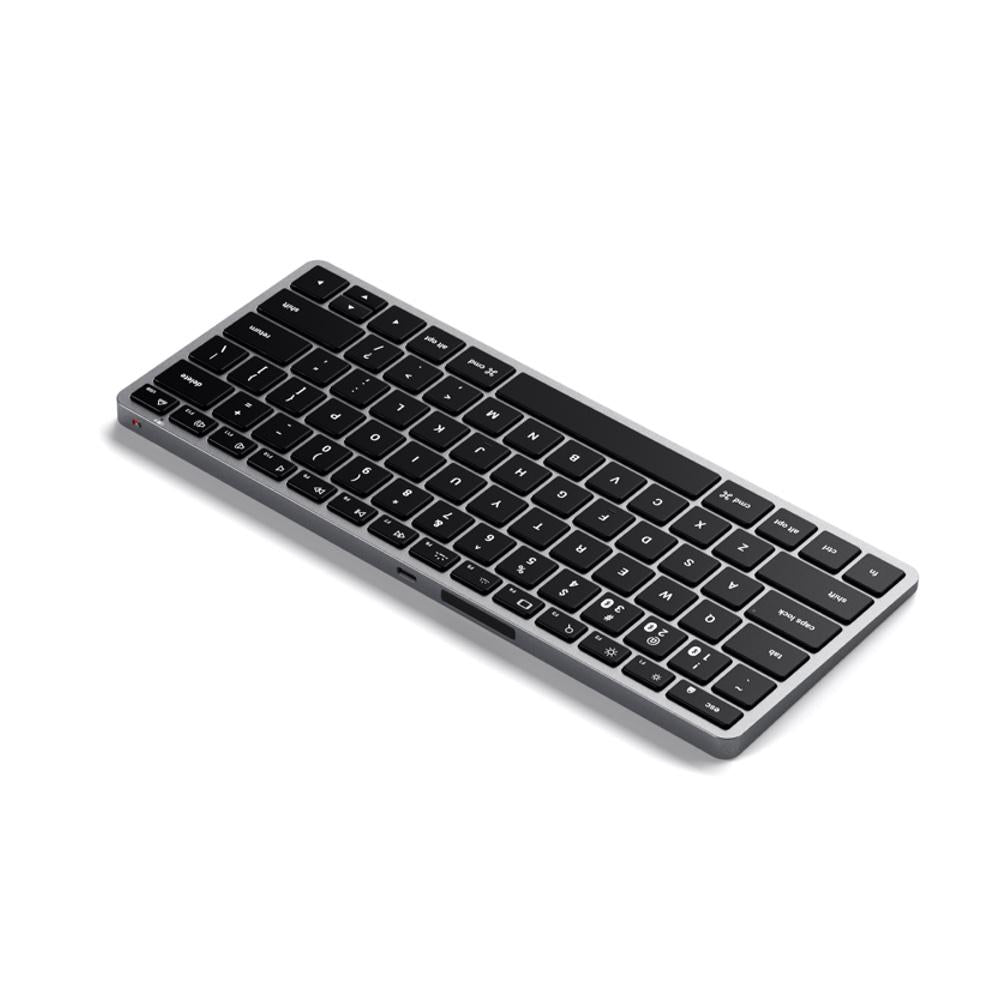
The most compact keyboard in the Slim range — a full QWERTY layout with no numeric keypad, which makes it small enough to sit in front of an iPad on a desk or slide into a bag with a laptop.
What it does:
Compact tenkeyless layout
Pairs with up to three devices, switching by dedicated key
Backlit keys with 10 adjustable brightness levels
Rechargeable over USB-C
Slim aluminium body with macOS function keys
Where it fits in a school: paired with an iPad for extended writing, or on a staff desk where space is tight. The three-device pairing suits a teacher moving between an iPad, a laptop and a desktop.
Windows note: works with Windows 10 and later. Not supported on Windows 7 or 8.
Need a number pad? The Slim X2 adds one and stays reasonably compact; the Slim X3 is full-size. Purchase orders accepted on school accounts.
Satechi Slim X2 — Bluetooth Keyboard with Keypad
$113.63 ex GST
($124.99 inc GST)
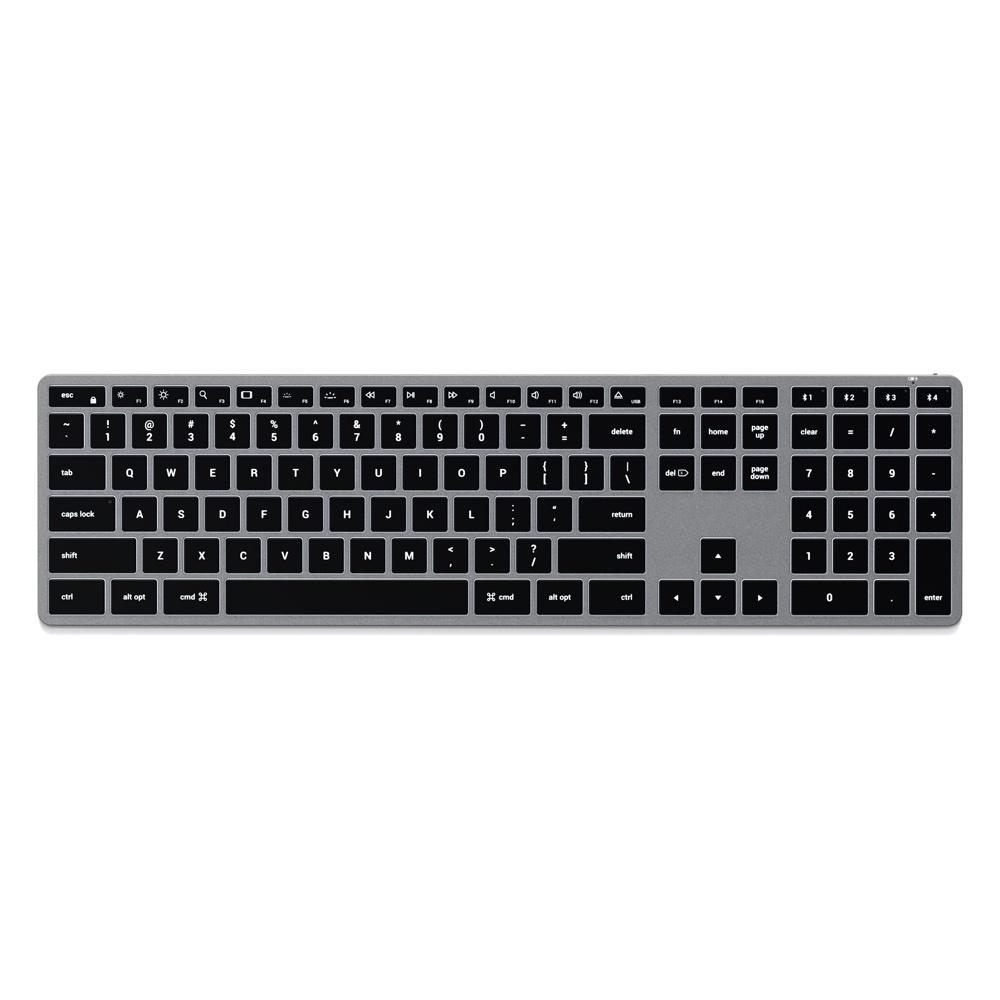
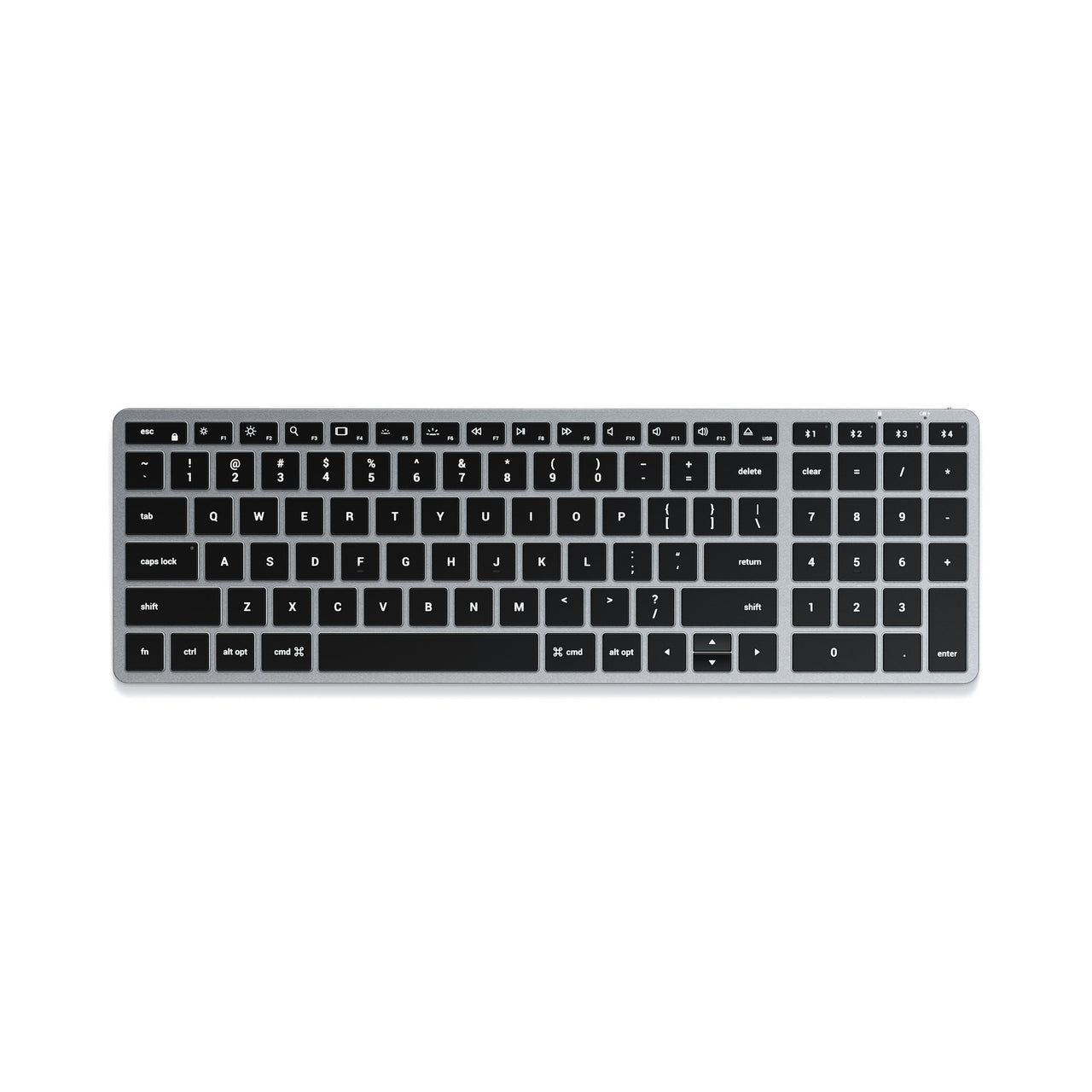
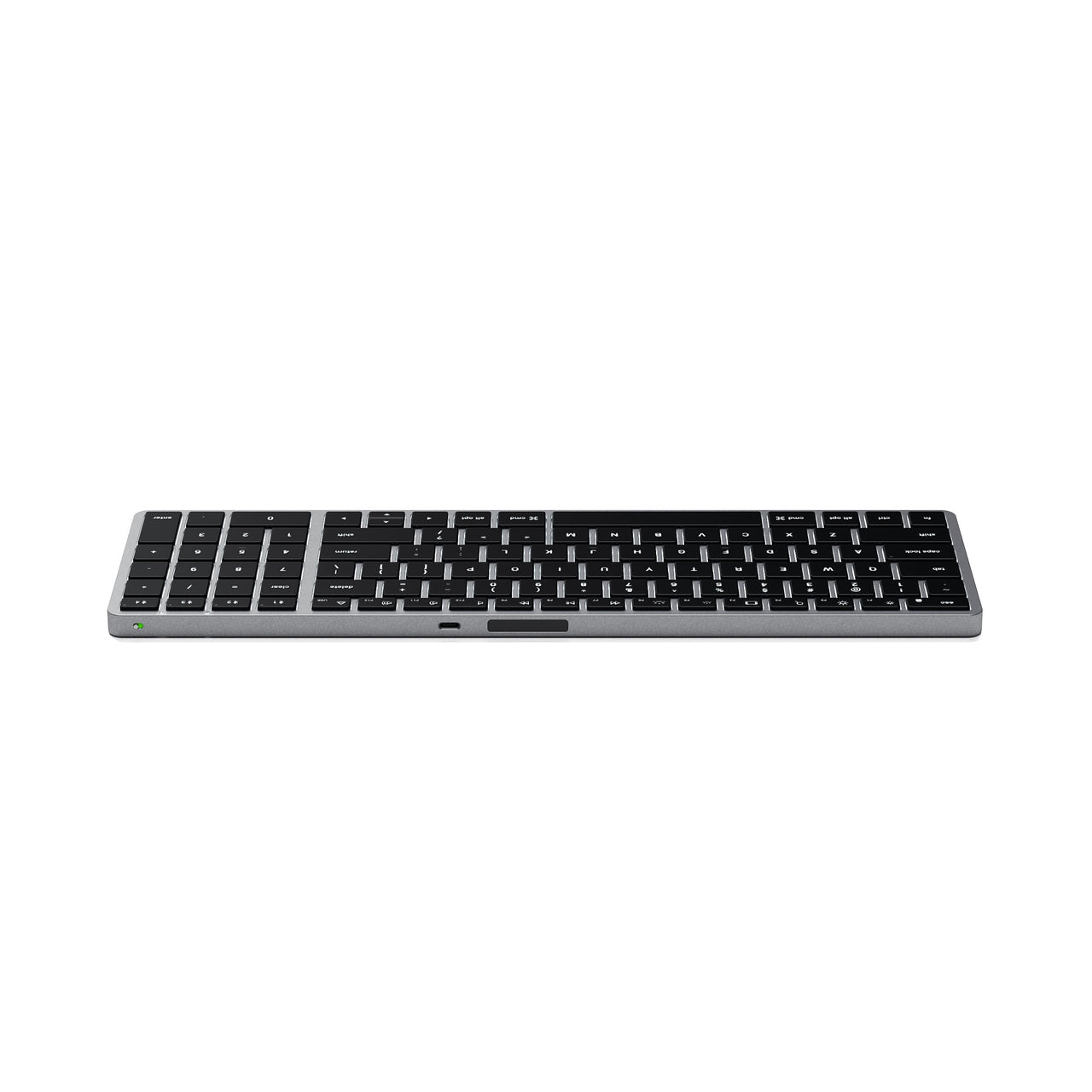
The middle keyboard in the Slim range — it has a numeric keypad but sits several inches narrower than the full-size X3, which is the reason to choose it. Number entry without giving up the whole desk.
What it does:
QWERTY layout with numeric keypad in a narrower body
Pairs with up to four devices, switching by dedicated key
Backlit keys with 10 adjustable brightness levels
Rechargeable over USB-C
Slim aluminium body with macOS function keys
Where it fits: staff desks that need a number pad for spreadsheets and reporting but don't have room for a full-size board. Also the better travel option of the two keypad models.
Windows note: works with Windows 10 and later. Not supported on Windows 7 or 8.
Purchase orders accepted on school accounts.
Satechi Slim X3 — Full-Size Bluetooth Keyboard
$127.26 ex GST
($139.99 inc GST)
The full-size keyboard in the Slim range — extended layout with a numeric keypad, for a desk where the keyboard stays put and comfort matters more than portability.
What it does:
Full-size extended QWERTY layout with numeric keypad
Pairs with up to four devices, switching by dedicated key
Backlit keys with 10 adjustable brightness levels
Rechargeable over USB-C
Slim aluminium body with macOS function keys
Where it fits: a fixed staff workstation, front office or business manager's desk — anywhere with sustained spreadsheet, reporting or data entry work.
Worth knowing: at full size this isn't a keyboard to carry between rooms. If it needs to travel, the X2 gives you the number pad in a narrower body, and the X1 is smaller again.
Windows note: works with Windows 10 and later. Not supported on Windows 7 or 8.
Purchase orders accepted on school accounts.
Satechi SM — Slim Mechanical Bluetooth Keyboard
from $163.63 ex GST
($179.99 inc GST)
Mechanical keyboards in a slim profile — real switches under the keys rather than a membrane, which means a positive click on every press and a keyboard that lasts through years of heavy typing rather than going mushy.
Choose your model:
SM1 — the flagship, with the fuller feature set
SM3 — full-size mechanical at a lower price
Both available in dark or light finishes, with white LED backlighting and Bluetooth connection.
Where a mechanical keyboard is worth the money. Not for a general classroom — a wired membrane keyboard is cheaper and fine. These suit staff who type for hours daily, media and coding rooms where key feel matters, and anywhere a keyboard is being replaced annually because the cheap ones wear out. Over three years the maths often favours the mechanical.
Purchase orders accepted on school accounts.
Satechi USB-C Pass Through Hub
$63.63 ex GST
($69.99 inc GST)
A USB-C hub that adds USB ports while passing power straight through, so the laptop keeps charging on the same port the hub occupies. On a machine with only one or two USB-C ports, that's the difference between using the hub and using the charger.
What it does:
Adds USB 3.0 ports over USB-C
Power pass-through for charging while connected
Slim aluminium body
Pass-through is the whole point. A hub without it means choosing between peripherals and power — fine for a lesson, a problem for a full day at a desk.
Purchase orders accepted on school accounts.
Satechi Vegan-Leather Premium Desk Mat
$72.72 ex GST
($79.99 inc GST)
A large vegan-leather desk mat covering the area under a keyboard and mouse. Beyond looking tidier, it gives an optical mouse a consistent surface — glass, gloss laminate and light timber all confuse mouse sensors, and school desks are usually one of the three.
What it is:
Vegan-leather surface, large format
Black, brown or navy
Where it fits: staff workstations, front office and reception desks, and library terminals. Purchase orders accepted on school accounts.
Satechi Vegan-Leather Premium Mouse Pad
$31.81 ex GST
($34.99 inc GST)
A vegan-leather mouse pad in black or brown. A small thing, but a smooth consistent surface makes an optical mouse track reliably on a desk that would otherwise confuse it — glass, gloss laminate and light timber are all common culprits in school offices.
What it is:
Vegan-leather surface
Black or brown
Purchase orders accepted on school accounts.
Twelve South BookArc Flex — Vertical Laptop Stand
$63.63 ex GST
($69.99 inc GST)
A vertical stand that holds a closed laptop on its edge, freeing the desk space the machine would otherwise occupy. For a workstation where the laptop drives an external monitor and stays shut all day, this is the tidiest way to store it.
What it does:
Holds a closed laptop vertically
Adjustable to fit different thicknesses
Chrome or white
Where it fits: a staff desk running a laptop in clamshell mode with a monitor, keyboard and mouse. Also useful for storing a set of laptops upright on a shelf rather than stacked.
Purchase orders accepted on school accounts.
Twelve South Curve Riser — iMac & Displays
$127.26 ex GST
($139.99 inc GST)
A riser that lifts an iMac or an external display, with space underneath to slide a keyboard away when the desk is needed for something else.
What it does:
Raises an iMac or monitor to a comfortable height
Storage space beneath for a keyboard
Black steel construction
Where it fits: a fixed workstation in a library, office or design lab. The space underneath matters more than it sounds on a shared desk that also gets used for paperwork.
Purchase orders accepted on school accounts.
Twelve South Curve — Compact Laptop Stands
from $54.54 ex GST
($59.99 inc GST)
Compact stands from the Curve range — smaller and lower-cost than the full Curve, for desks where space is tight or the stand needs to travel with the laptop.
Choose your model:
Curve Nano — the smallest, folds flat to travel. Slate, dune or coastal.
Curve Mini — a step up in height and stability
Curve Flex — adjustable height and angle, for setting a screen exactly at eye level
Why raise a laptop at all. A screen on the desk means looking down all day, which is the most common cause of neck and shoulder complaints among staff. A stand is the cheapest ergonomic fix available — though it does mean adding an external keyboard, since the built-in one is no longer at typing height.
Purchase orders accepted on school accounts.
Twelve South Curve — Laptop Stand
$81.81 ex GST
($89.99 inc GST)
The full-size Curve — a fixed aluminium stand that raises a laptop screen to eye level. No moving parts, which is why it's more stable than an adjustable stand and why it lasts.
What it does:
Raises a laptop to a comfortable viewing height
Open design underneath for airflow
Fixed height — no joints to loosen
Worth knowing: raising the screen means the built-in keyboard is no longer at typing height, so budget for an external keyboard and mouse alongside it. That's true of every laptop stand, and it's the step people forget.
Need something smaller or adjustable? The Curve Nano, Mini and Flex cover compact and height-adjustable options. Purchase orders accepted on school accounts.
Twelve South DeskPad
$72.72 ex GST
($79.99 inc GST)
A large desk pad covering the area under a keyboard and mouse. Gives an optical mouse a consistent surface, which matters on the glass and gloss laminate desks common in school offices.
What it is:
Large-format desk pad in black
Purchase orders accepted on school accounts.
Twelve South PlugBug — Find My Travel Charger
from $127.26 ex GST
($139.99 inc GST)
A USB-C travel charger with Apple Find My built in — so a charger left in a classroom or a meeting room can be located rather than written off.
Choose your output:
50W — tablets, phones and smaller laptops
120W — larger laptops, or several devices at once
Why Find My matters here. Chargers are the single most-lost item in any school — left plugged in behind a desk, borrowed and not returned, gone by the end of term. A trackable charger is worth the premium if you're issuing them to staff rather than replacing them twice a year.
Purchase orders accepted on school accounts.
Twelve South PowerPic mod — Wireless Charger
$90.90 ex GST
($99.99 inc GST)
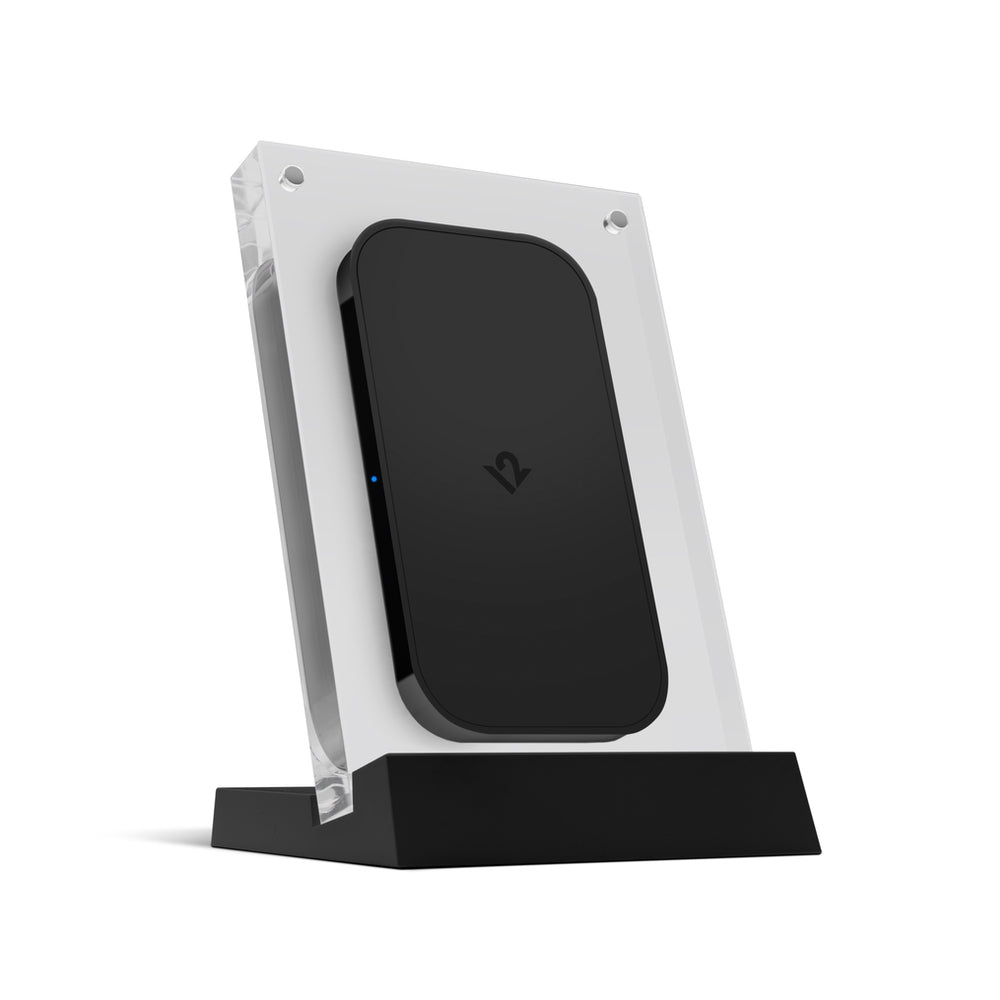
A wireless charger built into a picture frame — the phone charges standing up behind a photo, so a charging pad stops looking like one. A desk accessory rather than school equipment, but a popular staff gift.
What it does:
Wireless charging for compatible phones
Holds a standard photo in the frame
Black finish
Purchase orders accepted on school accounts.