



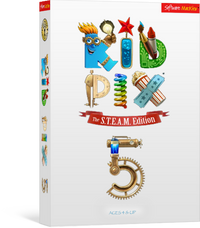
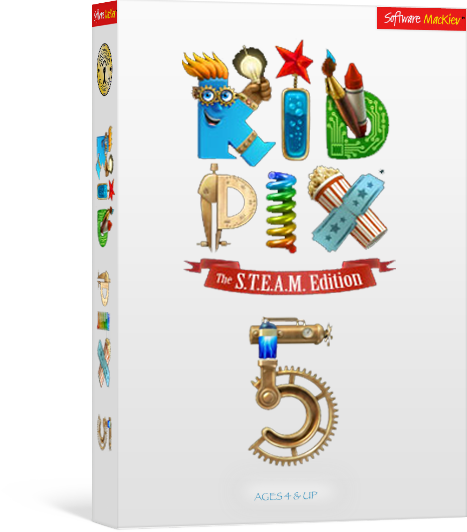
Yes, Kid Pix is still made. The current version is Kid Pix 5: The S.T.E.A.M. Edition — the direct successor to Kid Pix 3D and the Deluxe versions a lot of teachers remember using at school. It runs on Mac and Windows, and this is the Australian download.
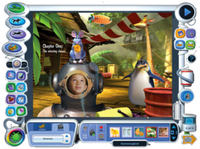
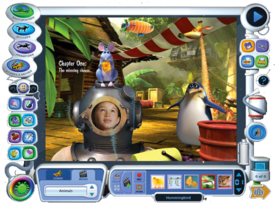
The drawing tools work the way they always did: pick a wacky brush, make a mess, undo it, try again. What has changed is what happens next. A drawing can now become a slide show with narration, an animated story, or a quiz another student can tap through.
What students can make:
- Drawings and paintings, with the stamps, brushes and sound effects Kid Pix has always had
- Slide shows and flipbook animations, assembled on the same screen as the canvas
- Narrated stories — record a full voiceover, or give each character its own voice
- Interactive projects where tapping a character makes it speak, sing or fly off the screen
- Video documentaries, using the computer's camera and animated costume frames
- Their own stickers, made from anything they can draw or photograph
What they practise:
- Telling a story with pictures, sound and timing rather than words alone
- Layering, scale and perspective, using the layer tools and 3D backgrounds
- Planning a sequence — what happens first, what happens when someone taps this
- Recording and editing their own voice, which is often the first time they hear it played back
System requirements
- Mac: OS X 10.10.5 or later, including macOS Ventura 13. 3.8 GB free disk space.
- Windows: Windows 7 SP1 or later, including Windows 11. 2 GHz Core 2 Duo or equivalent, 2 GB RAM, 4.1 GB free disk space.
- Both: 1024 x 768 display. A camera and microphone are needed for video and narration tools. An internet connection is needed to publish to YouTube.
Supplied as a digital download — no disc, and no DVD drive required. Single licences are listed above. For 50-user network licences, upgrade pricing, or any other quantity, add this to a quote with your requirements and we will price it for your school.


