


littlebits powersnaps
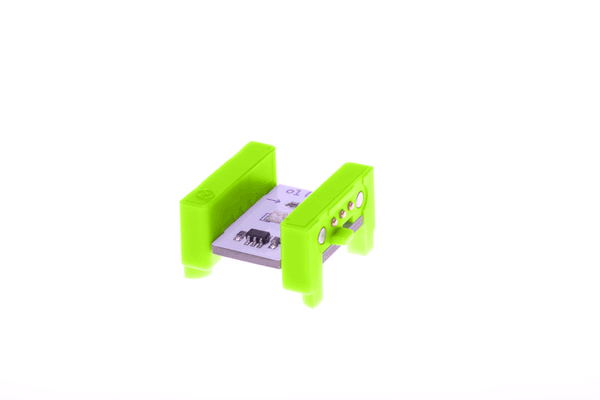
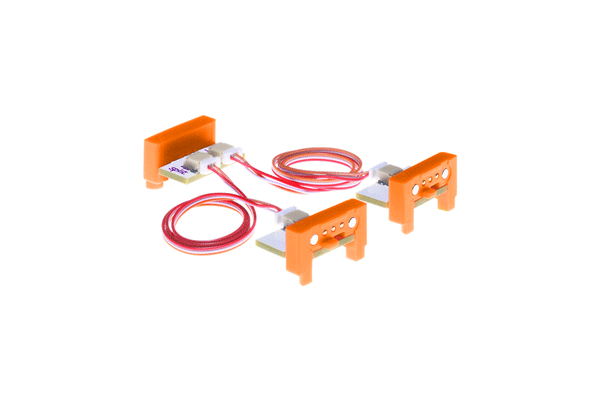
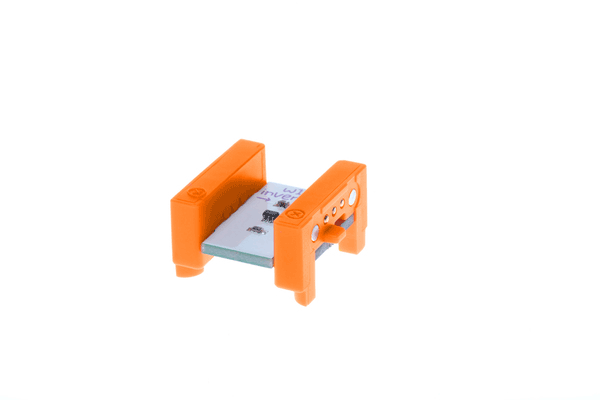
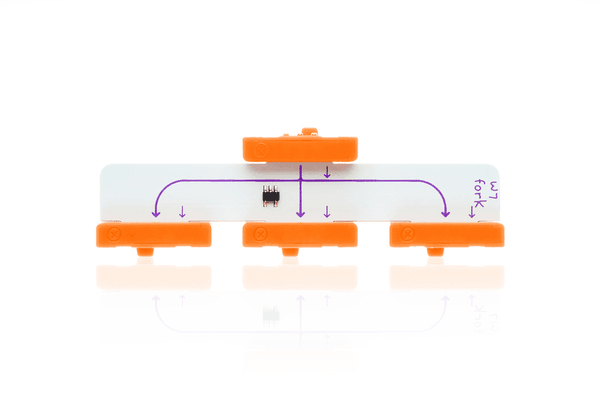
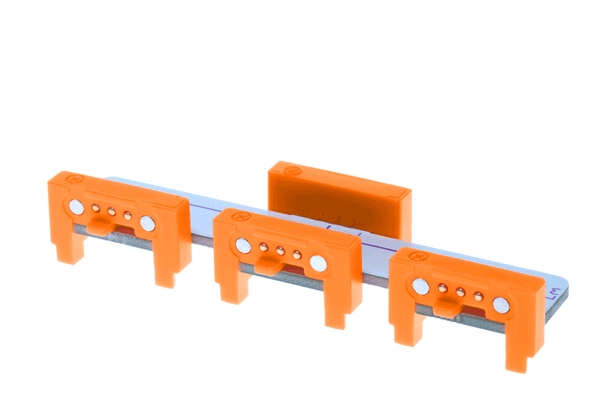
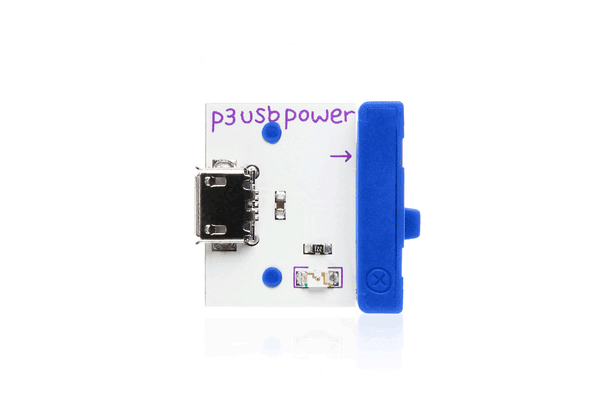
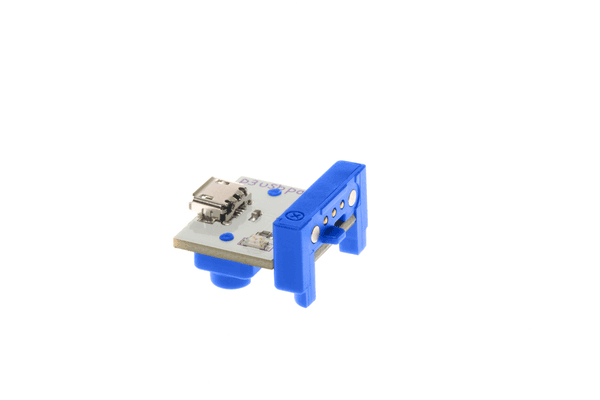
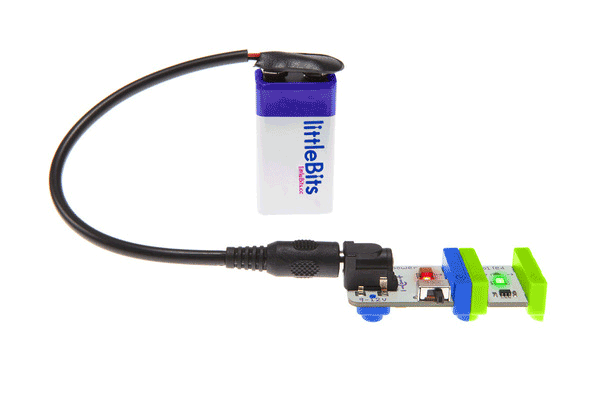
littleBits powerSnaps $11.77 ex GST
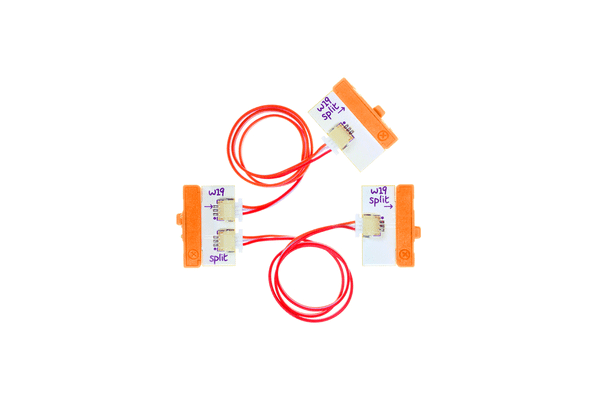
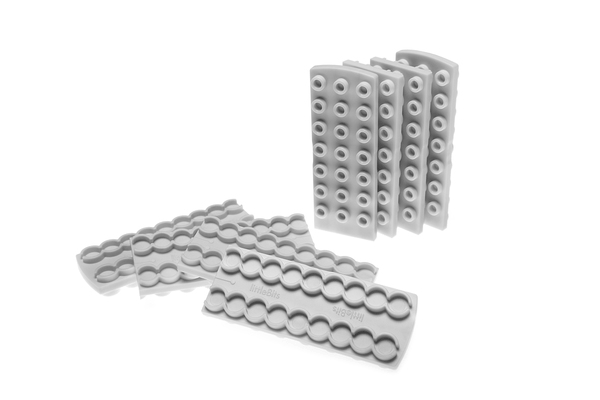
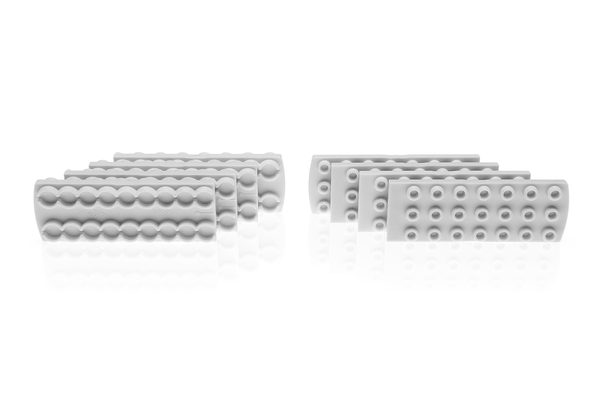
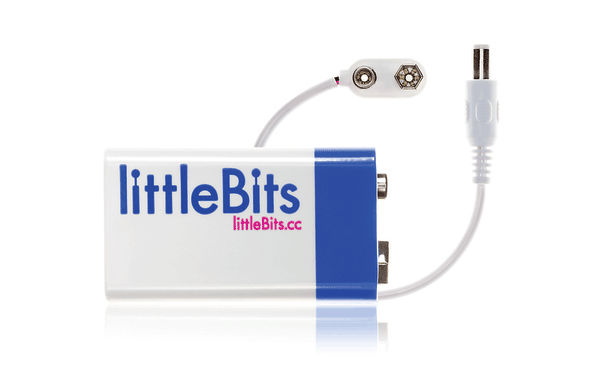
The powerSnap supplies power to an open input without extra forks, splits, or power supplies. Includes 3 powerSnaps. 
littlebits wheel (cross axle - 2 pack)
littleBits Wheel (Cross axle - 2 pack) $22.68 ex GST
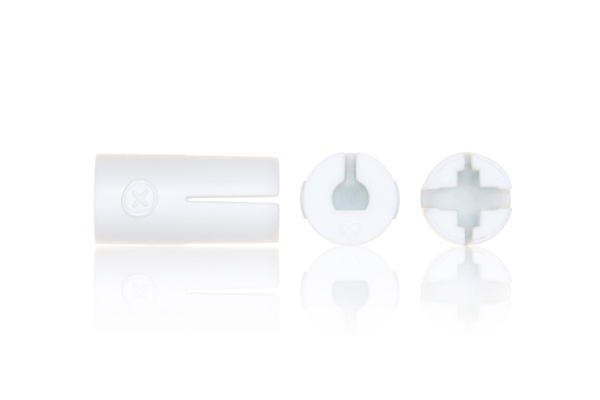
When used with DC motors, this pair of wheels is perfect for making bots, cars, and all sorts of spinning inventions. These wheels work with cross axle DC motors.
littlebits screwdriver
littleBits Screwdriver $11.77 ex GST
The littleBits screwdriver is used to modify any Bit with a micro adjuster.
littlebits micro:bit adapter littlebits micro:bit adapter
littleBits micro:bit Adapter $40.86 ex GST
Take learning & inventing further with the littleBits micro:bit Adapter The littleBits micro:bit Adapter connects micro:bit and littleBits enabling new learning experiences and creative inventions in a less-intimidating way. Enhance your learning with micro:bit by adding coding to your littleBits using platforms like the free Microsoft MakeCode or Python editor. It works by connecting the signals from the littleBits input and output bitsnaps to pins on the micro:bit edge connectors. No special coding libraries are needed. * micro:bit is required for use & sold separately Coding Capabilities Microsoft MakeCode  Microsoft MakeCode is a free, open source platform for creating engaging computer science learning experiences that support a progression path into real-world programming.  Students new to coding can start with coloured blocks that they can drag and drop onto their workspace to construct their programs.  Python Editor for micro:bit  micro:bit Python editor is designed with teachers and learners in mind: you can easily enlarge the text size for sharing on a large screen or whiteboard, download projects as Python text files or .HEX files ready to flash onto a micro:bit. It also works with micro:bit classroom.  Featured Activities micro:bit Countdown Create your very own micro:bit countdown clock using your favourite littleBits and some help from MakeCode. micro:bit Sunflower Create a micro:bit powered sunflower to seek out the best and brightest spots in and around the room. micro:bit Obstacles Create your very own autonomous robot using a micro:bit, your favorite littleBits, and a Sphero RVR. See if you can program RVR through a maze or an obstacle course without it ever hitting a wall or object.
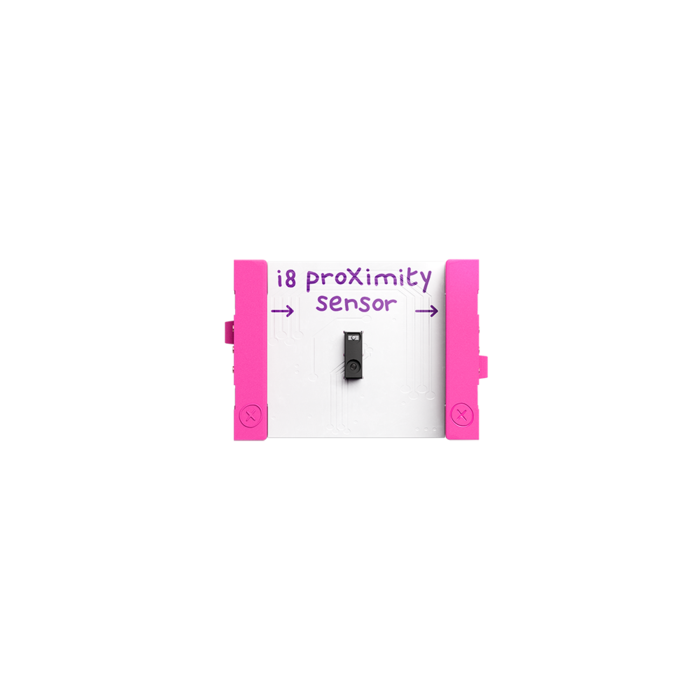
littlebits proximity sensor
littleBits Proximity Sensor $20.86 ex GST
The proximity sensor Bit senses objects in front of it. It can sense if an object is far or near. Try using it to create your own self-navigating car, or a hands-free instrument!
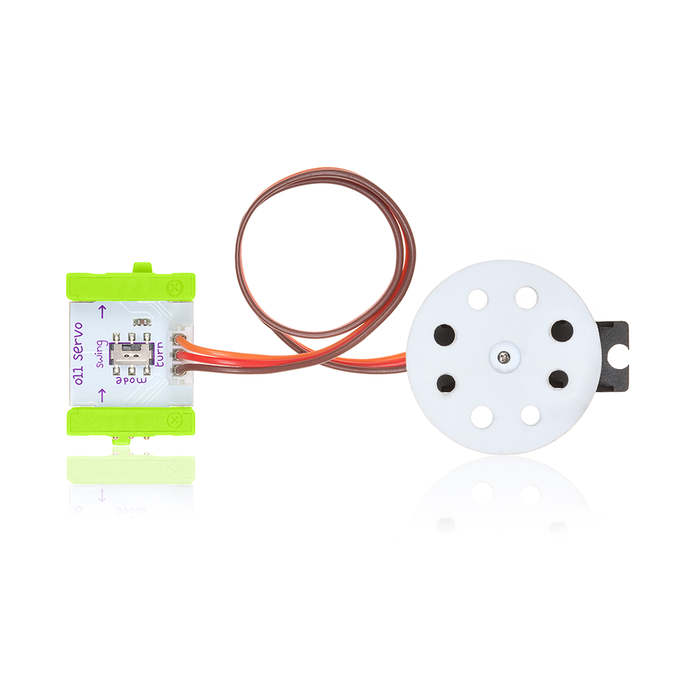
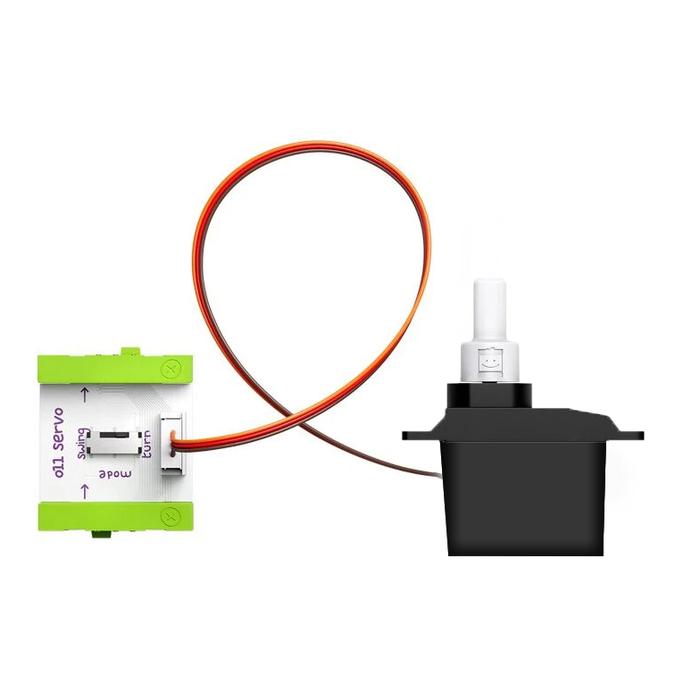
littlebits servo d shaft littlebits servo cross axle
littleBits Servo $49.95 ex GST
The servo is a controllable motor that can swing back and forth, or be turned to a specific position. Try attaching a flag to the servo to make it wave back and forth! Cross Axle: This servo has a cross axle shaft that works with any littleBits accessory with a cross axle opening. Hub Mount: Note that this bit is NOT compatible with the following kits. - Space Rover Inventor Kit - Cross axle mechanical arm (not available separately) - Cross axle motorMate (not available separately)
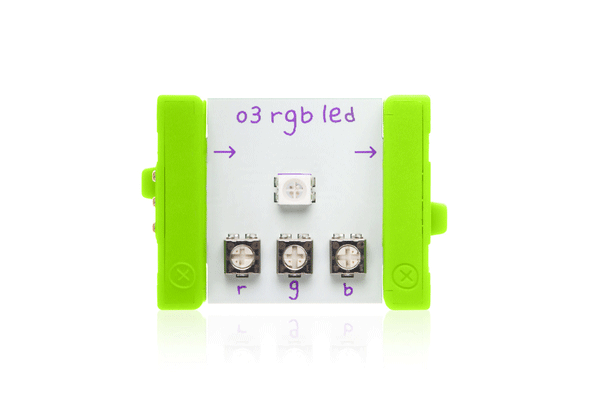
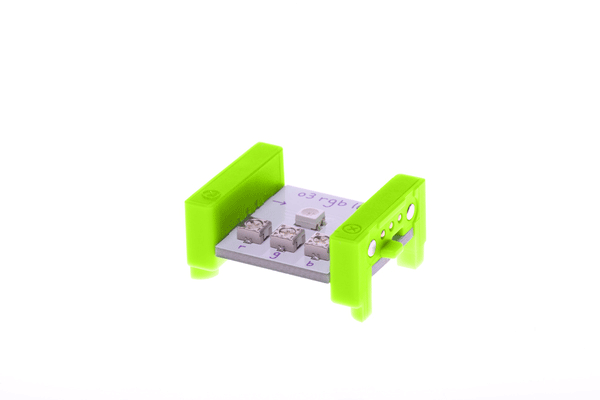
littlebits rgb led littlebits rgb led
littleBits RGB LED $20.86 ex GST
The RGB LED (or "Red-Green-Blue Light-Emitting Diode") Bit is a special light whose colour you can adjust. Use the included screwdriver to adjust each of the colour channels to get almost any colour. Use the RGB LED when you want to match the light to the colour of your creation!
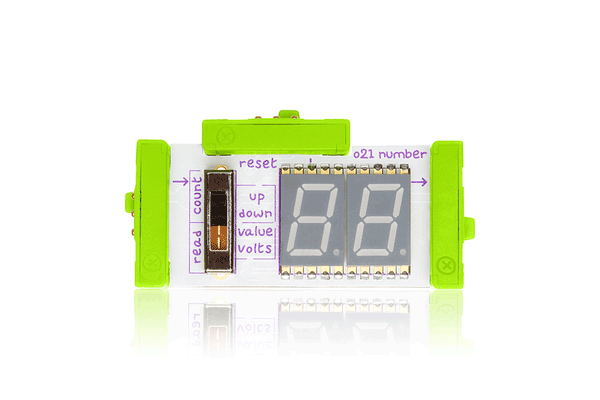
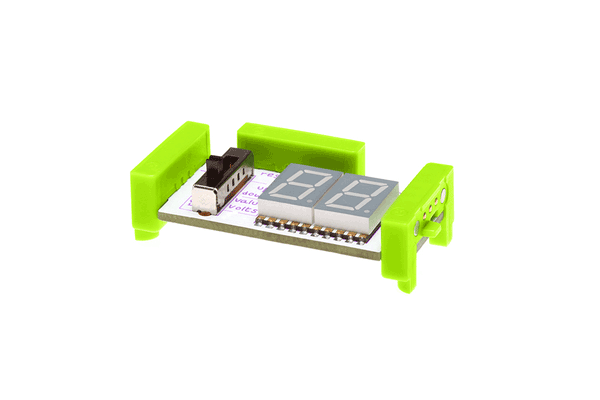
littlebits number plus littlebits number plus
littleBits Number Plus $49.95 ex GST
The number module displays information about the signal it’s receiving from your other modules. It features a two-digit, seven-segment LED display. In the “read” mode, the module displays information about the signal it’s receiving. In the “count” mode, the module counts up or down with each trigger. The counter can be reset by receiving a trigger at the reset bitSnap. Geek Speak This updated number module has 2 main modes and 2 settings under each mode. Use the 4-position switch to choose between the modes. READ MODE: Read mode has two settings: values and volts. The number module reads the voltage on the input bitsnap, then calculates and displays either a value between 00-99 or a voltage between 0.0 - 5.0. The voltage on the output bitsnap is a filtered PWM value that equals the voltage on the input bitsnap. COUNT MODE: Count mode has two settings: up (from 00-99) and down (from 99-00). A step to the next number happens on input low-to-high transitions. The voltage on the output bitsnap is a filtered PWM value that is proportional to the number on display. For example, if the displayed number is 50 then the output voltage is 50% of 5V, or 2.5V. The RESET bitsnap can be used in this mode to reset the number on display. In the "up" setting, the display resets to "00". In the "down" setting, the display resets to "99". The RESET bitsnap resets the number on low-to-high transitions. Under the Hood An Atmega168 is used to constantly read the signal from the switch and determine which mode the module is in. It also reads the buffered signal from the input bitsnap, and sends a PWM signal through a Sallen key filter to the output bitsnap. In "read" mode, the signal from the input bitsnap is passed from the ADC pin to the PWM output. In "count" mode, a step to a new number is triggered on a low-to-high pin-change interrupt on the ADC pin. A PWM lookup table is used to output the corresponding PWM value. The reset is also triggered on a low-to-high transition. The Atmega168 also controls the seven-segment LED display to display the correct value.
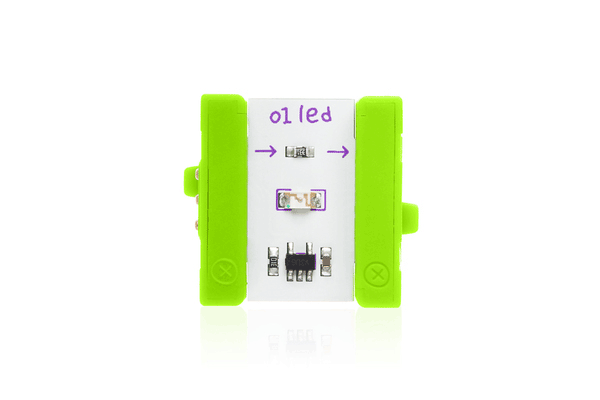
littlebits led littlebits led
littleBits LED $18.14 ex GST
The littleBits LED (or "Light-Emitting Diode") Bit is a very small board that shines a nice green light. It's our go-to when you want to light something up.
littlebits dc motor tethered d shaft littlebits dc motor tethered cross axle
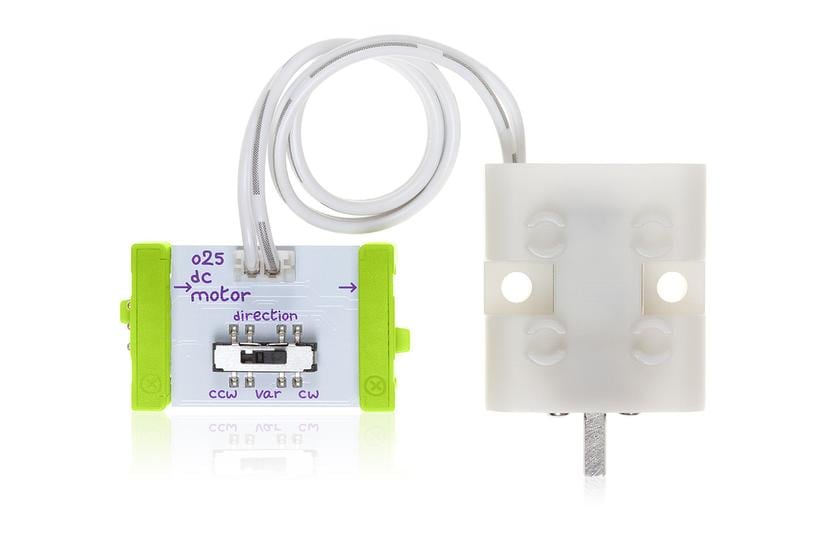
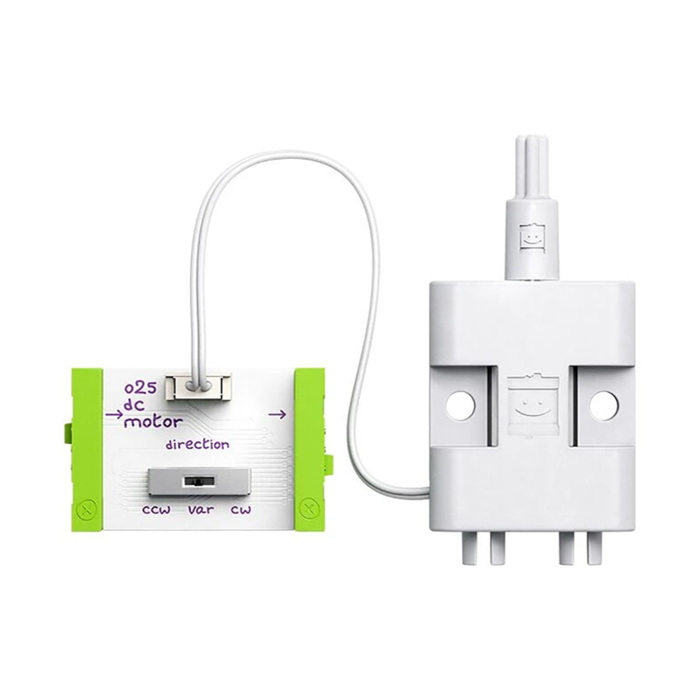
littleBits DC Motor Tethered $45.41 ex GST
The DC (or "direct current") motor rotates a small shaft you can attach anything to. Try attaching a wheel! Use it to spin, turn, twist, and roll.
littlebits buzzer littlebits buzzer
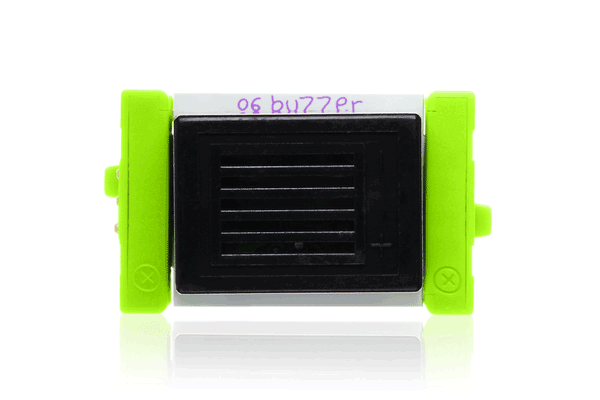
littleBits Buzzer $24.50 ex GST
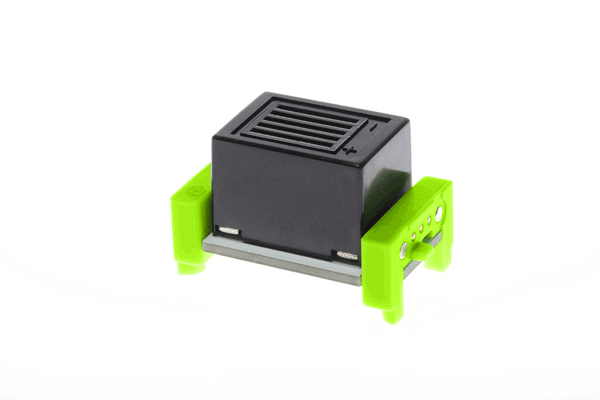
The buzzer Bit is just what it sounds like: it makes a noise that you just can't ignore. It buzzes whenever it gets an ON signal. Try using it to make your own doorbell or alarm!
littlebits bargraph littlebits bargraph
littleBits Bargraph $23.59 ex GST
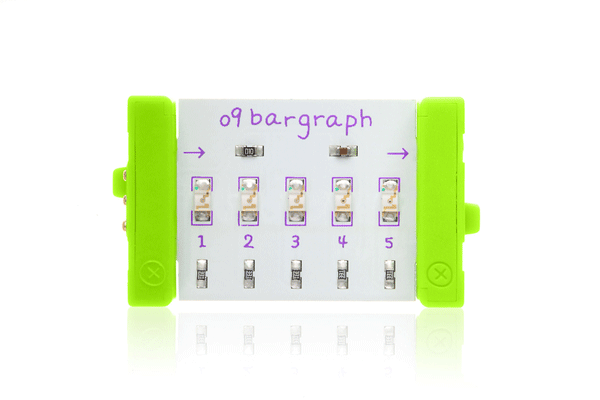
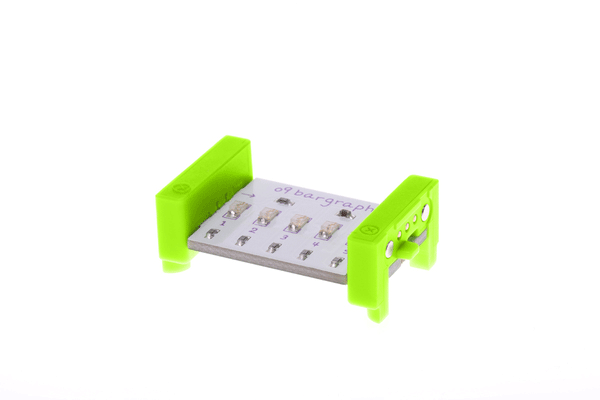
The bargraph is one of littleBits favourite Bits: The bargraph shows you how much signal the Bit is receiving with a display of 5 light-emitting diodes (LEDs) in different colours. Try it with a pressure sensor to make your own strength-o-meter.
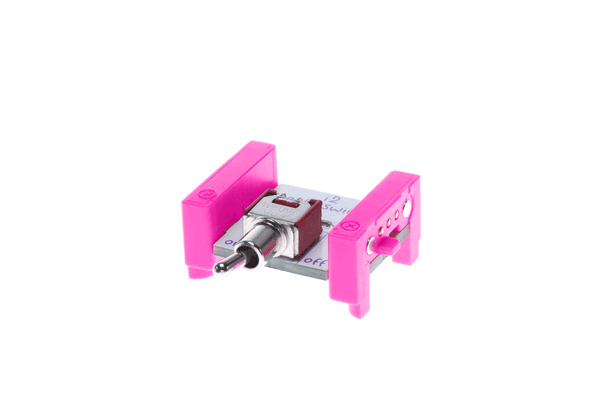
littlebits toggle switch littlebits toggle switch
littleBits Toggle Switch $20.86 ex GST
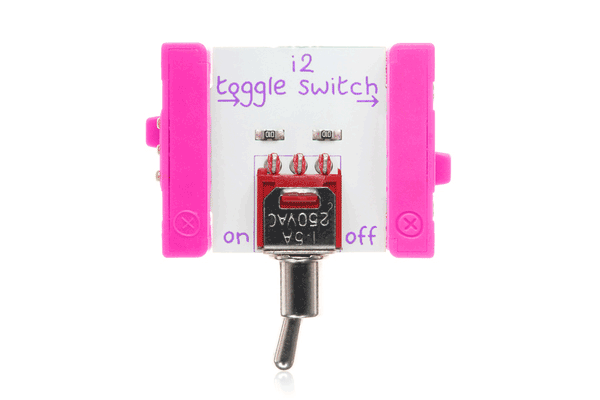
The toggle switch Bit is sturdy on/off switch that you can use to activate your creations with a nice, solid click. Try using it after a USB power Bit as an on/off switch for your whole creation.
littlebits threshold littlebits threshold
littleBits Threshold $20.86 ex GST
Think of the littleBits threshold as a toll booth for signal passing through your circuit. The threshold compares the incoming voltage coming from the bit snapped before it against the voltage amount you’ve set by the threshold knob. If the incoming voltage value is greater than the selected voltage, the threshold will allow the signal to pass and activate any bits (lights, motors, etc…) following it. If not, then nothing will be activated. Use it to make any sensor module into a trigger module! The threshold is a minimum parts count design, using only a single opamp to accomplish the task of comparing the input signal to an onboard reference that is set via the potentiometer control. U1 is configured as a non-inverting comparator with approximately 100mV of hysteresis provided by R1 and R3. VR1 provides the comparator's reference. C1 is a bypass capacitor for U1 that sources current to the opamp during fast switching events.
littlebits temperature sensor littlebits temperature sensor
littleBits Temperature Sensor $36.32 ex GST
The littleBits temperature sensor responds to the temperature surrounding its probe. The higher the temperature it senses, the more signal it sends out. The temperature sensor determines temperature via the IC that is located on top of the board. It communicates via I2C with an MCU located on the bottom of the board. The MCU gets a temperature reading in Celcius, applies a hysteresis to the reading, then converts it to farenheit if necessary. The final determined temperature is converted to a number module readable analog value. Every 50mV on the output of the bitsnap represents a single degree in either Farenheit or Celcius. Since heat will conduct through the board itself, there are slots around around the temperature sensor which provide thermal relief from board conductivity. Not Waterproof: littleBits are not waterproof. Please do not put the temperature sensor in your mouth to take your temperature. Plus, they taste weird so you will wish you hadn’t.
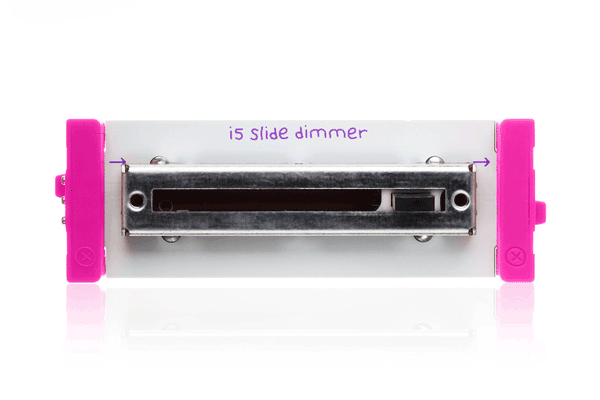
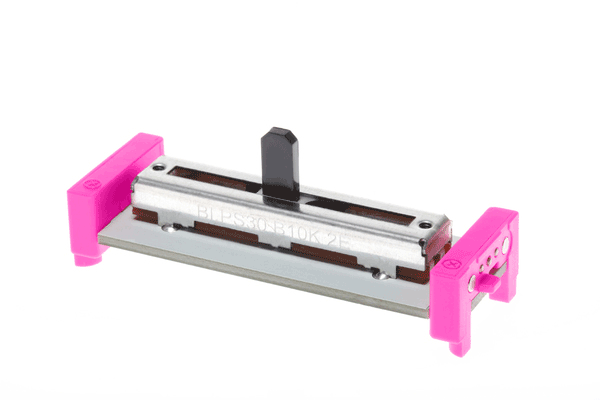
littlebits slide dimmer littlebits slide dimmer
littleBits Slide Dimmer $20.86 ex GST
It functions just like a light dimmer you might find at home, or a volume fader in a recording studio. Follow it with an LED for some adjustable mood lighting.
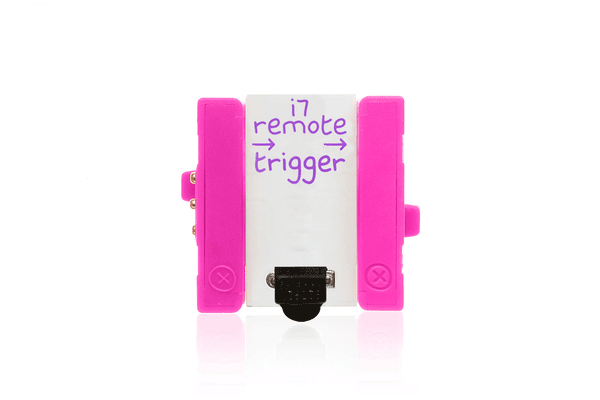
littlebits remote trigger littlebits remote trigger
littleBits Remote Trigger $22.68 ex GST
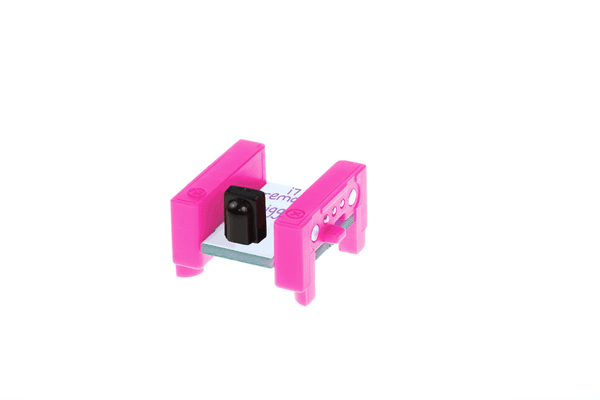
The remote trigger lets you use a common remote control with your modules. Make your littleBits circuit and point your remote control at the remote trigger’s sensor. Then, press any button on your remote control to activate the module. The remote trigger will work with almost any button on a remote that uses infrared light to send signals.
littlebits pulse littlebits pulse
littleBits Pulse $22.68 ex GST
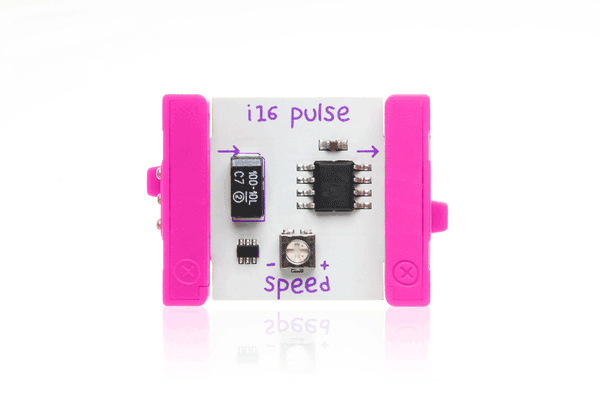
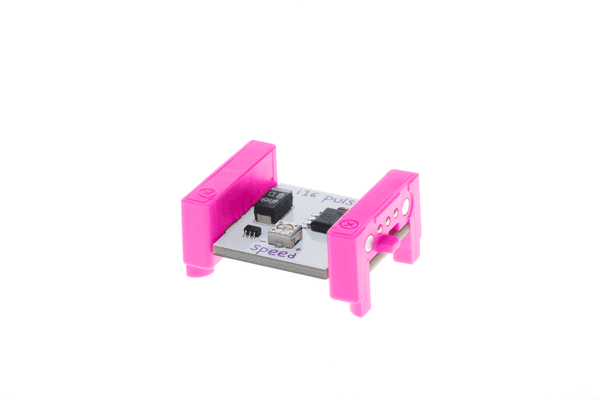
The pulse Bit is like an electronic heartbeat. It sends out a stream of short ON signals, and you can make the speed of the pulses faster or slower using the included screwdriver. It's great for making LEDs blink!
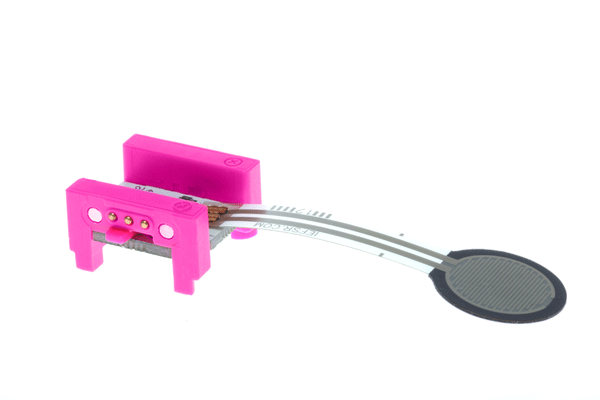
littlebits pressure sensor littlebits pressure sensor
littleBits Pressure Sensor $36.32 ex GST
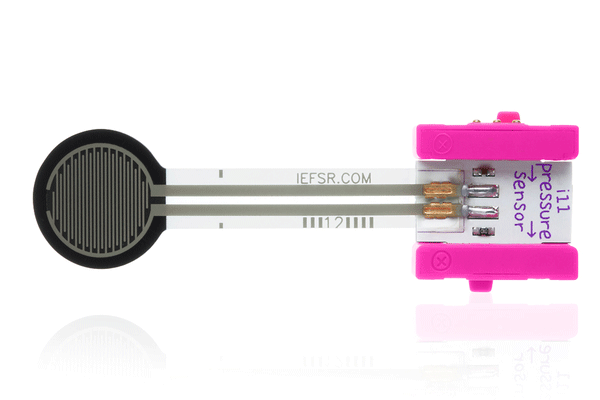
The pressure sensor is a touch-activated module; give its pad a little squeeze to activate it. The more pressure you apply, the more signal it sends out. Put it in front of a vibration motor to control how much it shakes!
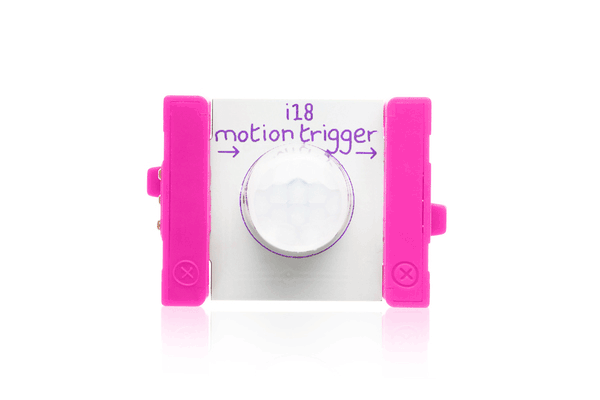
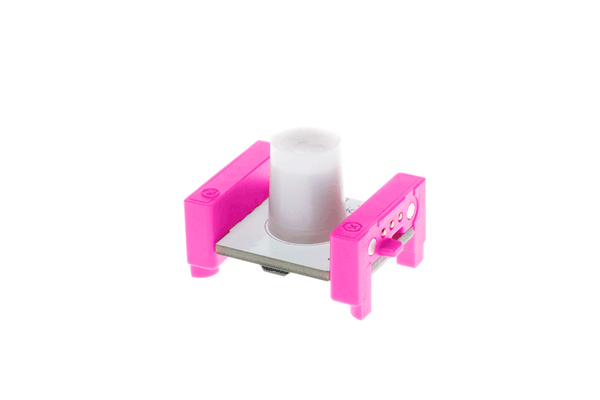
littlebits motion trigger littlebits motion trigger
littleBits Motion Trigger $54.50 ex GST
The motion trigger is similar to the sensor on an automatic door: when someone is moving nearby, it sends an ON signal to the following Bits. It's very sensitive, so don't breathe unless you want to be detected! Try it with some LEDs to create a security light!
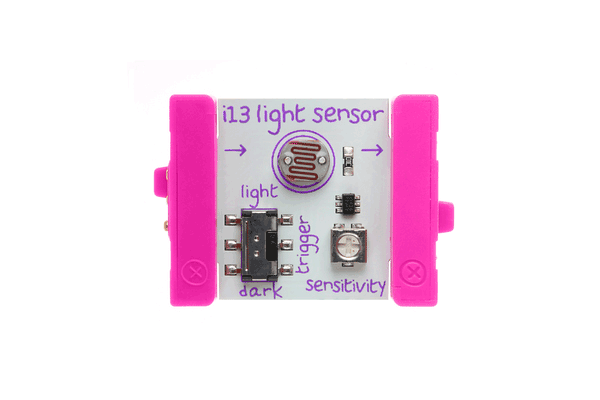
littlebits light sensor littlebits light sensor
littleBits Light Sensor $25.41 ex GST
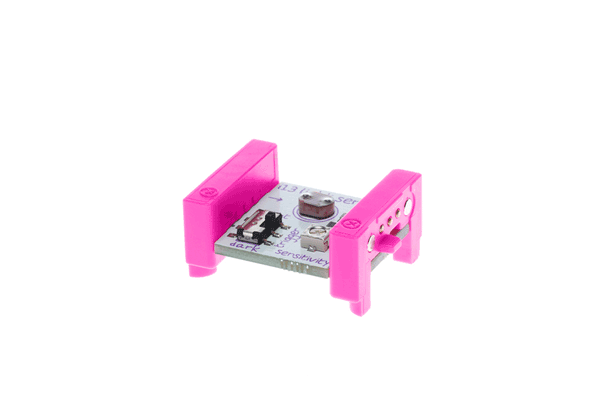
The littleBits light sensor measures how much light is shining on it. It has two modes: “light” and “dark”. In “light” mode, the more light shines on the sensor, the higher the signal it sends out. In “dark” mode, it's just the opposite – the signal increases the darker it gets. You can use a screwdriver to adjust the sensitivity. Use a bargraph to see how it's working!
littlebits envelope littlebits envelope
littleBits Envelope $36.32 ex GST
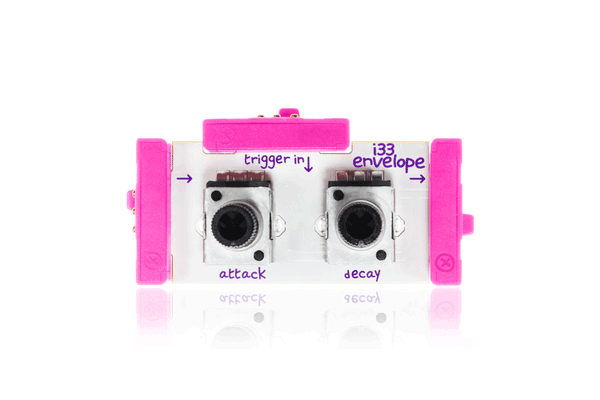
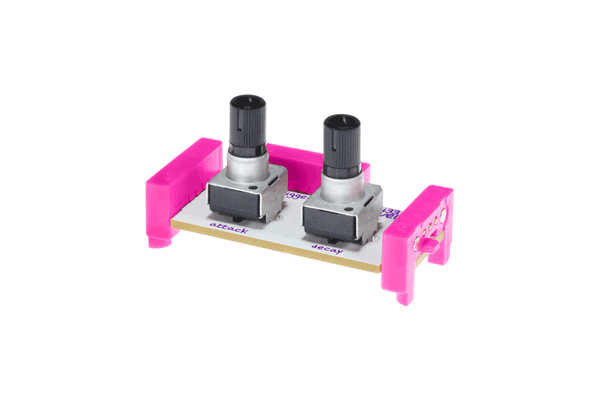
The littleBits envelope modifies the loudness contour of a sound. It takes a sound input and shapes it into something you'd hear from an acoustic musical instrument, like a piano or saxophone. This envelope has two controls: "attack", which is how long it takes to ramp up to maximum volume, and "decay", which is how long it takes to go down to silence again. You can use its third bitSnap[TM] to trigger the envelope from different sources, like the keyboard. [Try it putting the envelope after an oscillator being controlled by a micro sequencer.]
littlebits button littlebits button
littleBits Button $17.23 ex GST
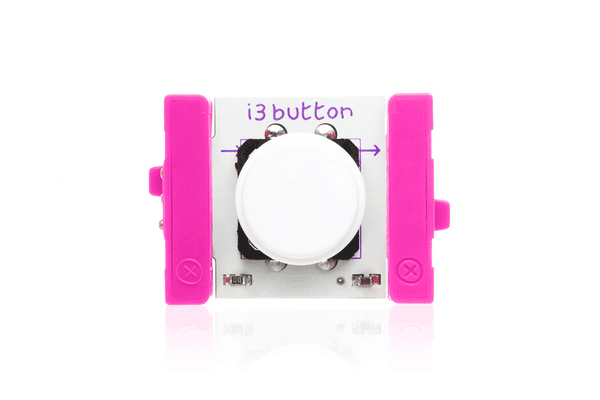
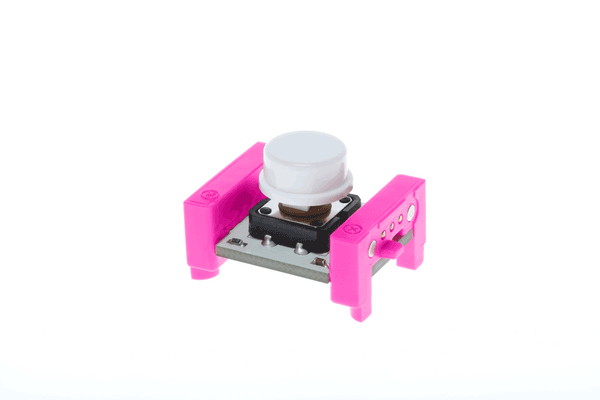
The button Bit is a classic: big, round and springy for comfortable pressing! Push to turn your creation on, and release to turn it off. Snap a buzzer in place after your button to sound out signals in morse code! The button module will make or break the signal path between two modules. When the button is pressed, the output of the module is directly connected to the signal line input. When not pressed the output of the module is weakly pulled low through a 1meg resistor.
littlebits wire bit littlebits wire bit
littleBits Wire Bit from $17.23 ex GST
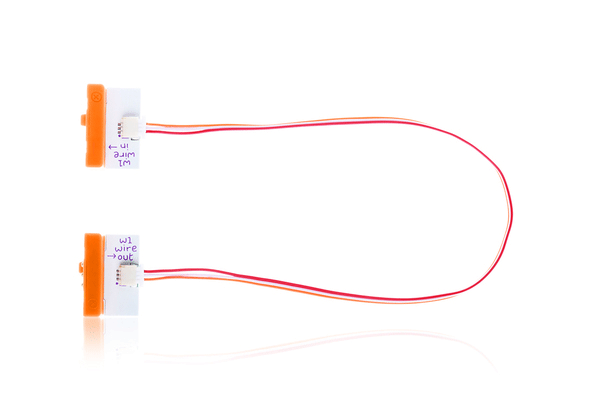
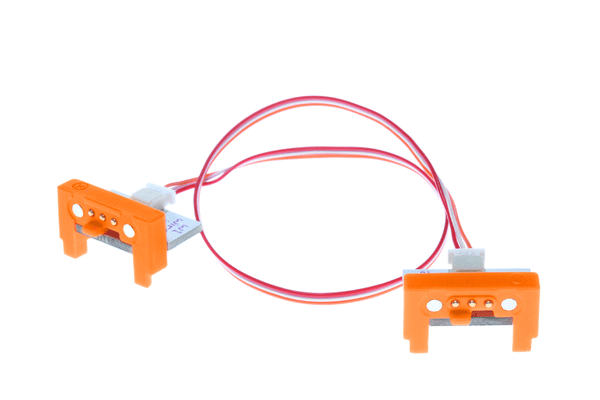
The wire Bit is just what it sounds like - it allows you to physically separate your Bits. Try it whenever you need to break up your chain of Bits, like when you need to put a light at the top of a model building! You'll find many situations where you want a wire Bit.

🔧 What You’ll Find Here

Our collection covers a breadth of making and tinkering tools that support active learning:

Interactive Kits & Maker Tools

Microcontroller kits: Engage students with electronics and coding (e.g., micro:bit tools, controller kits).

Build & robotics kits: From simple mechanisms to programmable robots, these kits encourage iterative design and problem-solving.

Maker accessories: Copper tape, alligator clips, cables and connectors expand creative possibilities for circuits and sensor projects.

Educational Guides & Books

Maker curriculum support: Books like Invent to Learn provide teaching guidance and project ideas to integrate making into your lesson plans.

Project manuals: Step-by-step activities to spark ideas and guide learners through creative builds.

Advanced robotics project using RVR+ with littlebits integration, highlighting STEM education

🎓 Why Hands-On Learning Matters

Hands-on STEAM learning isn’t just play — it builds deep understanding and essential skills:

Critical thinking & problem-solving: Learners design, test, and iterate solutions.

Cross-curricular thinking: Combines science, maths, coding, art, and engineering.

Creativity & innovation: Students make real-world connections as they build.

Collaborative skills: Encourages teamwork in classrooms and maker spaces.

Close-up of the Makey Makey pencils and conductive thread from the Craft + Code Booster Kit

🧠 Ideal for Teachers, Schools & Parents

This collection is perfect for:

Primary & secondary classrooms: Kits that scale with age and curriculum goals.

Home schooling and enrichment: Engaging projects for extra-curricular learning.

Teacher resources: Guides and materials that save prep time and inspire fresh activities.

All items are shipped from Australian stock for fast delivery, and we welcome purchase orders from schools & institutions.

EDISON STEAM PROGRAM

📦 What Makes Our Kits Great

High-quality educational materials that support real experiences:

Durable components for repeated learning.

Teacher-friendly guides & learning outcomes.

Flexible for beginners and advanced makers.

Works with laptops, tablets, and popular coding platforms.

✨ Spotlight Products

Here are a few types of items you’ll find:

Hummingbird Bit Premium Kits: Flexible robotics kits that combine lights, sensors, and motors to build projects that move, sense and interact.

Maker accessories: Copper tape, jumper wires, and connectors for building circuits.

Maker guides & books: Creative project books to guide learning journeys.

Microcontrollers and accessories: Power creative coding and robotics activities.

More great STEAM Products from Sammat Education

Bee-Bot
Bee-Bot
MaKey MaKey
MaKey MaKey
micro:bit
micro:bit
Classroom VR & AR Devices | ClassVR Headsets for Schools
ClassVR

Purchase Orders Welcome

Schools and Educational Institutions we offer a Purchase Order option at checkout, ensuring a seamless purchasing process.

First-Class Support

We offer exceptional support for our educational products, backed by our firsthand experience as former teachers.

Australian Warehouses

Experience efficient and timely delivery as our store ships directly from our suppliers' warehouses in Australia.

Australian Owned

Shop with confidence knowing that we are proudly Australian owned, delivering quality products with a touch of true Aussie spirit.
Afterpay American Express Apple Pay Diners Club Google Pay Mastercard PayPal Shop Pay Visa